REMOVAL
B546 26 SM
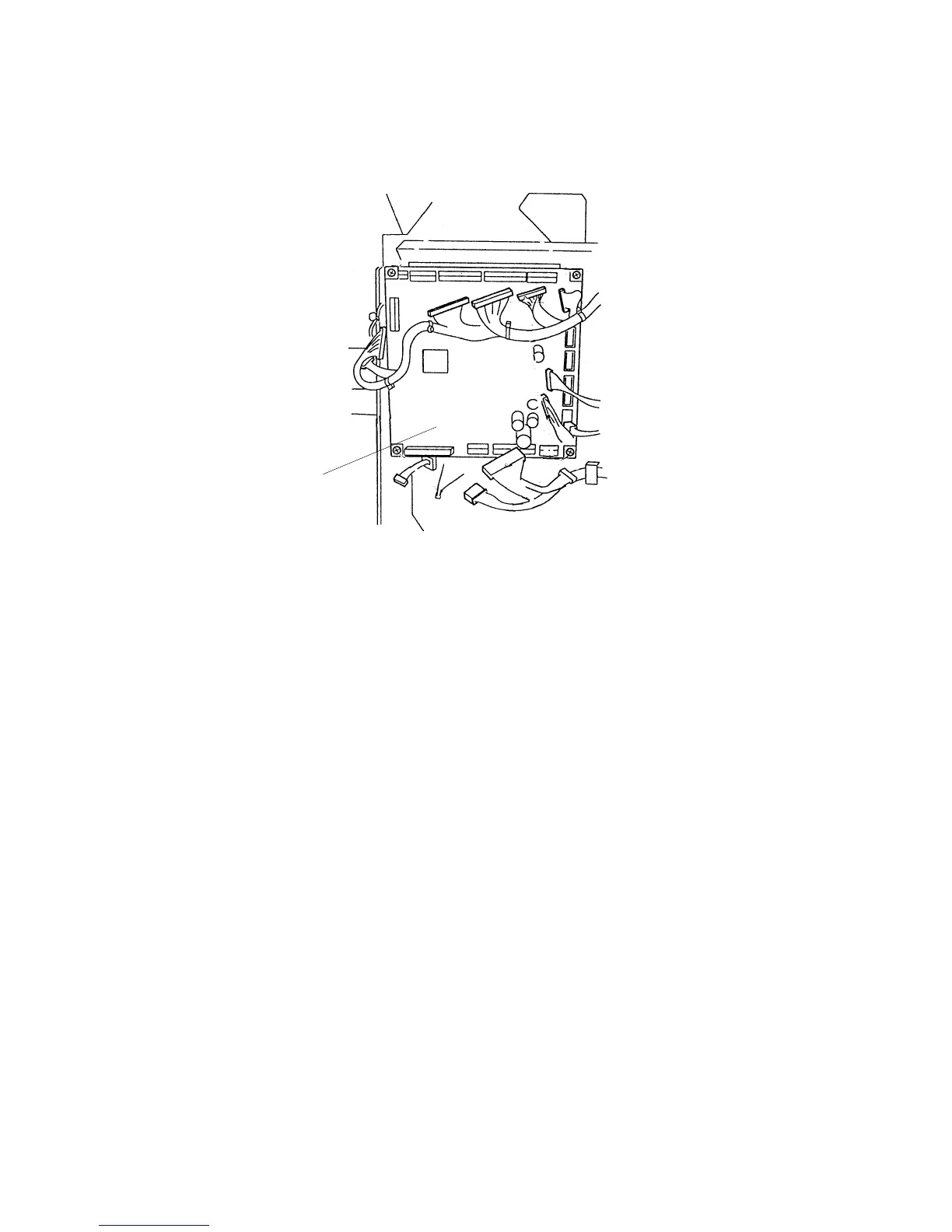
3.1.12 FINISHER BOARD
1. Remove the upper rear cover.
2. Remove the finisher board [A] ( x 4, x 19).
3. Do the following adjustments after replacing the board:
• Shift tray height
• Jogger fence position
• Stapling position
4. If you need to release the setting for the maximum number of stacks allowed on
the shift tray in the staple mode, set DIP S3 No.5 to ON.
B546R589.PCX
[A]












 To Next Page