IMAGE PROCESSING
B079/B082 6-24 SM
Text/Photo Mode
Text/Photo mode achieves high quality reproduction of pictures with accurate
grayscaling. Processing is conducted with the special γ coefficient which
reproduces a wide range of grayscale. Compared with the Text mode, text
reproduced in the Text/Photo mode appears lighter and textured backgrounds
could appear on copies, but the incidence of moiré is reduced with edge detection
filter. Because Photo Priority uses an MTF filter weaker than that of the Normal
setting, the quality of the image is improved with the elimination of moiré. The Text
Priority selection uses an MTF filter stronger than that of the Normal setting, thus
increasing the sharpness of lines.
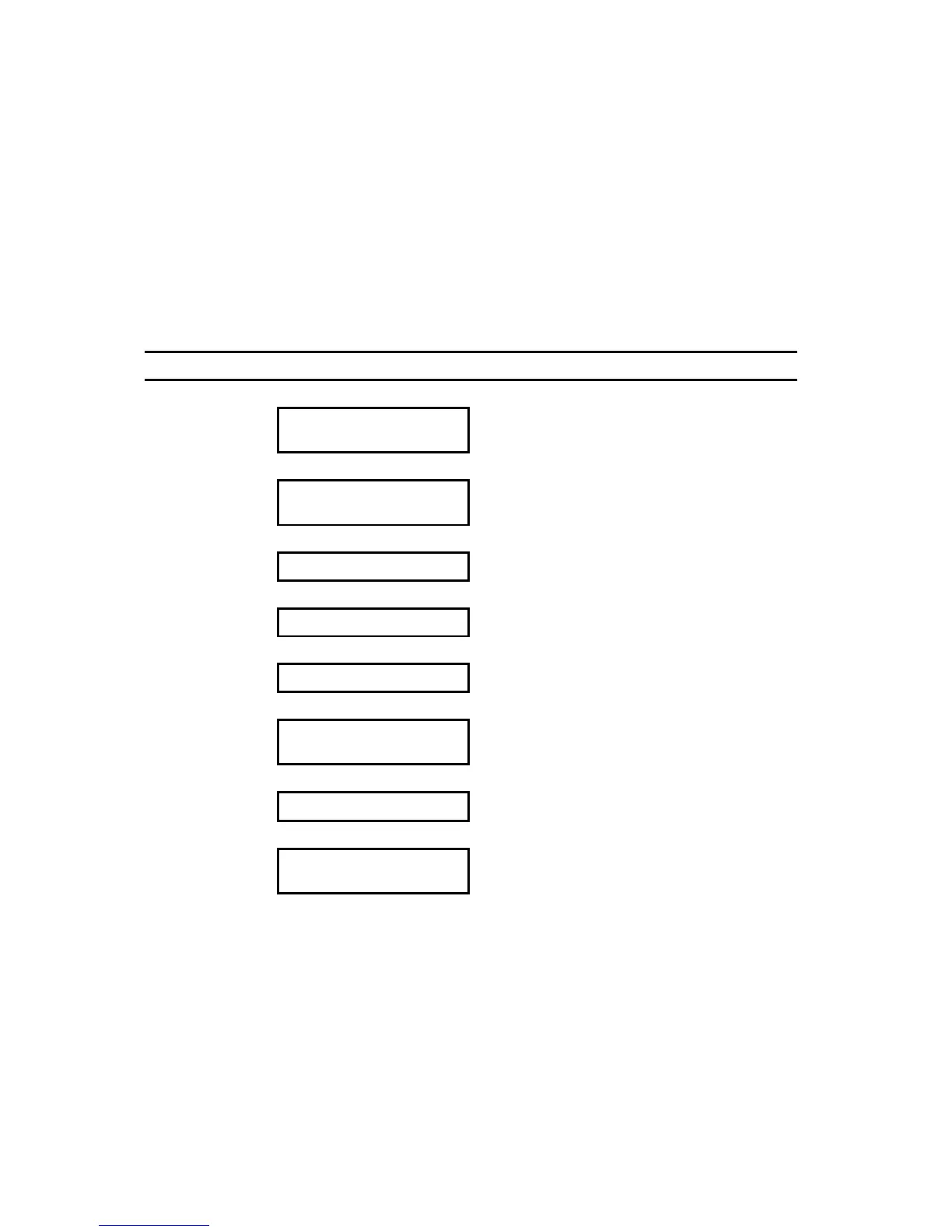
Image Processing Flow Related SP Modes
Scanner Image
Correction
Shading Correction
!
Pre-Filter
Processing
Background Erase
SP4903 67 (Background Erase Level:
Text/Photo Mode)
!
Pre-Filter Smoothing
SP4903 13 (Pre-Filter: Text/Photo)
!
Magnification Main Scan Direction SP2909 1 (Main Scan Magnification)
!
Independent Dot Erase SP4903 62 (Independent Dot Erase Level)
!
Filter Processing MTF Correction SP4904 25~28 Text/Photo (General) Quality
(!”Text Photo Mode”, pg.6-34)
!
Density Control
γ Coefficient
!
Grayscale
Processing
Error Diffusion
Note: An SP code number and name set in bold italic denotes an SSP (Special Service Program)
mode. To access an SSP, enter the SP mode: press and hold down on the 10-key pad then
“Copy SP” on the touch-screen.












 To Next Page