PRINTER INSTALLATION PROCEDURE
B548 2 SM
1.2 PRINTER INSTALLATION PROCEDURE
All procedures require removal of the controller board from the machine. Some
procedures also require removal of the controller board.
CAUTION
Switch the main machine off and unplug the main machine power cord
before starting any procedure described in these instructions.
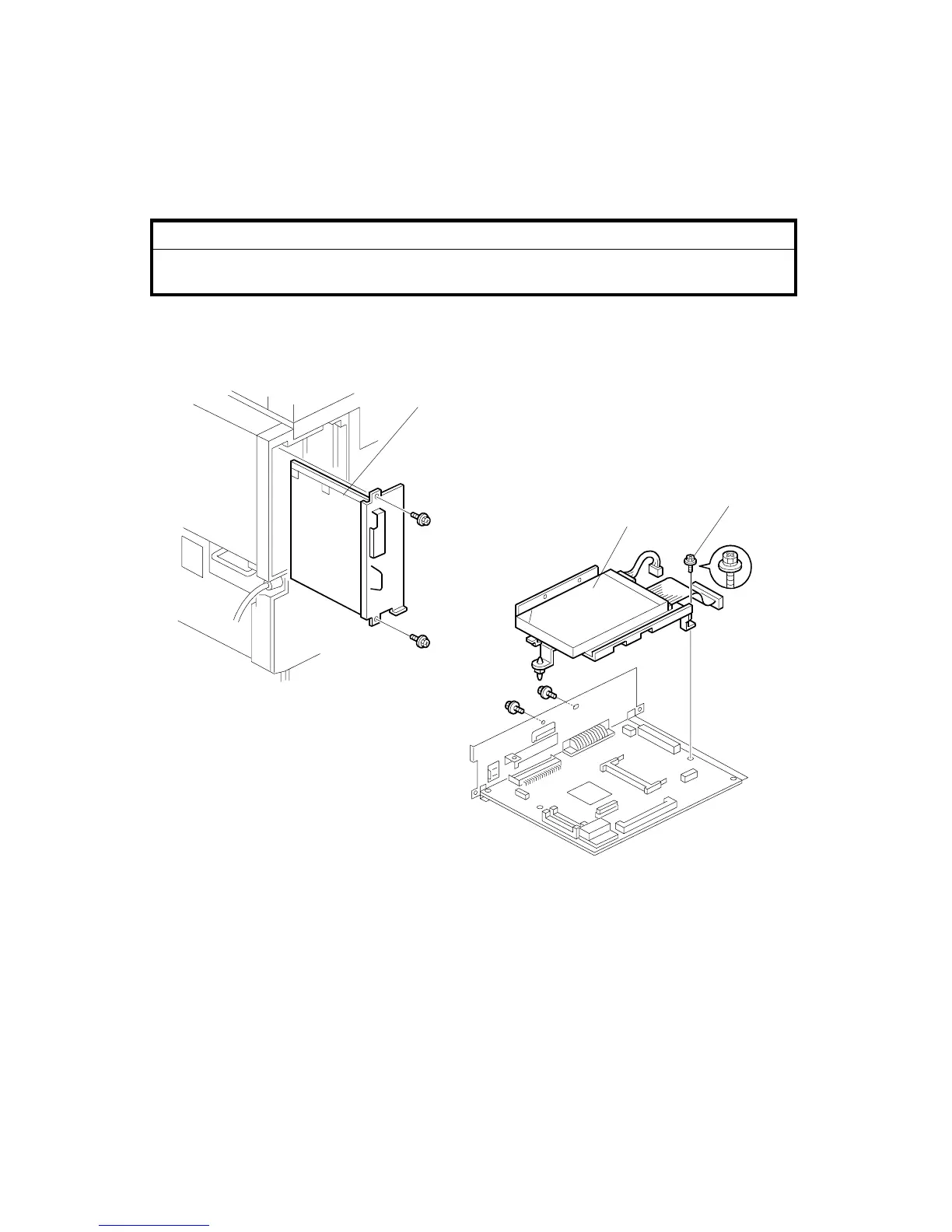
1.2.1 CONTROLLER BOARD AND HDD REMOVAL
1. Remove the controller board [A] ( x 2).
2. Remove the HDD [B] ( x 3, x 2).
NOTE: Re-attach the screw with the washer at [C].
B548I101.WMF
B548I103.WMF
[A]
[B]
[C]












 To Next Page