PAPER TRAY UNIT INSTALLATION (B542)
B079/B082 1-22 SM
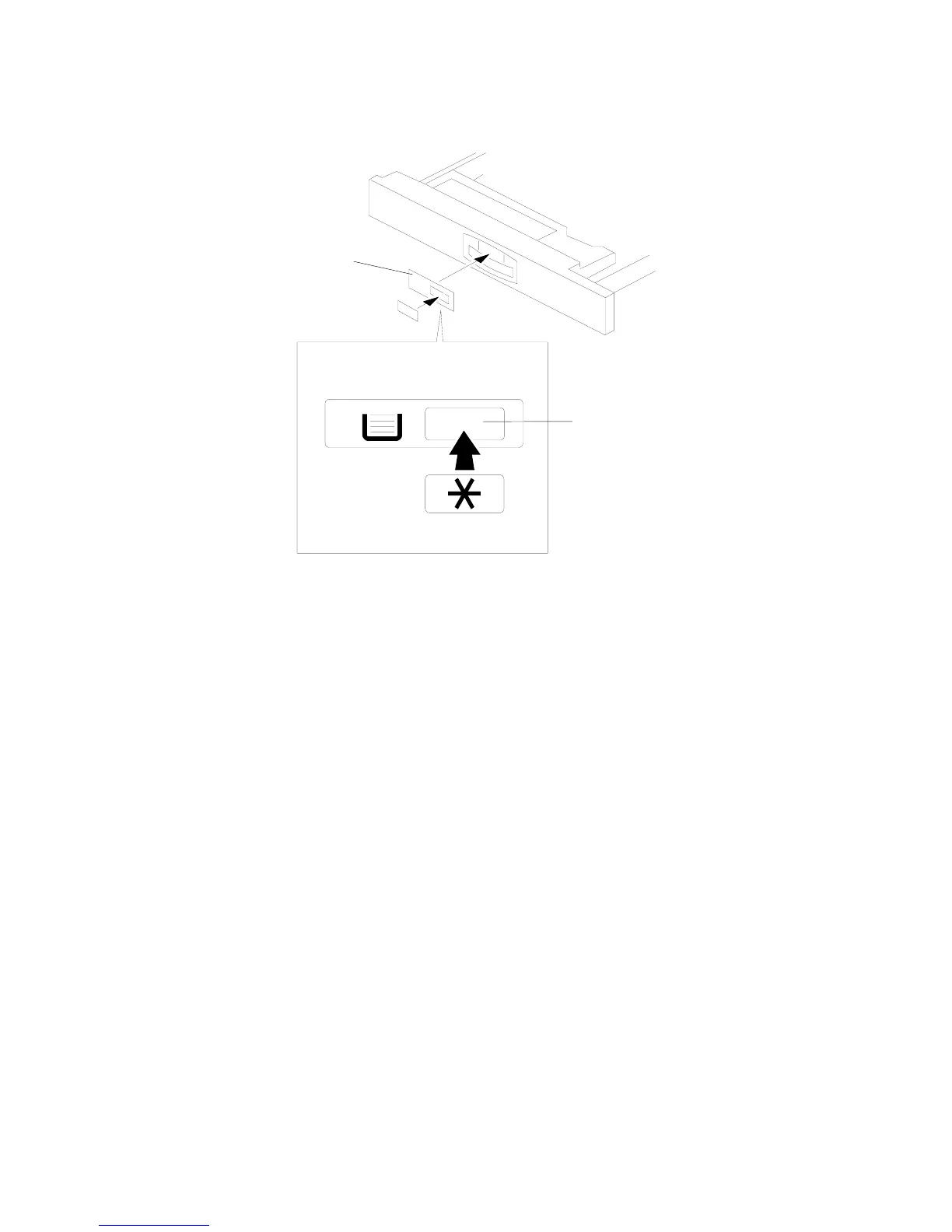
15. Load paper into the paper tray and install the paper trays.
16. Attach the appropriate tray decals [A] which are included in the accessory box
for the main machine.
17. Turn on the ac switch.
18. Turn the paper size dial to the correct setting for the paper size.
19. Check the machine’s operation and copy quality.
B542I500.WMF
[A]
[A]












 To Next Page