CABINET INSTALLATION PROCEDURE
B079/B082 1-24 SM
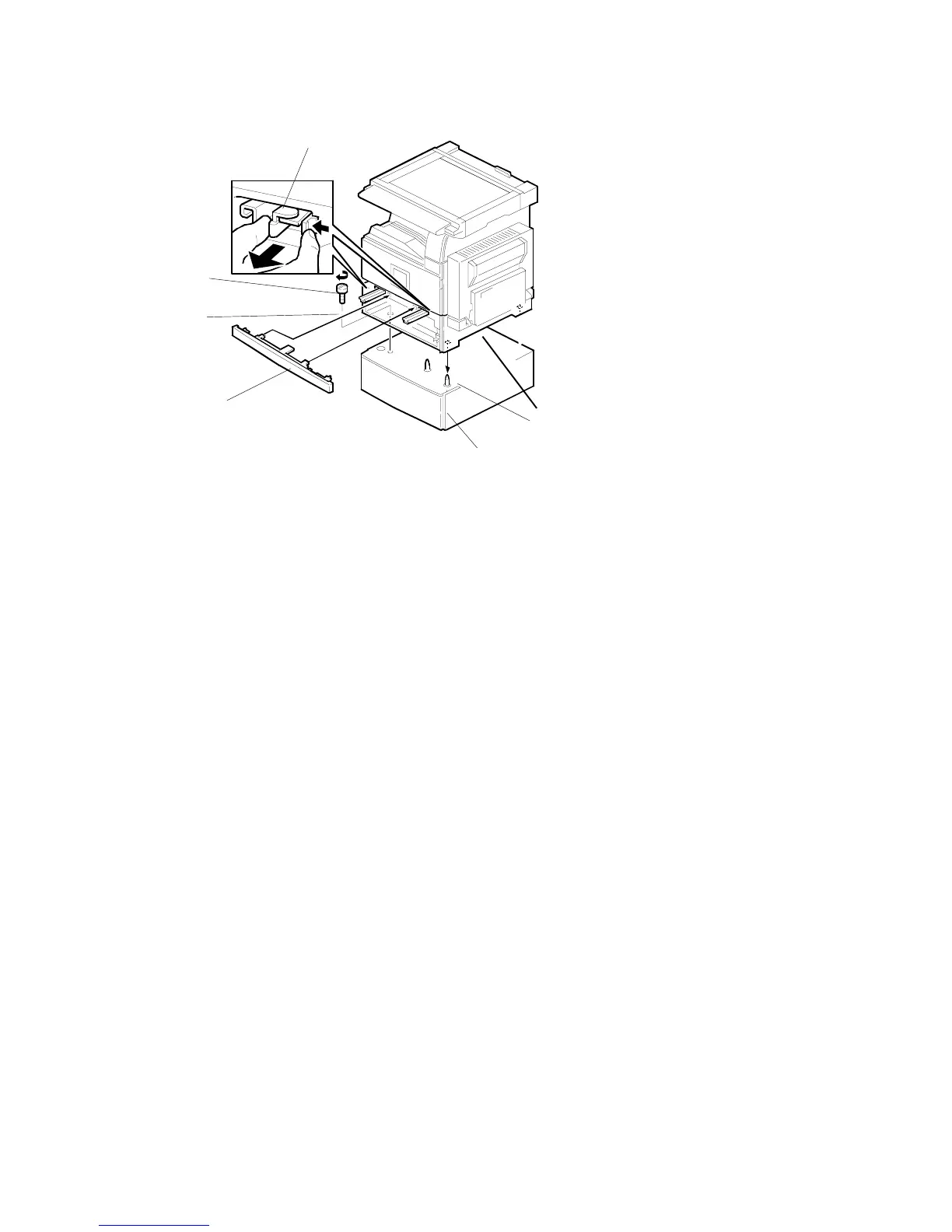
6. Remove the middle front cover [A] and pull out the front handles [B].
7. Using the front handles and rear handles, lift the machine and hold it over the
cabinet [C].
8. Slowly lower the machine onto the cabinet with the pegs [D] aligned with the peg
holes on the bottom of the machine.
NOTE: Do not hold the scanner unit.
9. Re-install the middle front cover [A].
10. Attach the step screw [E]. Then, secure the cabinet.
B542I113.WMF
[B]
[C]
[D]
[E]
[F]
[A]












 To Next Page