USB 2.0 (B525)
SM 13 B548
Printer Option
B548
USB SP Settings
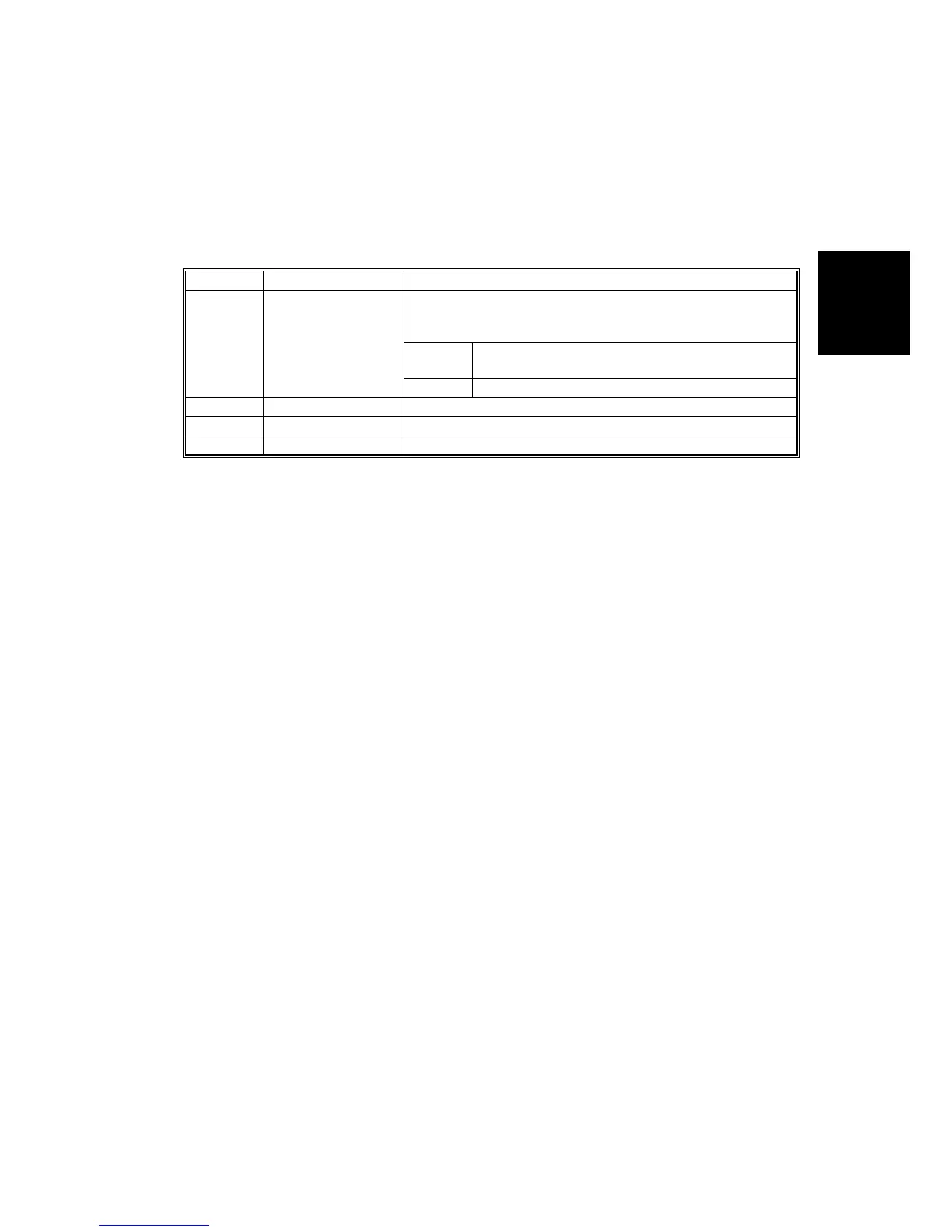
The following SP commands are available. However, only one setting may require
adjustment and this setting should be performed only if the customer is
experiencing USB data transmission errors.
NOTE: Do not change the settings marked “DFU”. These settings are for design
and factory use only.
SP No. Name Function
Adjusts the USB transfer rate. Do not change the setting
unless there is a data transfer error using the USB high
speed mode.
HS/FS: High speed/Full speed auto adjust
(480Mbps/12Mbps)
5844 001 Transfer Rate
FS: Full speed (12Mbps fixed)
5844 002 Vendor ID Displays the vendor ID. DFU
5844 003 Product ID Displays the product ID. DFU
5844 004 Dev. Release Num Displays the development release version number. DFU












 To Next Page