RTC6 boards
Doc. Rev. 1.0.21 en-US
7 Basic Functions for Scan Head Control and Laser Control
203
57
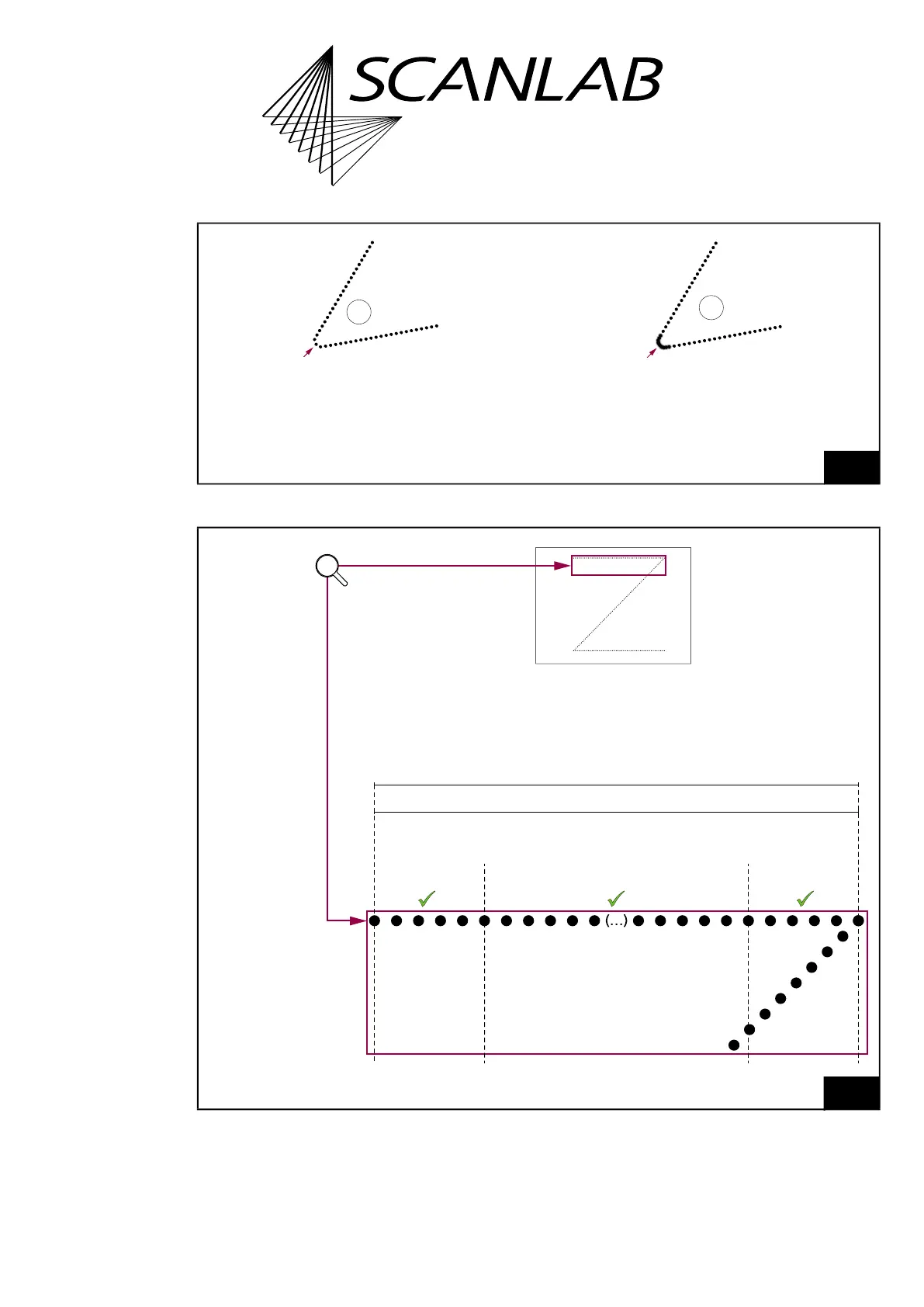
Example marking result: “sharp” corner.
Legend
1. With set_auto_laser_control with
Ctrl
= 7 and with equidistant geometric pulse spacing specified at
spot_distance/spot_distance_ctrl.
2. No “Automatic Laser Control“ is active (spot spacing may vary).
58
For set_auto_laser_control with
Ctrl
= 7 the marking result shows largely equidistant spots as long as the acceleration
does not change too much within a 10 µs cycle.
”Spot Distance Control”
With Automatic Laser Control
set_auto_laser_control with Ctrl = 7
& spot_distance
Equidistant laser pulses = “usable“ portion
Marked in the
phase with
acceleration<0
Marked in the
phase with acceleration=0
Marked in the
phase with
acceleration>0
Mark vector: line length as coded in the user program



 To Next Page