RTC6 boards
Doc. Rev. 1.0.21 en-US
8 Advanced Functions for Scan Head Control and Laser Control
279
8.11 Camming
camming produces a marking that simulates the
classic camshaft action of moving a valve tappet – or
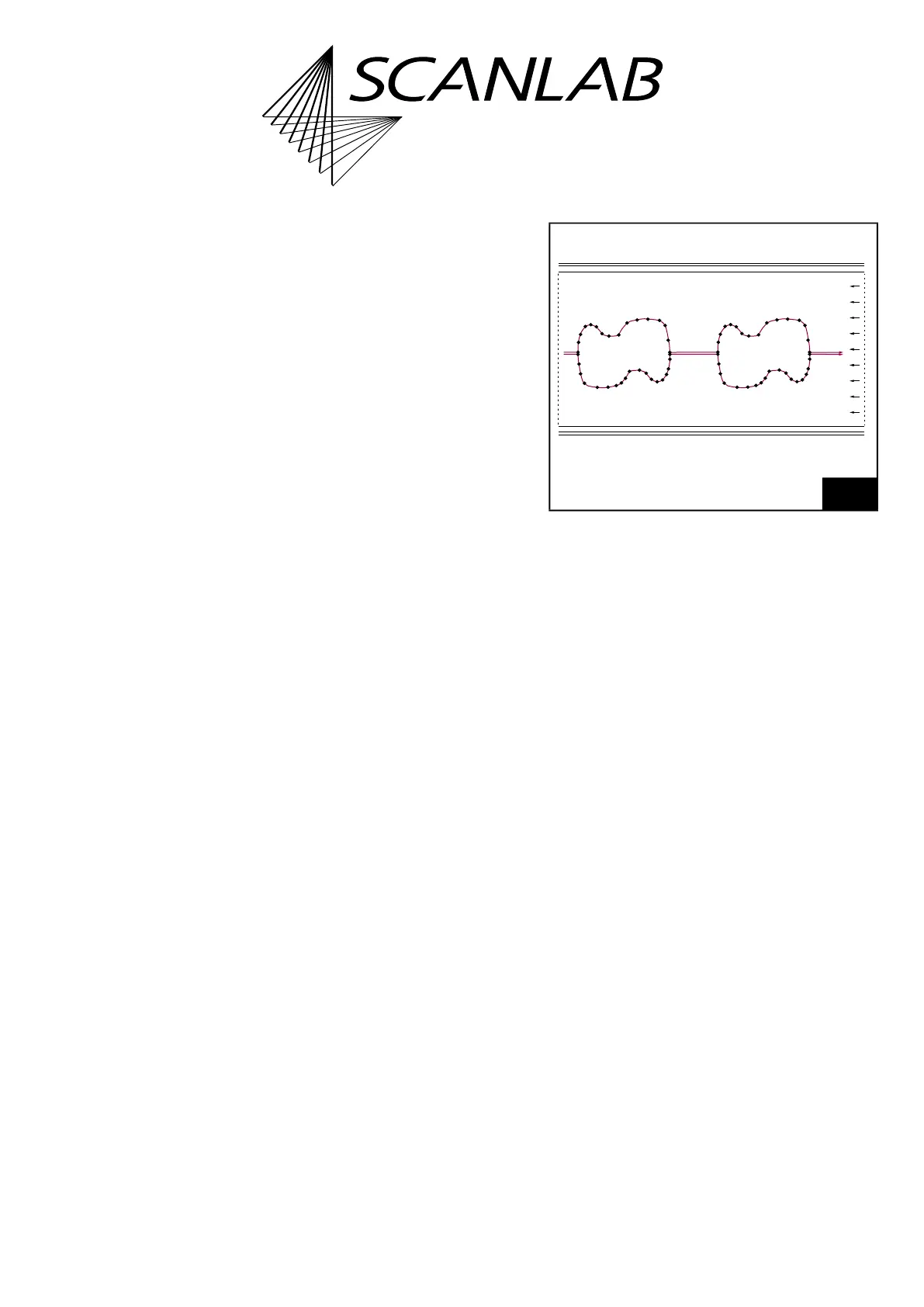
more generally a cam disk moving a lever. An example
for a Camming process is shown in Figure 67.
The galvanometer scanner motion here is a lever
movement defined as a 2D curve. It is written in a list
as a closed point-by-point sequence of mark_abs
commands.
The entire curve must fit within a contiguous list
region, see config_list. Though it is not possible to
switch among lists to load further portions of the
curve.
“Propulsion” is furnished either by external fed in
encoder pulses or by internally simulated ones.
Each outputted point is derived from the
xy coordinate of a mark_abs at the position
FirstPos
+
Index
, whereby
Index =
Round((EncoderCurrent – EncoderStart) × Scale)
.
FirstPos
is the first mark_abs command’s list
position and
Scale
is a freely selectable scaling factor.
EncoderStart
gets automatically determined when
camming is called. There is no automatic encoder
reset. The first outputted point is always
Index = 0
.
The individual points are executed every 10 µs as a
“Hard Jump” without Scanner Delays.
The distance between two points (= “resolution“) is
freely selectable.
Scale
determines how precisely the curve is sampled.
The larger
Scale
is, the coarser is the piecewise linear
approximation of the curve.
The number of encoder pulses per 10 µs clock cycle
and the spacing of the points determine the actual
mark speed.
“Resolution”,
Scale
and encoder speed should suit
the dynamic characteristics of the connected
scan system.
The Camming process can be controlled in various
ways, see camming command description:
•
Ctrl
> 0
The laser is controlled externally (with
laser_signal_on_list before camming and
laser_signal_off_list after camming)
•
Ctrl
= 0
The laser is controlled RTC6 board-internally
automatically (as with a normal Polyline with
consideration of Laser Delays)
The curve can be executed once and then
automatically ended (
Ctrl = 0
or
Ctrl = 1
). The list
then continues by executing the next command that
follows the end of the point list (the length of the
point list is defined by
NPos
).
In accordance with encoder direction point lists can
also run backward. Then, the curve is terminated with
Index = 0.
The curve can be repeated indefinitely (
Ctrl = 2
or
Ctrl = 3
). To avoid “Hard Jumps” at the start of a
repeat, the point list should represent a closed curve.
Indefinite repeating must be canceled by
stop_execution or an external /STOP.
67
Camming process example. A transport system moves a
continuous workpiece. Two scan heads team up to mark
the contours. Schematic depiction.



 To Next Page