TROUBLESHOOTING
Sysmex SF-3000 Operator's Manual -- Revised September 1995 8-89
P3. Counter
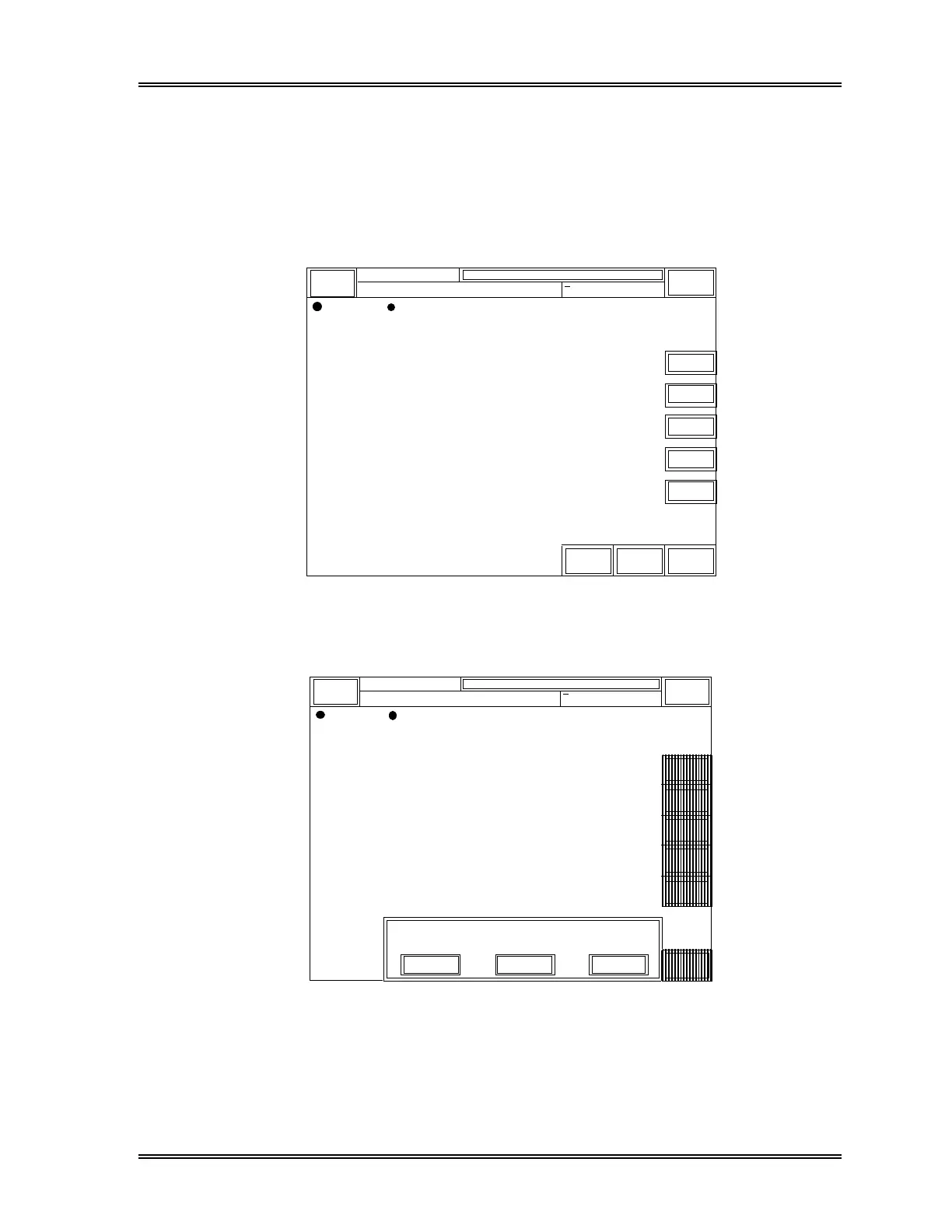
This program displays the counters, which indicate the number of operations each unit
has performed, to assist you in deciding when to perform service. After servicing, the
counters can be reset using this screen.
(1) Press the [Reset] key on the right of each item to reset the counter to zero (0).
Manual Mode Next No. 1234567890123
Sysmex
Ready
DP:1234567890123
Sampler
XM HC GP DP SU
Service Data
Return
→←
Total Counter
Sheath Syringe
WB Pump
11213
11213
11213
SRV Counter
Piercer
Vacuum Orifice
Waste Chamber
WBC Detector
11213
500
1250
1250
1250
Reset
Reset
Reset
Reset
Reset
< Counter >
Figure 8-33: Service Data - Counters Screen
(2) Press [Return] key. The confirmation message window will appear.
Manual Mode Next No. 1234567890123
Sysmex
Read
DP:1234567890123
Sampler
XM HC GP DP SU
Service Data
→←
Total Counter
Sheath Syringe
WB Pump
11213
11213
11213
SRV Counter
Piercer
Vacuum Orifice
Waste Chamber
WBC Detector
1250
0
1250
1250
430
< Counter >
Execute settings.
Continue
CancelSet
Return
Reset
Reset
Reset
Reset
Reset
Figure 8-34: Counter Reset Confirmation Screen
(3) Press [Continue] to return to the Counter screen.
Press [Set] to reset the counter.
Press [Cancel] to cancel the counter reset and exit the Service Data program.



 To Next Page