TROUBLESHOOTING
8-90 Sysmex SF-3000 Operator's Manual -- Revised September 1995
4. STATUS DISPLAY
Use this program to check status of the system at any time. (This program does not
display analysis errors.)
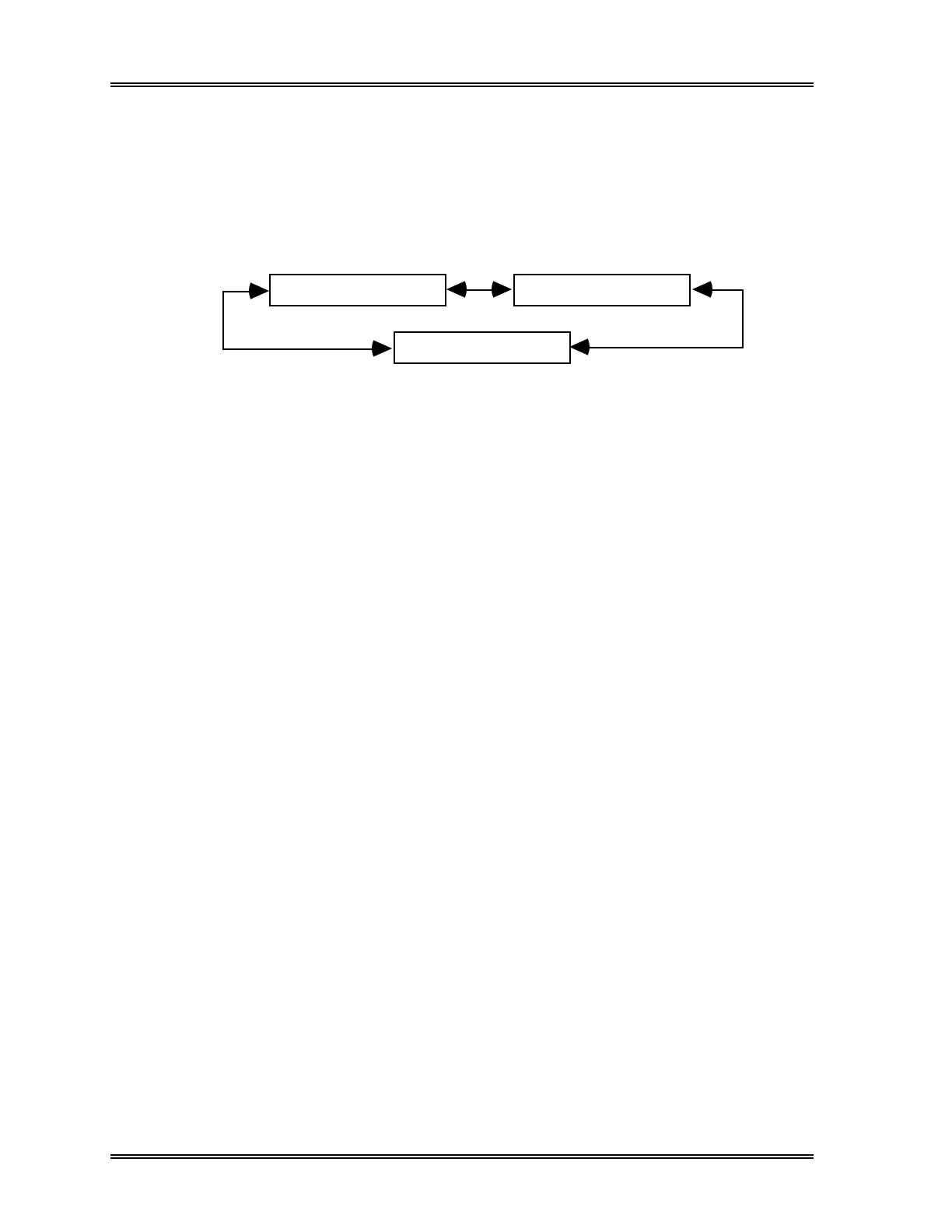
The Status Display consists of three pages: "P1. Analyzer Condition", "P2. Analysis
Process" and "P3. SV/Sensor Status" and can be changed by pressing the [←] and [→]
keys.
P1. Analyzer Condition
P2. Analysis Process
P3. SV/Sensor Status
(1) Press [Status Display] keypad in the root menu. The first page screen "Analyzer
Condition" will be displayed.
(2) Use [←] and [→] keys to display "P2. Analysis Process" or "P3. SV/Sensor
Status".
(3) Press [Return] to exit the program.



 To Next Page