TROUBLESHOOTING
Sysmex SF-3000 Operator's Manual -- Revised September 1995 8-91
P1. Analyzer Condition
Use this page for checking memory status of stored samples. The current abnormal
condition of peripherals when detected are indicated with the messages listed below.
STATUS
< Analyzer Condition >
Sysmex
DP:1234567890123
XM HC GP DP SU
Ready
Manual Mode
Sampler
Next No.1234567890123
←→
Return
[ Stored Data ]
[ Memory ]
[ D P ]
[ G P ]
[ H C ]
1000
Normal
Power/Cable OFF
ON Line
Not Assigned
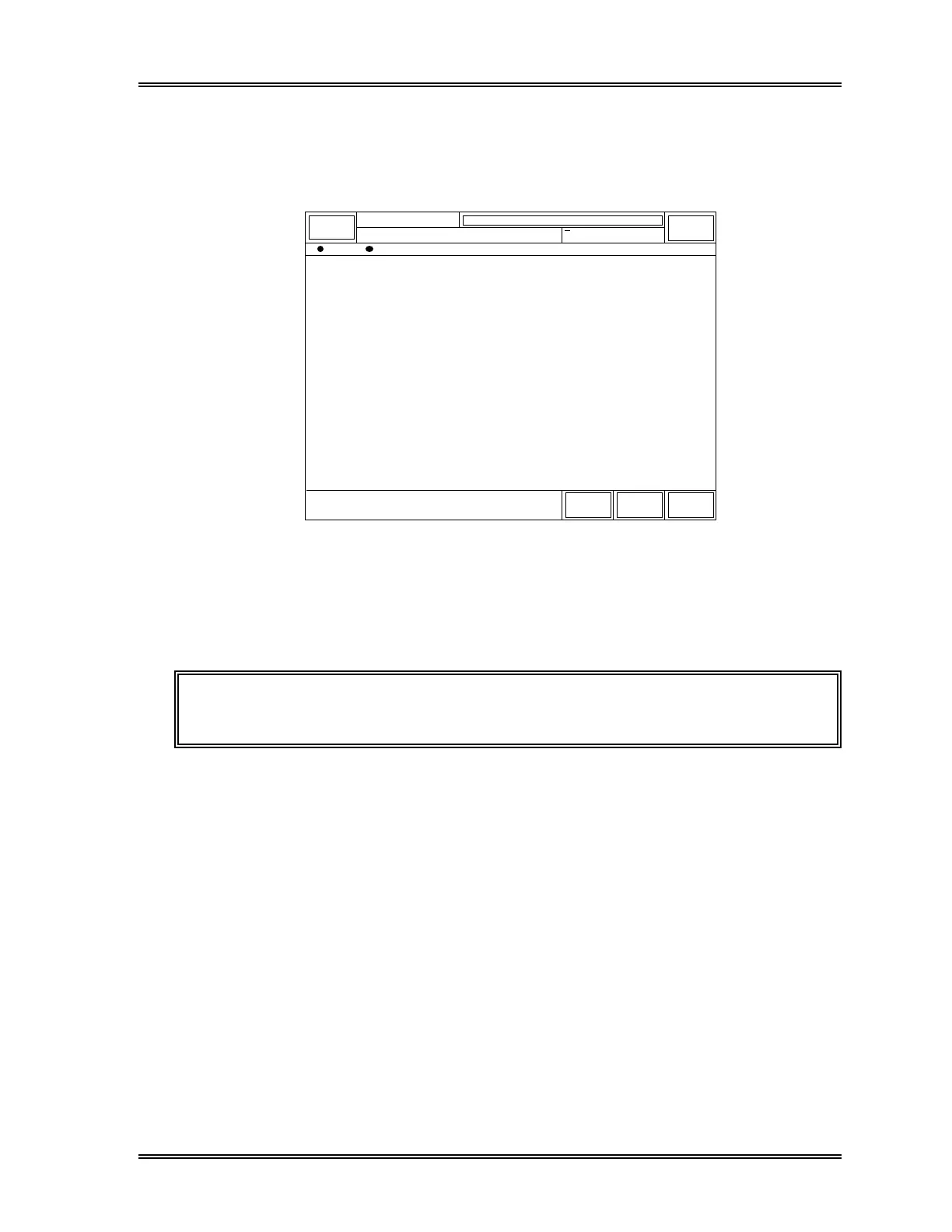
Figure 8-34: Status Display - Analyzer Condition Screen
[Stored Data] : Total number of stored data is displayed.
The following error status messages will be displayed.
NOTE: Only some of these messages are displayed in the error message
display area in the System Status Area when occurred.
[Memory] : "Sum Error (BBM)", "Sum Error (EEPROM)", "Mem Unstorageable",
"Seq. No. Overflow", "Control Table Error"
[DP] : "Not Assigned", "Power/Cable OFF", "Off Line", "Paper Empty",
"Device Error"
[GP] : "Not Assigned", "Power/Cable OFF", Off Line/Dev.Error",
"Paper Empty"
[HC] : "Not Assigned", "Off Line", "Ack Time Out", "Ack Code Error",
"Not Transmissible"



 To Next Page