Page 201 2
nd
Edition – Rev 0
52-00
CANOPY – MAINTENANCE PRACTICE
1. CANOPY HANDLE SUPPORT INSTALLATION
Procedure
Additional info &
References
Park the aircraft in a closed hangar
Make sure the landing gear is locked
Set Master Switch on OFF and parking brake on ON
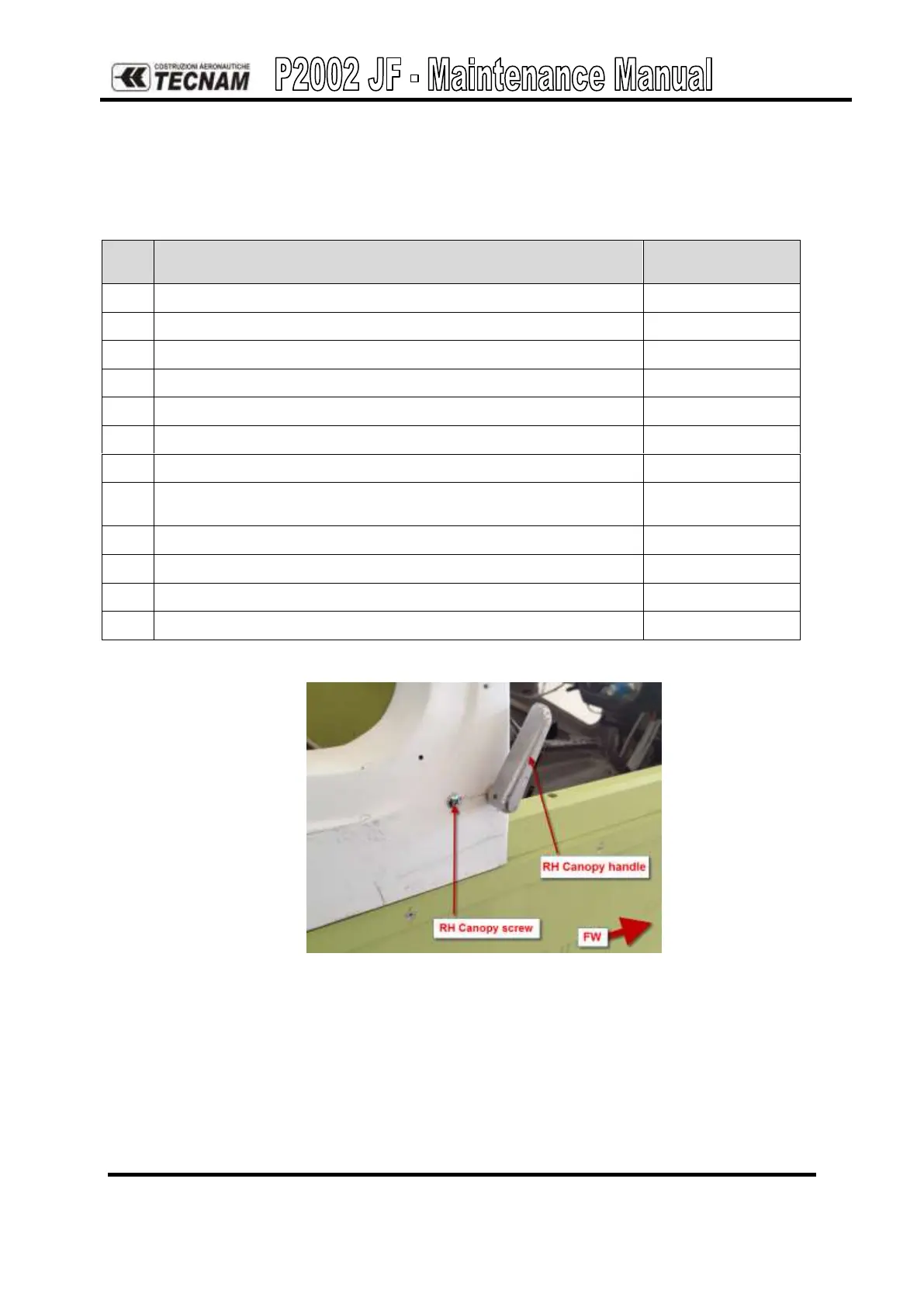
Remove RH and LH canopy handle and screw from the canopy
Copy the holes from the canopy on the support
Apply Sicaflex 221 under the support surface
Install the RH Canopy handle support (P/N 22-4-333-2)
Refer to Figures
5 and 6.
Operate the same instructions for the other side
Reinstall RH and LH canopy handle and screw
Check the correctly functioning of the canopy handles
Put the canopy emergency placard
Figure 4. – Canopy handle and screw



 To Next Page