GENERAL FUNCTIONS TEEJET 5000 OPERATORS MANUAL
2.2
GENERAL FUNCTIONS
This chapter deals with the functions that can always be chosen no matter which
implement is used. The functions related to a certain implement will be dealt with
in the chapter on the implement in question.
The encoded values, which are conditional on several of the functions, will be
dealt with under the respective implements as each implement has specially
encoded values.
FUNCTION KEYS
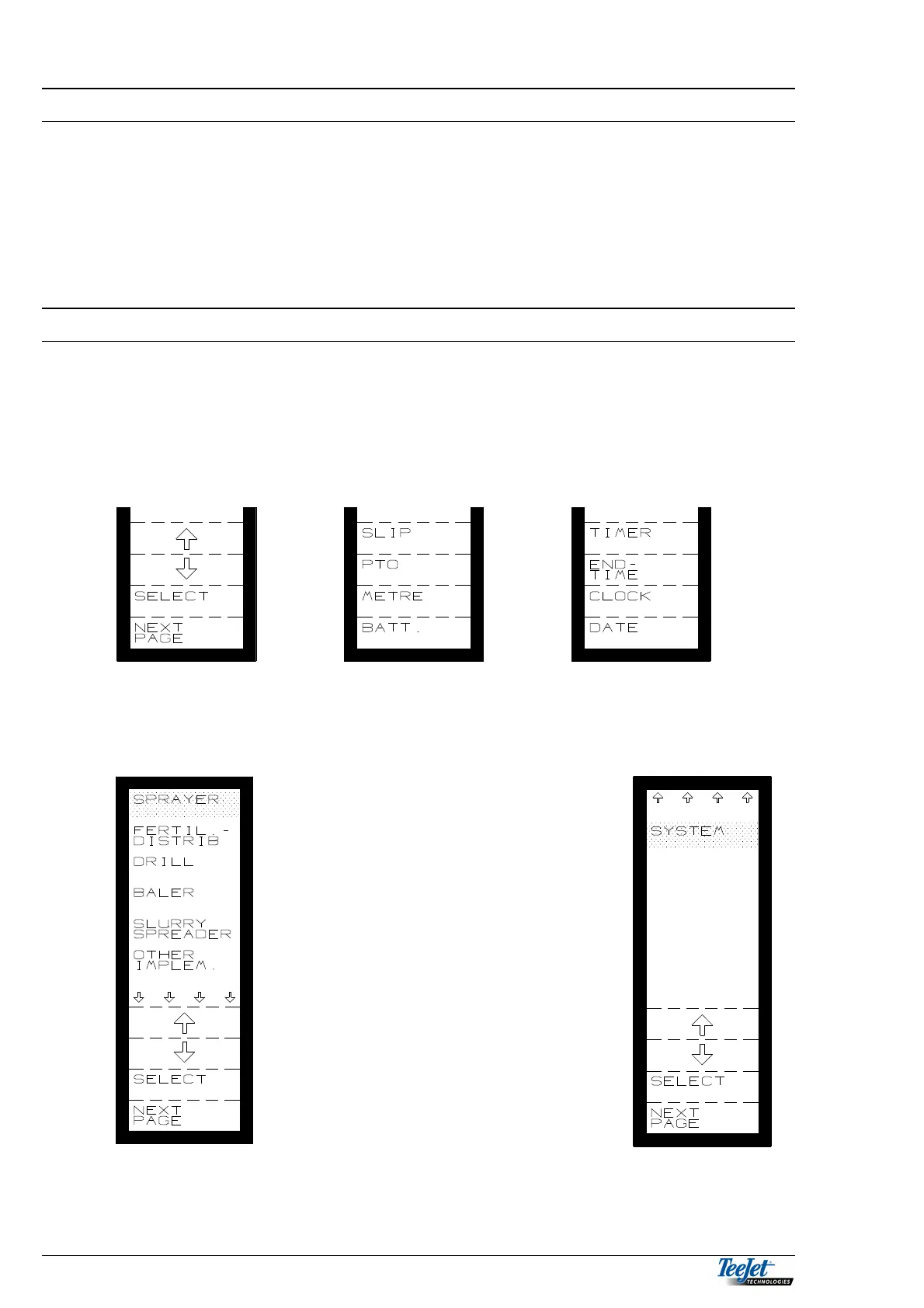
Using the 4 FUNCTION KEYS and the RETURN KEY allows you to “page”
through all the functions of the computer in a clear and systematic manner.
The actual function of each of the 4 function keys is shown on the display to the
left of the key. Pressing one of the keys may change all of the keys to a new
function (see the examples below).
BASIC MENU
The display shown is the first page of
the menu system. From this screen the
first selection is made, i.e. which of the
6 implement programmes you want to
use.
Moving the cursor (the dark area) by
using the arrow keys and then pressing
the SELECT key, selects the required
implement



 To Next Page