SPRAYER TEEJET 5000 OPERATORS MANUAL
3.2
SPRAYER
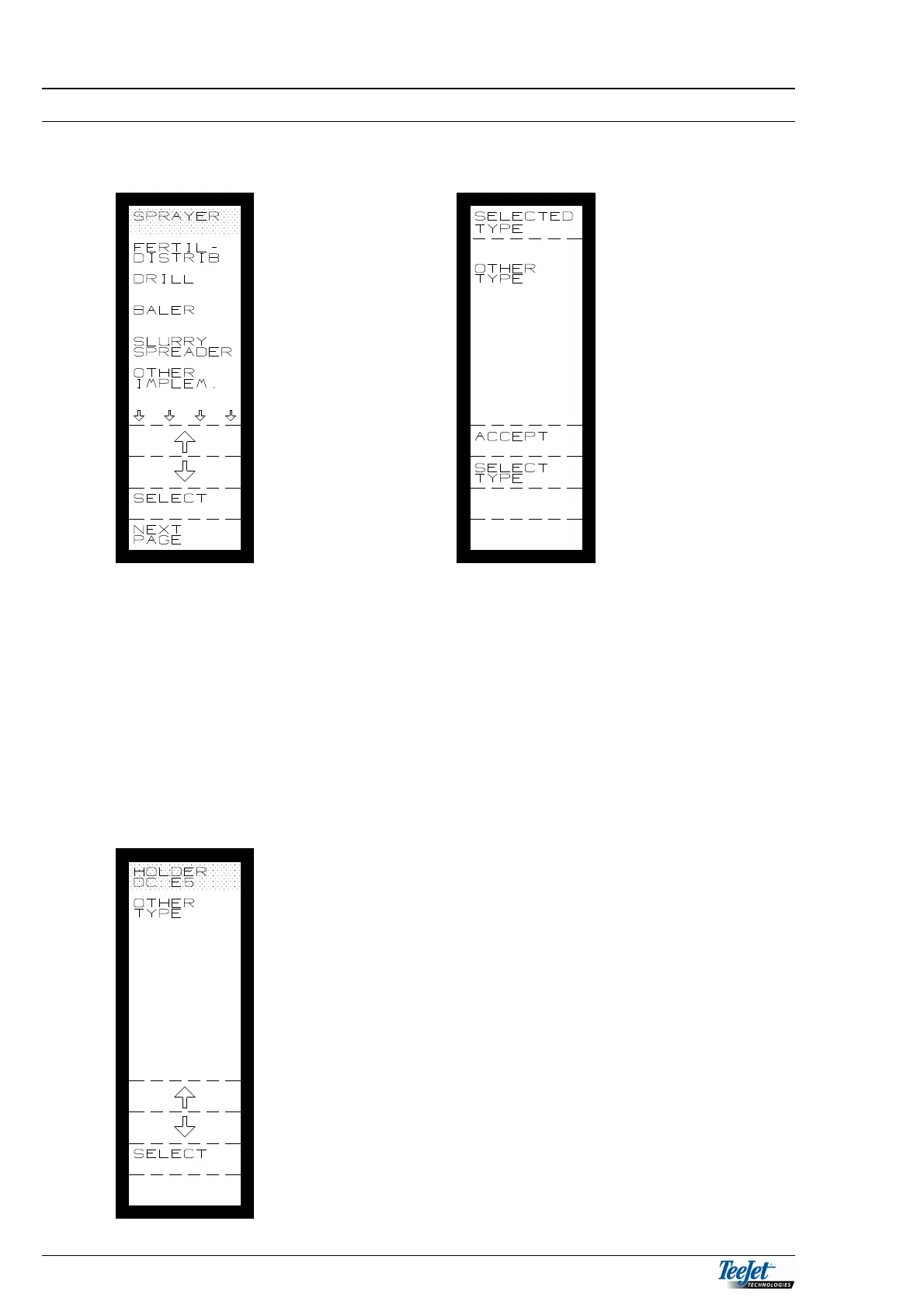
Select sprayer from the basic menu:
Move the cursor to “Sprayer” and press the “Select” function key; it is now possible
to choose between the 2 sprayer programs.
1. HOLDER DC E5 (special program for Holder sprayers with dose control
manifold with motorised valves).
2. OTHER TYPE (used for all other sprayer types)
If the correct sprayer type is shown in “Selected type” menu, press “Accept”
Select another sprayer type by pressing “SELECT
TYPE” then move the cursor to the required type and
press the “SELECT” key.
The 2 programs look the same, but the Holder program
contains certain settings that can only be used with the
Holder sprayer. It is therefore important that “Other
Type” is selected for any other sprayers.
As the 2 programs look the same, the following
describes the “Other Type” sprayer.



 To Next Page