TEEJET 5000 OPERATORS MANUAL GENERAL FUNCTIONS
2.9
DELETE TASK
Move the cursor to the task to be deleted and press the “Delete Task” function
key. The entire contents for the selected task will now be deleted.
NOTE: All tasks that contain data can be deleted regardless of the implement
selected for operation, so it is possible to delete tasks for, e.g. slurry
spreader even if the implement chosen for operation is a sprayer.
PRINT TASK:
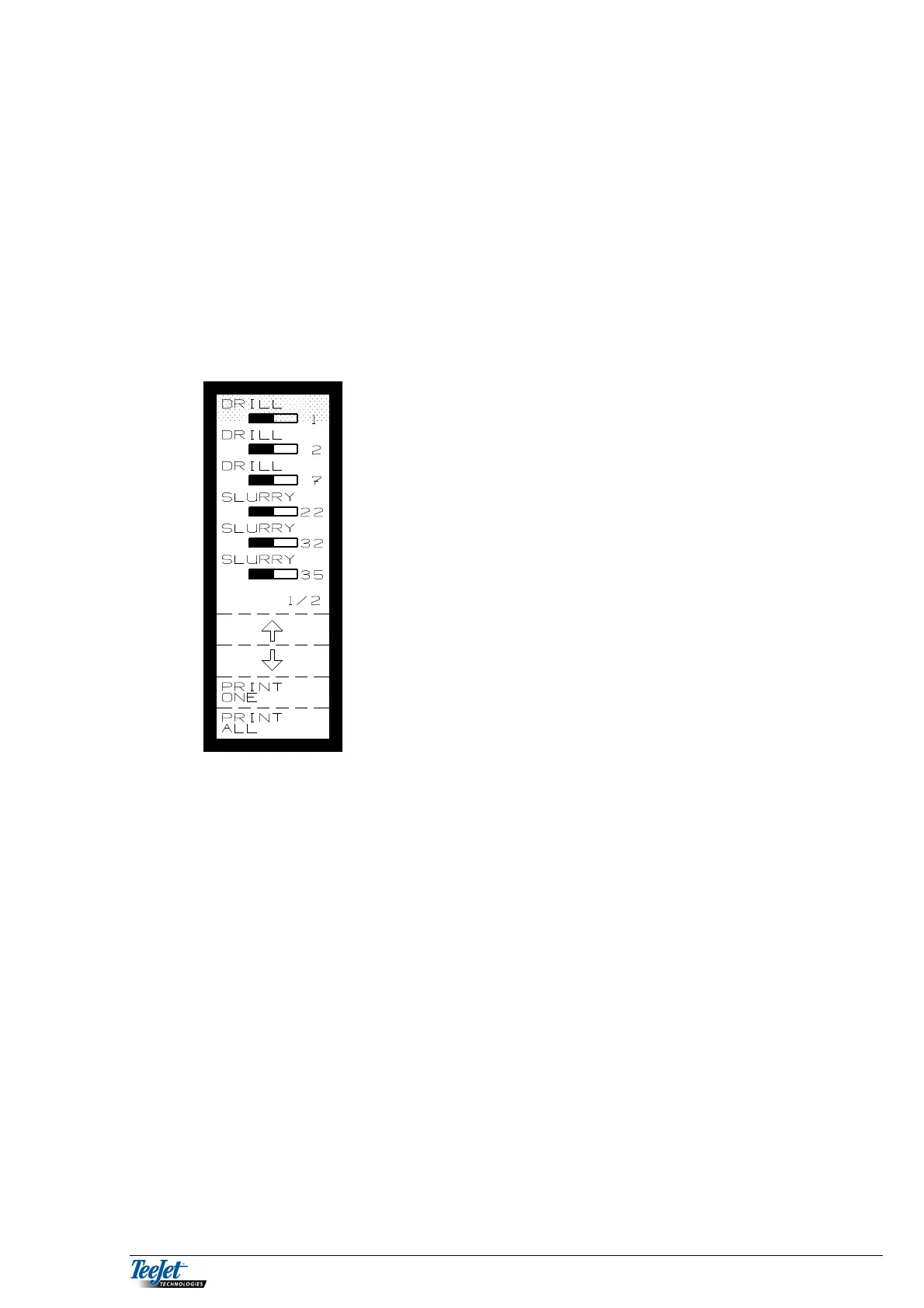
Pressing the “Print Task” function key displays the
following:
PRINT ONE:
Move the cursor to the task to be printed and press the “Print Task” function key.
The contents of the selected task will be printed.
NOTE: All tasks that contain data can be printed regardless of the implement
selected for operation, so it is possible to print tasks for, e.g. slurry
spreader even if the implement chosen for operation is a sprayer.



 To Next Page