GENERAL FUNCTIONS TEEJET 5000 OPERATORS MANUAL
2.20
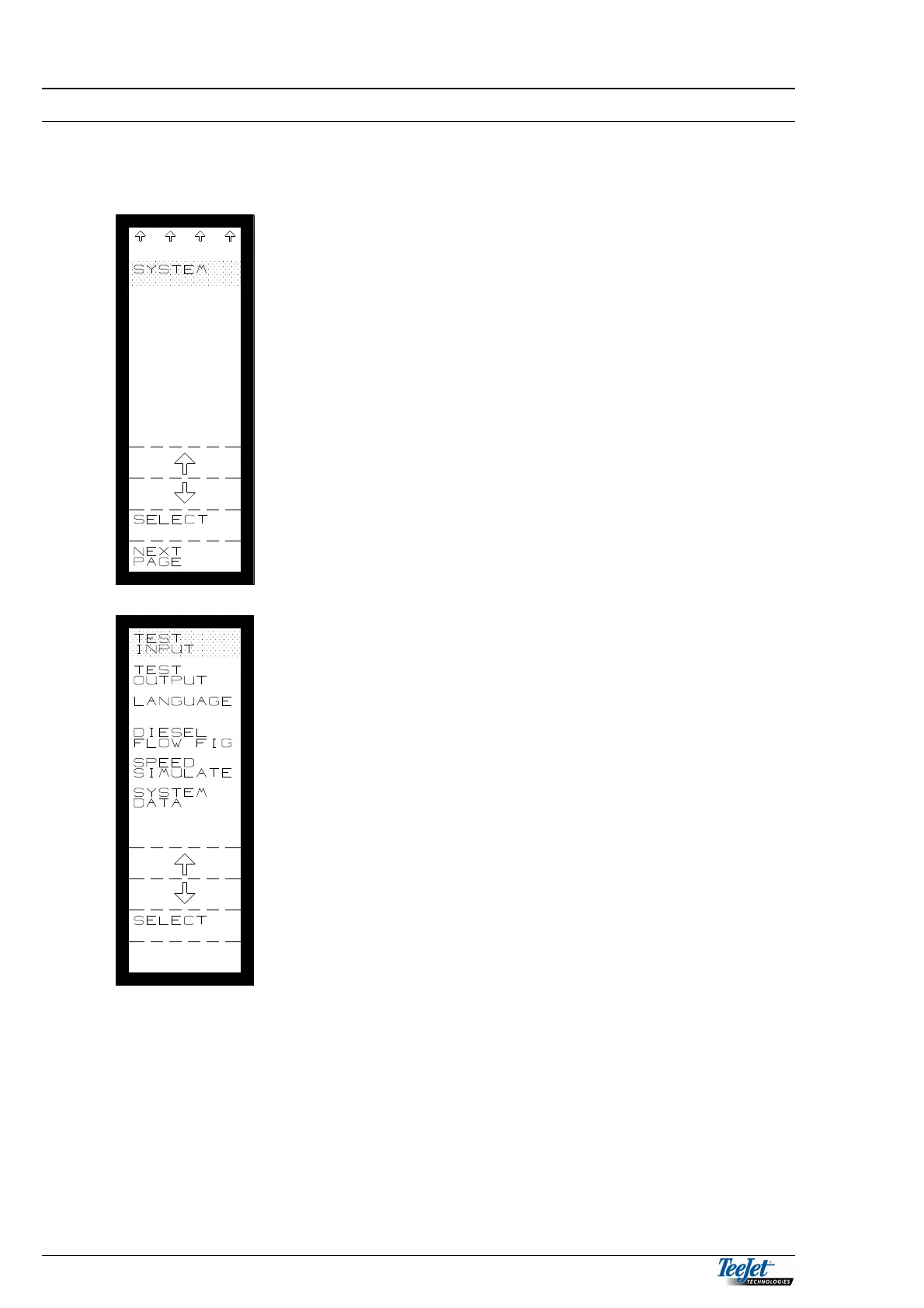
SYSTEM:
This function allows, amongst other things, the various inputs and outputs to be
tested.
Pressing “Select” will display the following:
TEST INPUT:
Test of all inputs for each implement (sensors).
TEST OUTPUT:
Test of engine valve etc. for each implement.
SYSTEM DATA:
The operator has no access to this function. It contains
important system data, which must not be changed.
LANGUAGE:
Select the required language here.
DIESEL FLOW FIGURE
Encode the flow figure for the optional diesel
flowmeter. It is necessary to encode a diesel flow
figure, as the diesel flow/pulse differs from flowmeter to
flowmeter



 To Next Page