FERTILISER DISTRIBUTOR, OTHER TYPE TEEJET 5000 OPERATORS MANUAL
4.8
HA LEFT:
Encode the size of the field to be spread here. END TIME, is calculated from this
encodement.
WEIGHING:
Selecting this gives 3 options:
WEIGHING: Direct weighing using weigh cells.
PULSE
WEIGHING: Amount metering using pulse generators.
RPM 2: Shaft speed for axle no. 2.
The selected option is displayed at the top of the screen above a broken line.
WEIGHING:
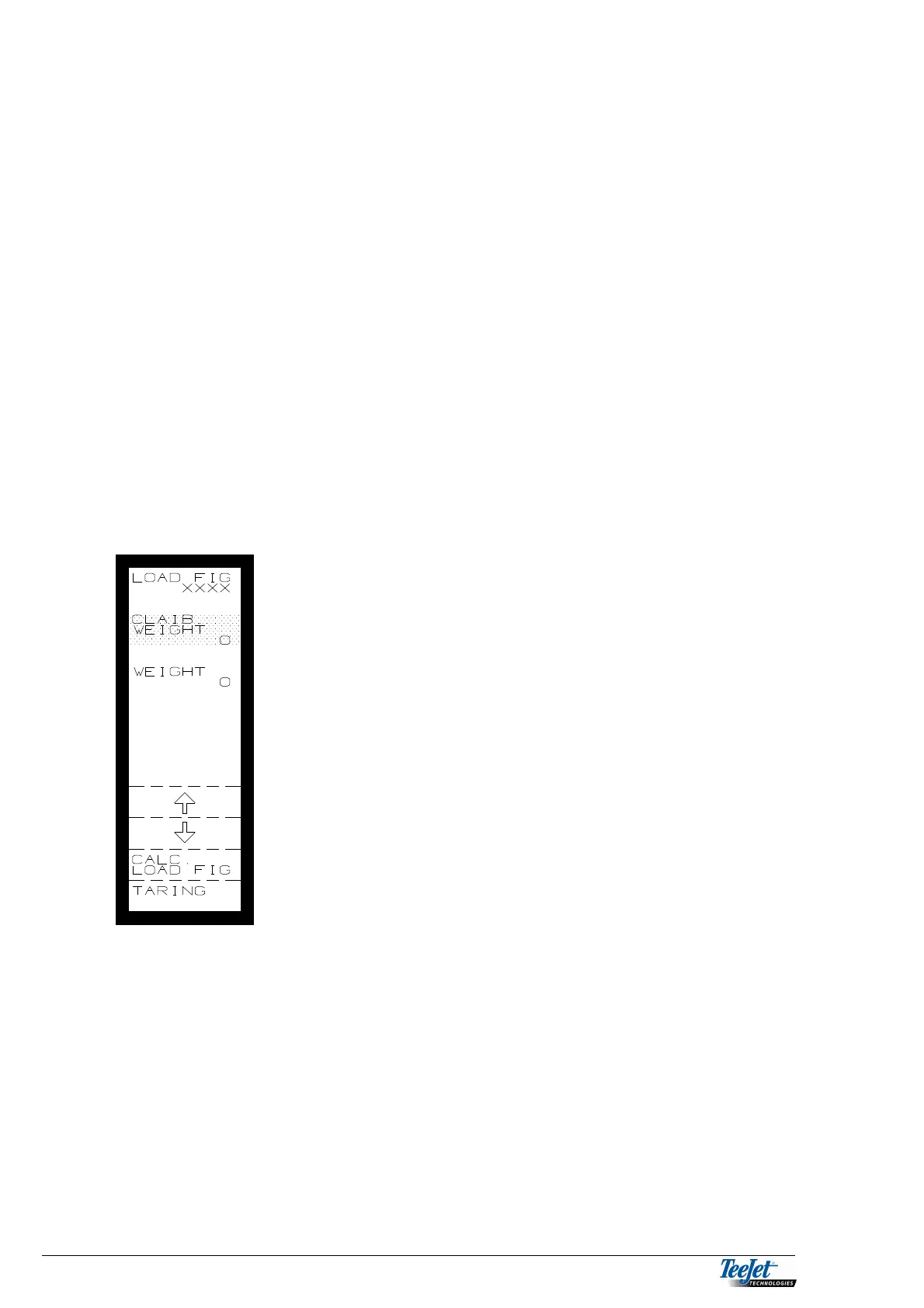
The weigh system must be calibrated if this option is selected:
1. Press “CALIB. CALC.” And the picture to the left is
displayed.
2. Press “TARRING” with an empty spreader to zero
set the weight.
3. Fill the spreader with a known amount. As large an
amount as possible gives the best result, must be
min. 50% of the spreader’s capacity.
Move the cursor to “CALIB. WEIGHT”, and encode
the amount filled into the spreader using the
numerical keypad.
4. Press the flashing “CALC. LOAD FIG” key. The
system is calibrated. The calculated LOAD FIGURE
is shown at the top of the screen, note this figure if
the system is also used with other weigh cells.
NOTE: Check the weigh cell’s calibration at
regular intervals.
PULSE WEIGHING:
Pulse weighing, measure the amount spread by metering the speed of an axle that
is related to the amount spread.
To ensure an accurate reading, the system must be calibrated. This calibration
can be done automatically or manually.



 To Next Page