TEEJET 5000 OPERATORS MANUAL SEED DRILL, OTHER TYPE
5.11
SOW-FIGURE
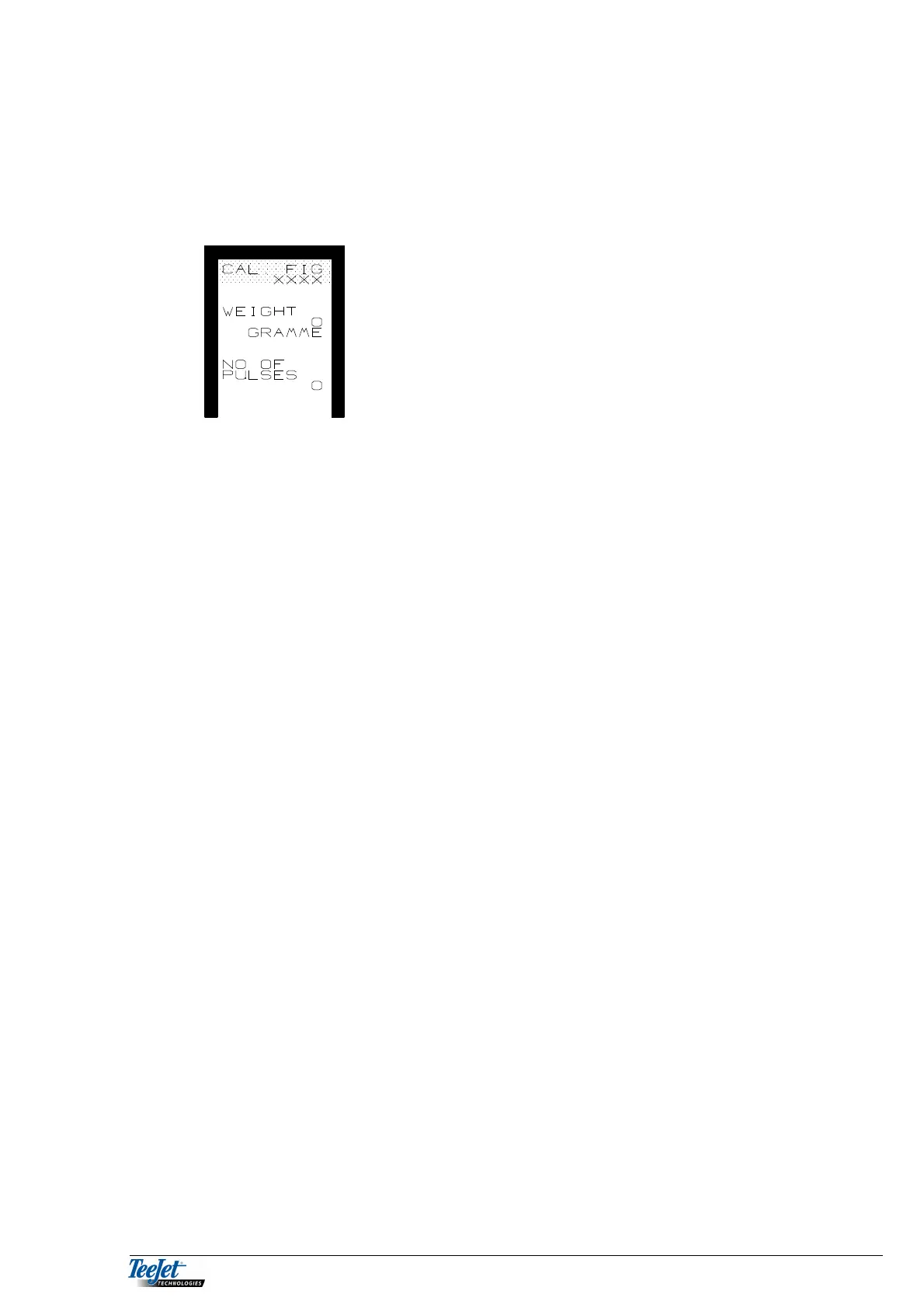
The seed drill must be ready for calibration before pressing this key (remember to
turn the drill shaft a few times to fill the feed rollers). Press the key and the
following is displayed.
NB: All counters used for calibration are zero set
when this screen is displayed. Never turn the
drill shaft until you are completely ready to
calibrate the drill. “NO. OF PULSES” must be
0 before starting calibration.
1. Select the “SOW-FIGURE” menu. If any pulses have been counted, press the
“RETURN” key and select ”SOW-FIGURE” again.
2. Turn the drill shaft as described in the calibration table for the seed drill.
3. When the manual calibration is finished, weigh the amount released.
4. Using the arrow down key move the cursor to “WEIGHT”, and encode the
weight of the released amount using the numerical keypad.
5. Press the flashing “CALC.” Key.
The computer divides the weight released by the number of pulses counted
and the calibration procedure is finished. The calculated value is displayed at
the top of the screen, note this figure if the computer is to be used with other
seed drills using other calibration figures. The value can be encoded directly
using the numerical keypad.
ROW NO.
Encode the total number of rows that the seed drill has.
ROWS IN TRACK
Encode the number of rows that are shut when tramlines are being made. This
encodement is necessary for correct KG metering. If the sown amount is not
reduced when making tramlines encode 0.
SOW WIDTH
The seed drill’s effective working width in Cm.



 To Next Page