FERTILISER DISTRIBUTOR, RAUCH AXERA H TEEJET 5000 OPERATORS MANUAL
4.118
2. MANUAL APPLICATION CONTROL
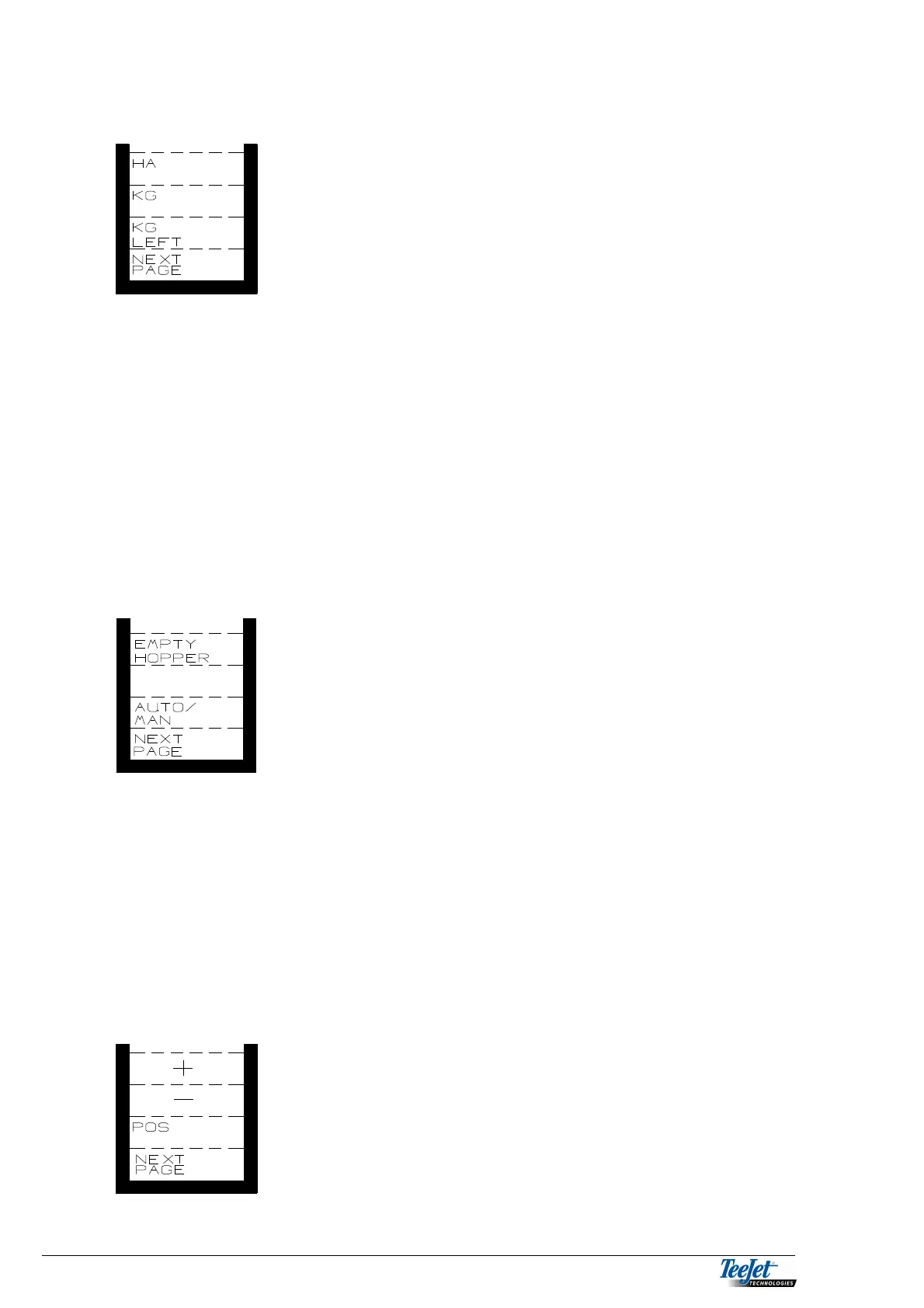
HA: Area.
KG: Consumption in KG.
KG LEFT: How many KG are left in the hopper at
present.
HA: Area counter. Worked area since the last reset.
NOTE: Total area counter is found in “DATA/DELETE”.
KG: Total KG used calculated from forward speed and gate position.
This function presupposes correct calibration.
NOTE: Total KG counter is found in “DATA/DELETE”.
KG REST: Total KG remaining in the hopper (the amount must be encoded
before start).
Pressing the “NEXT PAGE” key displays the next functions.
EMPTY
HOPPER: Pressing this key opens the gate
completely to enable the hopper to be
emptied
AUTO/MAN: Changing between automatic or manual
operation.
EMPTY
HOPPER: To ease emptying the hopper. The gate can be opened completely
by pressing this key.
AUTO/MAN: Pressing this key changes between automatic and manual
application control. During manual operation “MAN” flashes at the
bottom of the display.
Pressing the “NEXT PAGE” key displays the next functions.
+: Increased application rate.
-: Decreased application rate.
POS.: Actuator position (gate opening).



 To Next Page