GENERAL FUNCTIONS TEEJET 5000 OPERATORS MANUAL
2.10
PRINT ALL:
Pressing the “Print All” functions key prints all the tasks that contain data. Once
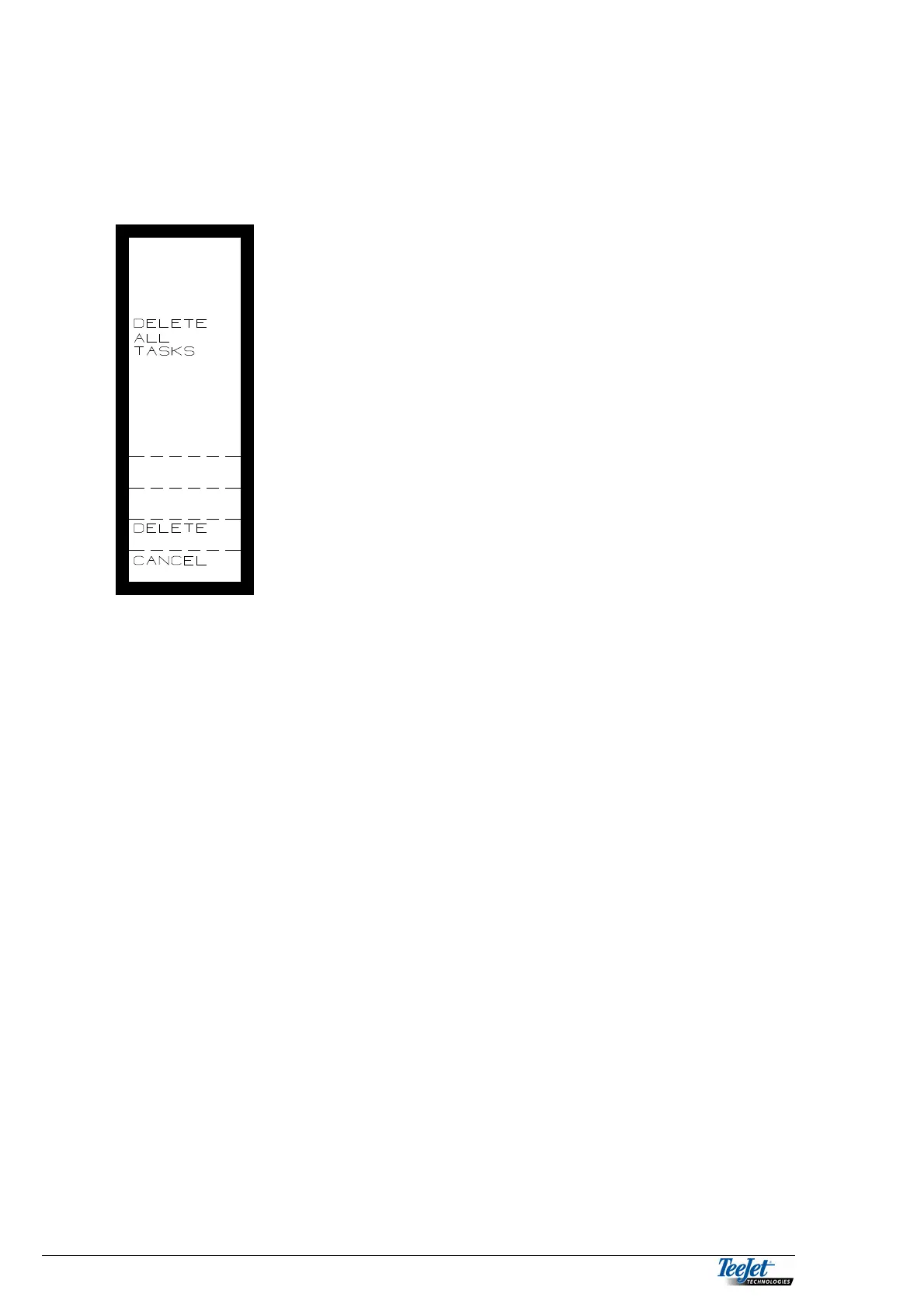
the computer has finished printing pressing the return key, displays the following:
Pressing the “Delete” function key will delete all tasks.
If this is not desired, pressing the “cancel”
function key will return the computer to the
previous screen
PRINTING TASKS VIA A PC
To transfer and print tasks to a PC, the follow items are required:
TeeJet 5000 PC interface, incl. Power supply, TeeJet stock number 905-168
PC with Windows 3.xx or Windows 95/98 operating software
Office printer
Windows has 2 programs that you can use for transfer and printing tasks.
“Write or Word pad” are word processing programs that come with Windows 3.xx.
or Windows 95/98.
“Terminal or Hyper Terminal” are communication programs that can, amongst
other things, be used to import text files via the PC’s serial port.
Other similar Windows programs can of course be used if this is desirable
CONNECTION OF THE TEEJET 5000 TO THE PC:
The TeeJet 5000 PC interface consists of a special serial cable, a 9 to 25 pin
adapter and a transformer to connect to the mains power supply.
The adapter that changes the 9-pin plug to a 25-pin plug is used when the PC has
a 25 pin serial port. Connect one end of the PC. Interface to the flying lead on the
TeeJet 5000, and the other end to the serial port being used on the PC. Connect
the transformer to the mains power supply.



 To Next Page