TEEJET 5000 OPERATORS MANUAL GENERAL FUNCTIONS
2.19
AUTOMATIC SPEED SENSOR CALIBRATION
1. Measure a stretch of 100 metres and drive to the start mark.
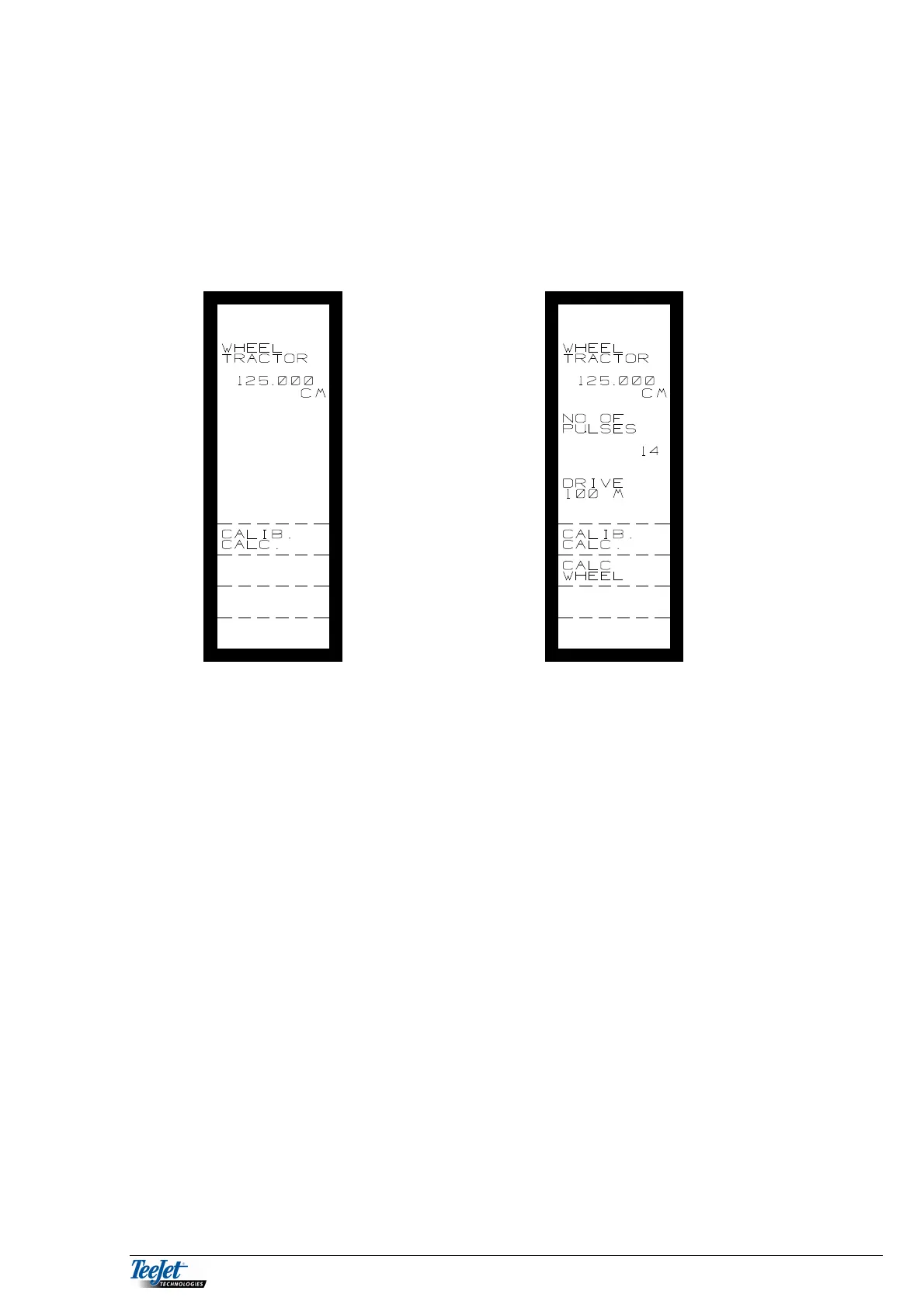
2. Press the “CALIB. CALC.” Key twice and the following is displayed:
3. Drive the 100 metres and stop exactly at the stop mark.
4. If the computer has received enough pulses, “CALC. WHEEL” will be
displayed. Press this key and the calibration procedure is finished. The
calculated value is displayed at the top of the screen.



 To Next Page