TEEJET 5000 OPERATORS MANUAL GENERAL FUNCTIONS
2.7
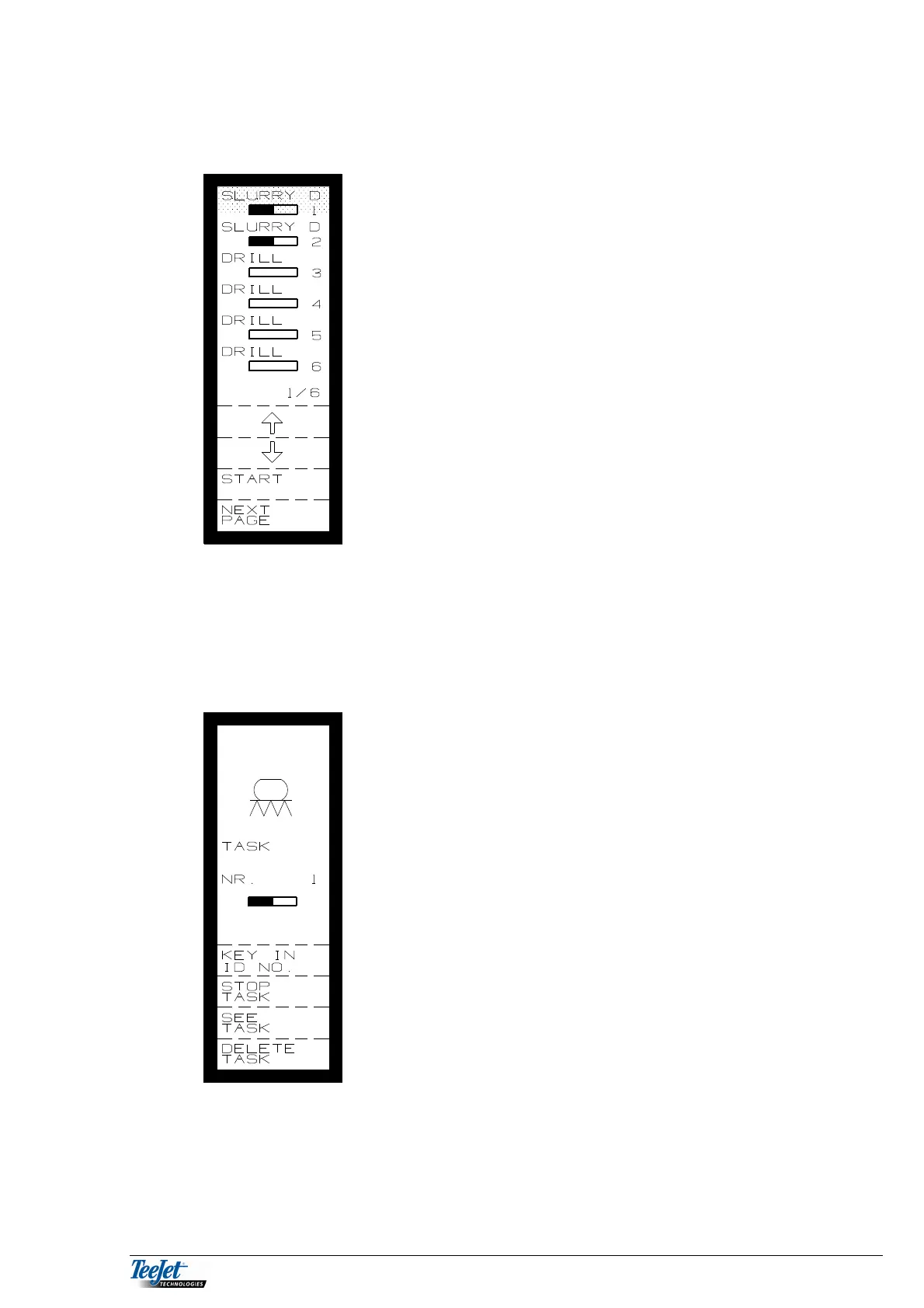
START TASK
Moving the cursor and using the “Start” function key
gives you the possibility to either open a task that has
already been worked on, or start a new task.
Note:
It is only possible to start/open, i.e. a sprayer task
when sprayer has been selected as the implement.
This means that only the tasks that relate to the
implement used are displayed in the “Start Task”
menu.
All trip counters (area, time and quantity) will continue from the previous values if
an existing task has been selected.
All trip counters for the task are set to zero if a new task is started.
The following is displayed after starting a task:
KEY IN ID NO.
STOP TASK
SEE TASK
DELETE TASK



 To Next Page