FERTILISER DISTRIBUTOR, RAUCH AERO TEEJET 5000 OPERATORS MANUAL
4.92
1. AUTOMATIC APPLICATION CONTROL.
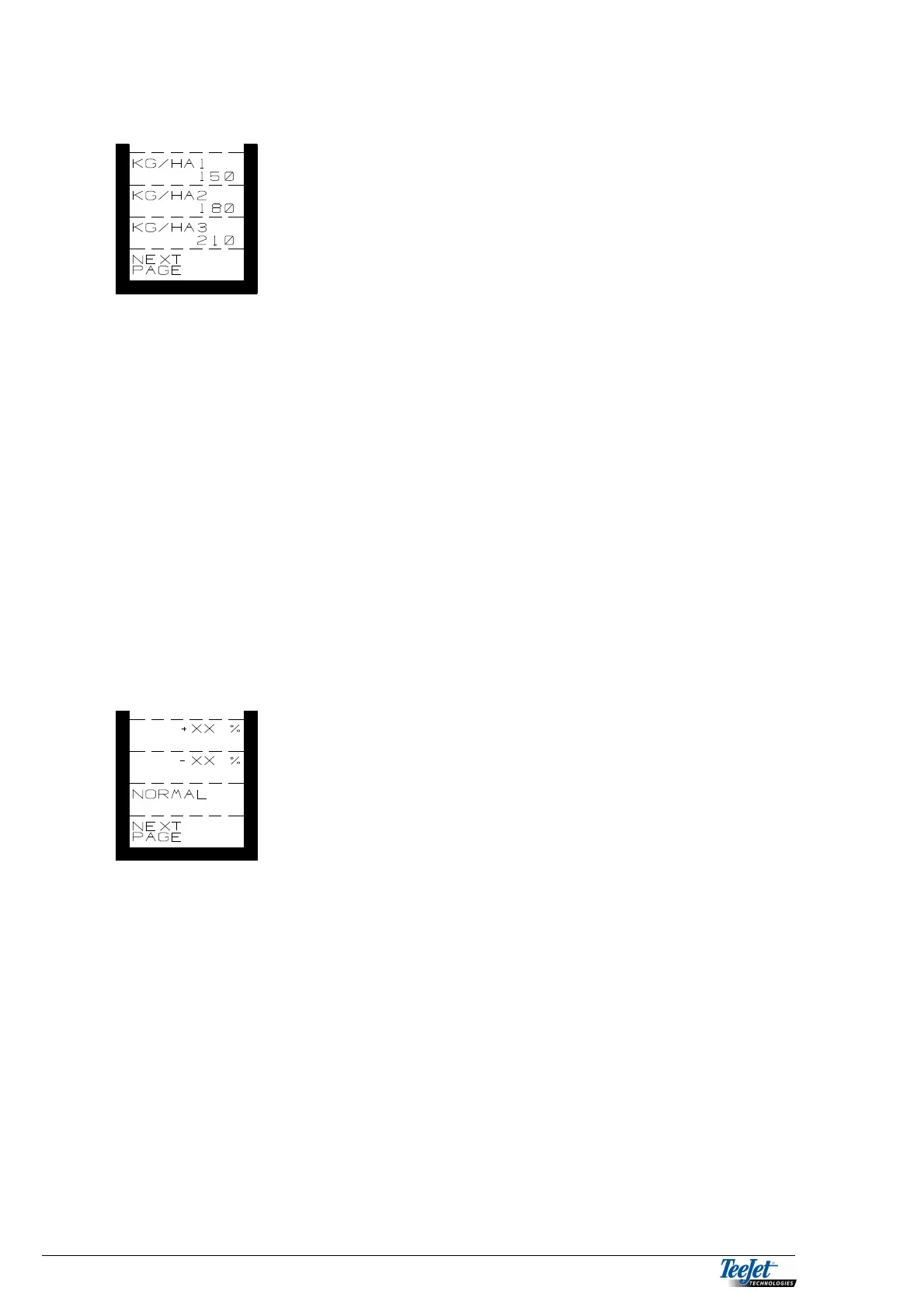
KG/HA1
KG/HA2 These 3 application rates are set in
“ENCODE” and can be selected
under “OPERATION”.
KG/HA3
Pressing one of these keys displays the encoded required application rate. Not
the actual application rate.
Before accurate automatic application control can take place, it is important to
calibrate the system using the fertiliser to be spread.
To minimize the risk of incorrect operation/application, the following automatic
warnings may be displayed.
DOSERATE
If the required application rate can not be achieved.
WRONG SPREADER WIDTH
If the spreader width being used is not the same as the spreader used when
calibrating.
Pressing the “NEXT PAGE” key displays the next functions.
+XX%: Step dosage, increase.
-XX%: Step dosage, decrease.
NORMAL: Return to the selected application rate.
+XX%: Percentile increase of the encoded application rate. The size of
the steps is altered in encode.
-XX%: Percentile reduction of the encoded application rate. The size of
the steps is altered in encode.
NORMAL: Normal application rate. Regardless of how many steps the
application rate has been increased/decreased by, pressing this
key will return the application rate to normal.
Pressing the “NEXT PAGE” key displays the next functions.



 To Next Page