GENERAL FUNCTIONS TEEJET 5000 OPERATORS MANUAL
2.16
DATA/DELETE
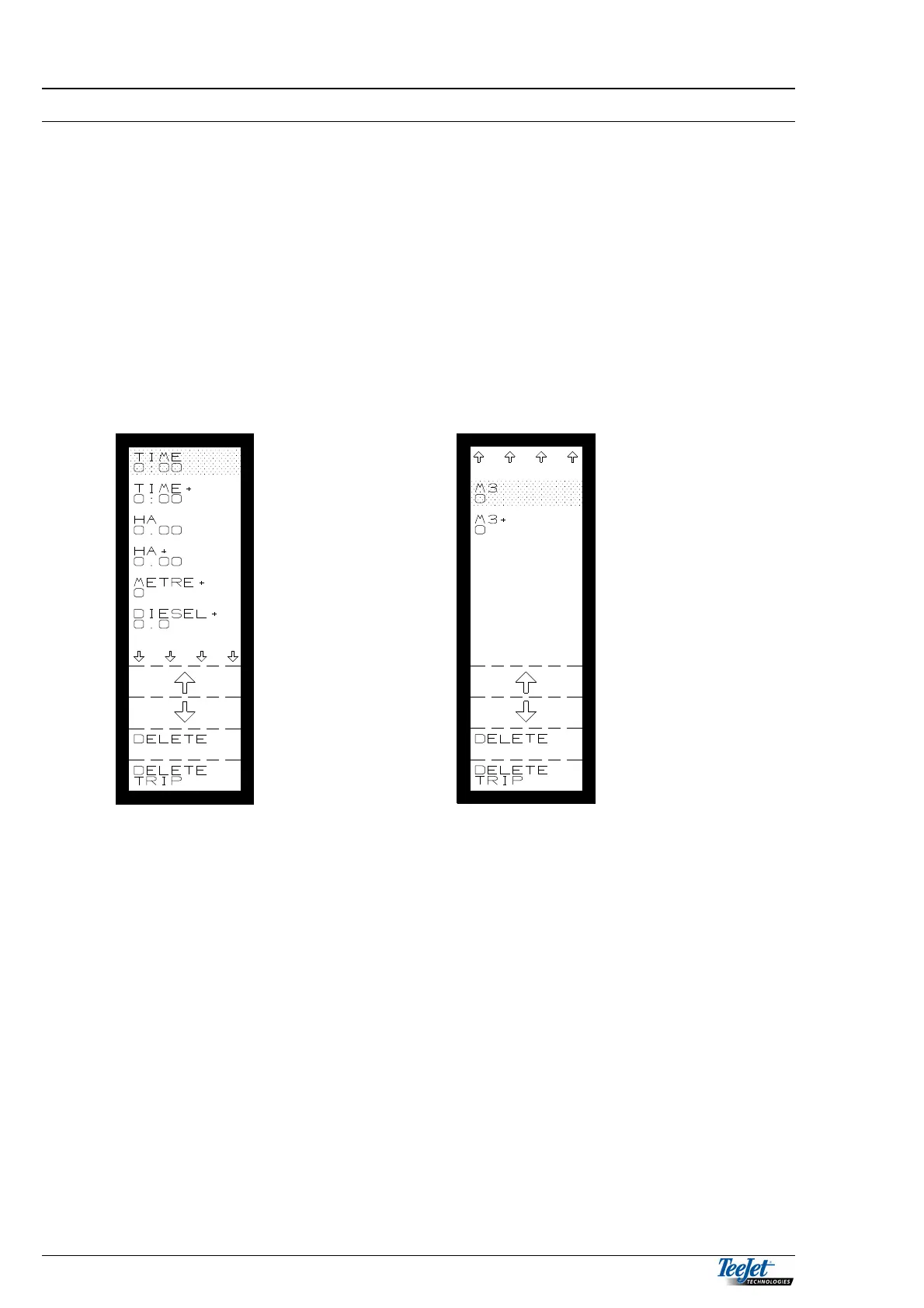
This menu comprises of 3 main options:
1. Total counter display (not found elsewhere).
Trip counter display
2. Delete counters separately.
3. Delete all trip counters simultaneously.
It is not possible to see/select the total counters in the operation menus. Therefore
the “DATA/DELETE” function is the only one offering these readings.
Set the cursor (using the arrow keys) on the counter to be zeroed. Pressing
“DELETE” deletes this counter.
If “DELETE TRIP” is pressed, all trip counters will be zeroed/deleted
simultaneously.
The functions are:
TIME: Trip counter for consumed time since last zeroing.
TIME +: Total counter for consumed time since last zeroing.
HA: Trip counter for worked area since the last reset.
HA+: Total counter for area since last zeroing.
METRE+: Travelled metres since the last reset. Deleted as the total counter.
DIESEL+: Fuel consumption since the last reset. Deleted as the total
counter.
(AMOUNT): Trip counter for consumption since the last reset.
(AMOUNT+): Total counter for consumption since the last reset.
NOTE: The TOTAL+ counters are only found in the “DATA/DELETE"
function and cannot be selected in “OPERATION”.



 To Next Page