GENERAL FUNCTIONS TEEJET 5000 OPERATORS MANUAL
2.6
TASK OPERATION
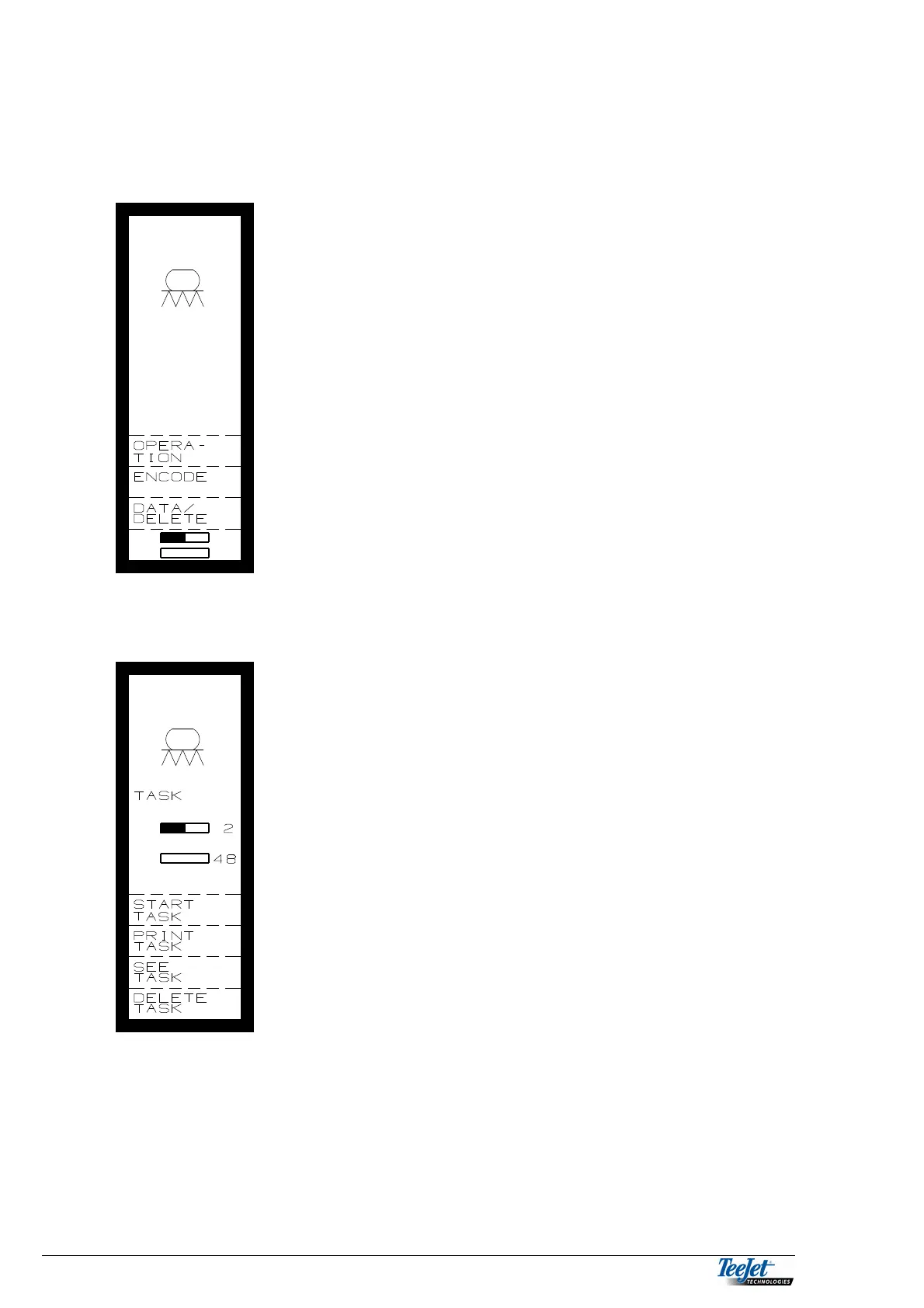
Select the “Task Feature” as follows:
Pressing the bottom function key displays the
following:
The first menu picture in the task feature shows which
implement is being used and the number of tasks that
already contain data (half filled rectangle). The number
of empty tasks available in the memory are also
displayed (the empty rectangle).
Pressing the “Start Task” function key, displays the
following:



 To Next Page