TEEJET 5000 OPERATORS MANUAL FERTILISER DISTRIBUTOR, BREDAL K RAMP
4.85
WEIGHING
If the spreader is equipped with weigh cells, then set
weighing to ON otherwise set this to OFF.
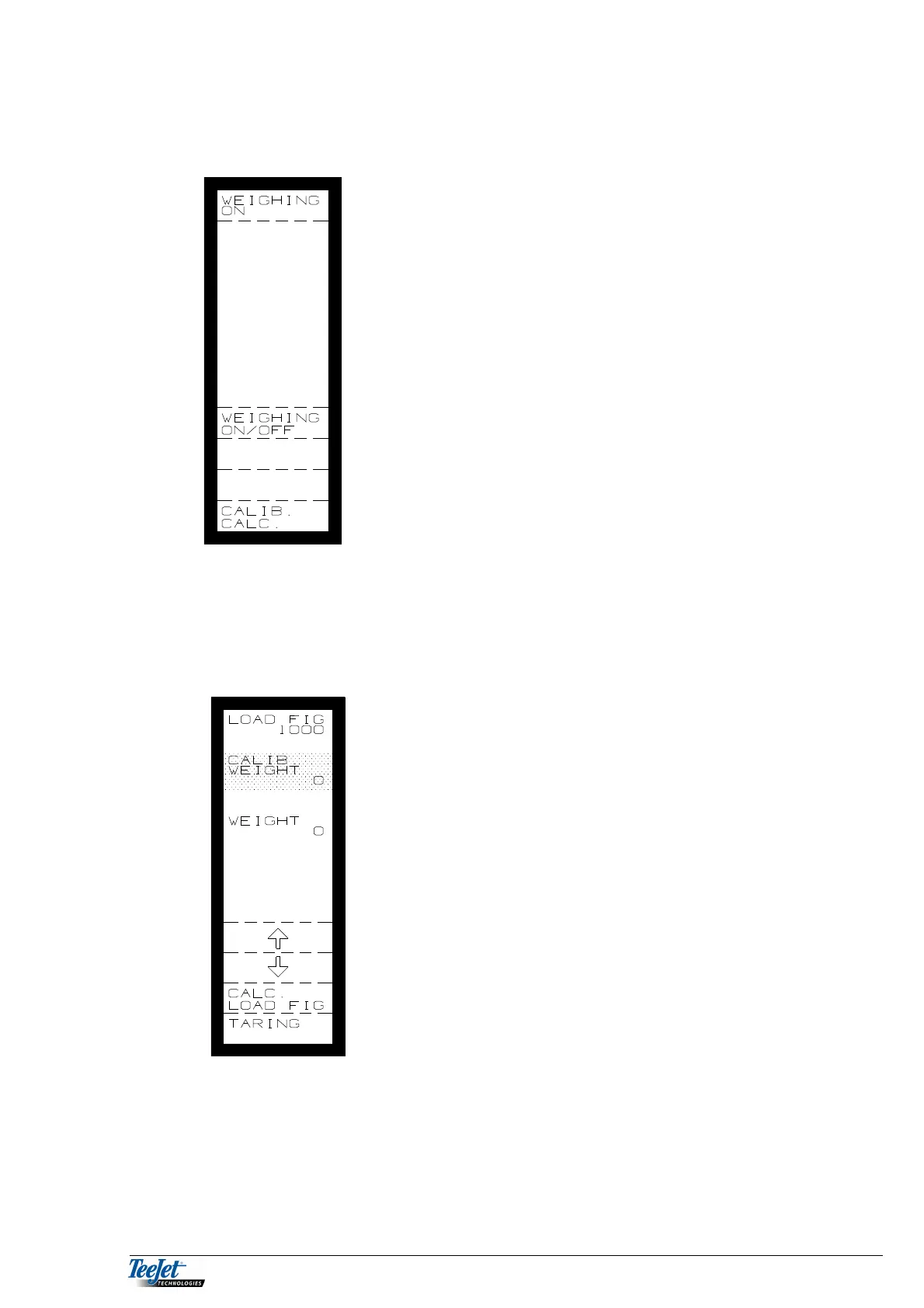
WEIGHING ON
If this function is required then the weighing system must be calibrated; this is
done as follows:
1. Press the “CALIB. CALC” key and the picture to
the left is displayed.
2. With an empty spreader press the “TARRING” key
to zero set the weigh cells.
3. Fill the spreader with an exact known amount. The
weight should be as large as possible, but must be
minimum 50% of the spreaders capacity.
Using the arrow keys, move the cursor to “CALIB.
WEIGHT”, and encode the amount filled with the
numerical keypad.
4. Press the flashing “CALC. LOAD FIG” key. The
system has now been calibrated. The calculated
figure is displayed at the top of the screen, note this
figure if the system is to be used with other weigh
cells in the future.
NOTE: The weigh cell calibration should be checked at
regular intervals.



 To Next Page