TEEJET 5000 OPERATORS MANUAL FERTILISER DISTRIBUTOR, BØGBALLE
4.27
+XX%: Percentile increase of the encoded application rate. The size of
the steps is altered in encode.
-XX%: Percentile reduction of the encoded application rate. The size of
the steps is altered in encode.
NORMAL: (Only displayed if the step feature has been used)
Normal application rate. Regardless of how many steps the
application rate has been increased/decreased by, pressing this
key will return the application rate to normal.
DOSE RATE: Pressing this key allows the application rate to be altered directly
from the operation screen (see also DOSE RATE in encode).
Pressing the “NEXT PAGE” key displays the next functions.
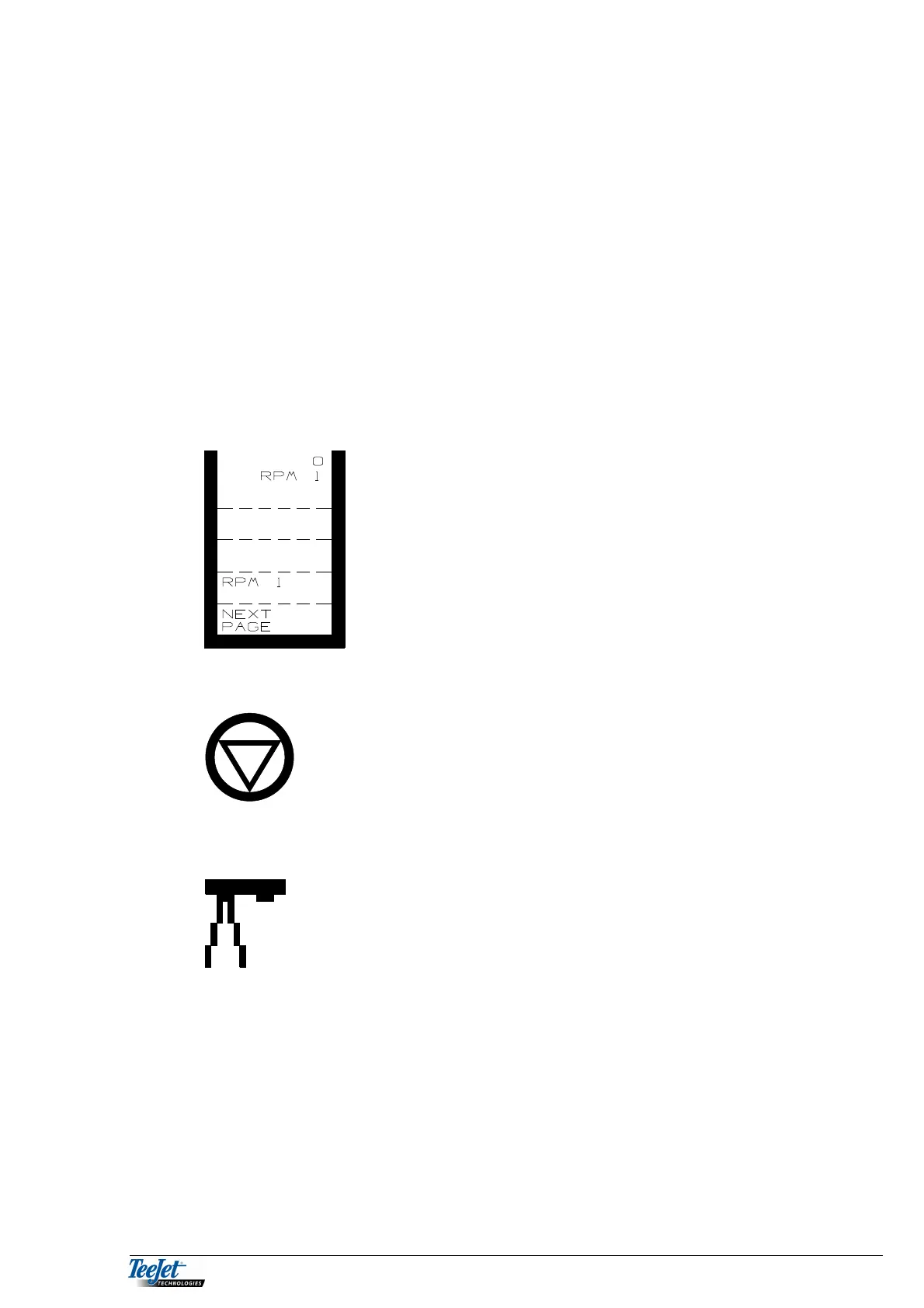
RPM 1: Shaft speed of axle 1.
START AND STOP SPREADING
Pressing this key starts and stops the fertiliser
spreader.
BOOM SECTION ON/OFF
The picture to the left shows a spreader with 2
sections, where one is open and one is closed. The
total number of sections is set under encode.
I
When the area override sensor is activated (not
counting area) “I” is displayed and all sections will
disappear.



 To Next Page