TEEJET 5000 OPERATORS MANUAL GENERAL FUNCTIONS
2.3
IMPORTANT! IMPORTANT! IMPORTANT!
During operation (driving in the field) with an implement and sensors selected, you
must not return to the BASIC MENU or change to another implement. If this is
attempted the TeeJet 5000 will display "MENU CHANGE PROHIBITED". This is
necessary to avoid incorrect measurements.
STATUS SCREEN
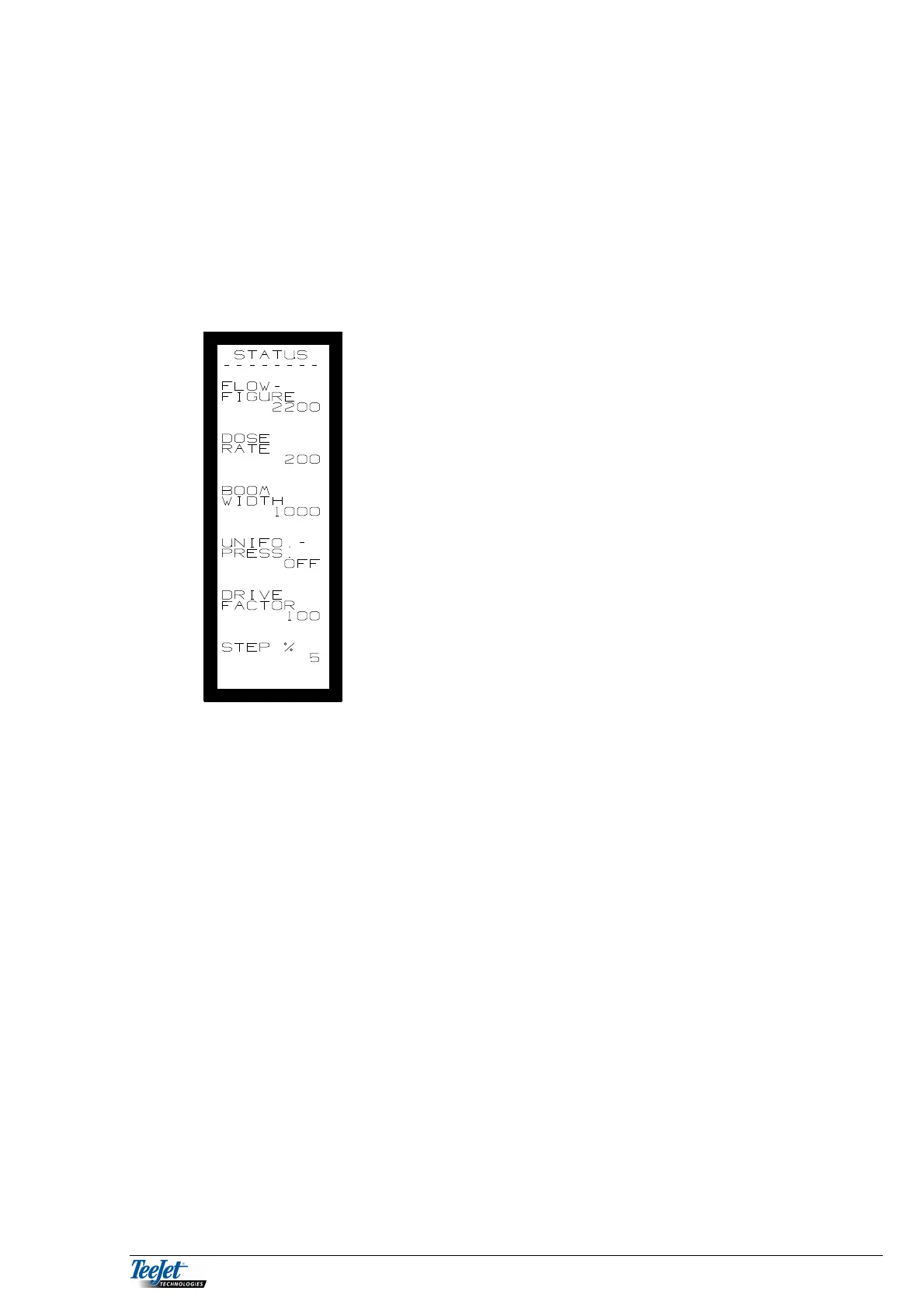
Each time the "OPERATION MENU" of an implement
is selected or you leave an encode menu the status
screen will automatically appear. All the encoded
values are displayed. Check and accept all the
values on the status screen before proceeding by
using the "RETURN KEY".
NB: Before start remember to zero all relevant
counters (area -, litre -, diesel counter etc.) in
"DATA/DELETE", if required.
You can select the following functions, no matter, which implement is
chosen: Some of the functions, such as area, will of course depend on the
related encoded values for the implement.
For some implements there are further functions, e.g. the area functions.
These special functions will be dealt with under the implement in question.



 To Next Page