BALER TEEJET 5000 OPERATORS MANUAL
6.4
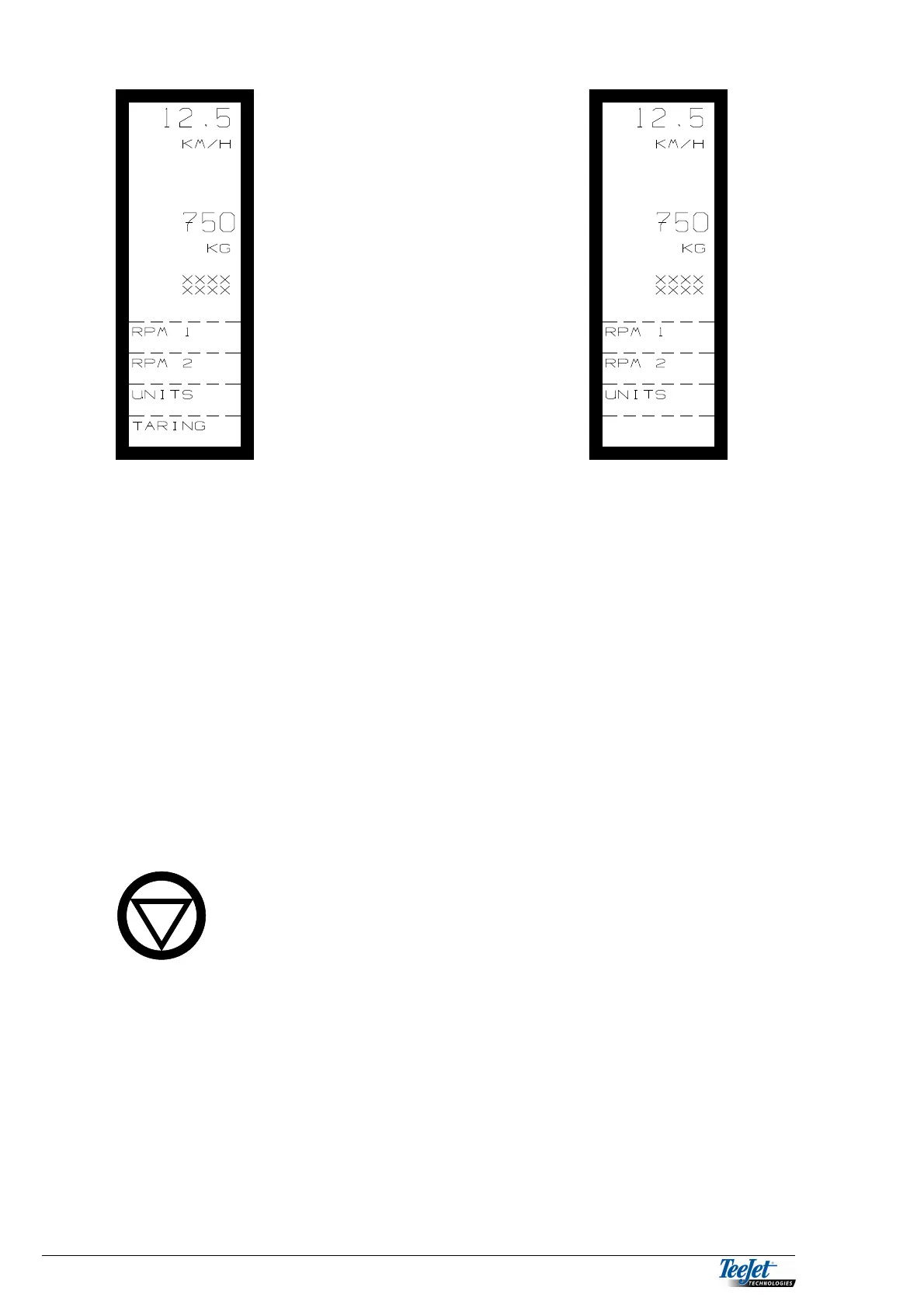
RPM 1: Shaft speed for axle no. 1 (choose when fitting the system). A
warning can be set on or off plus the number of pulses per rev. are
set under “ENCODE”.
RPM 2: Shaft speed for axle no. 1 (choose when fitting the system). A
warning can be set on or off plus the number of pulses per rev. are
set under “ENCODE”.
UNITS: The number of bales counted is displayed in “OPERATION” as a
trip counter. A total counter is found under “DATA/DELETE”, both
counters are deleted in “DATA/DELETE”.
TARRING: Pressing this key zero sets the weighing system (the weight must
be empty). The weighing system must be calibrated as described
in the “ENCODE” section.
SWITCHING ALL WARNINGS OFF
Pressing the “HOLD” key switches all warnings off; R is
displayed in the bottom left-hand side of the display. The
warnings can be switched on again by pressing the
“HOLD” key once more.



 To Next Page