TEEJET 5000 OPERATORS MANUAL FERTILISER DISTRIBUTOR, OTHER TYPE
4.7
BOOM SECTION ON/OFF
The picture to the left shows a spreader with 2
sections, where one is open and one is closed. The
total number of sections is set under encode.
I
When the area override sensor is activated (not
counting area) “I” is displayed and all sections will
disappear.
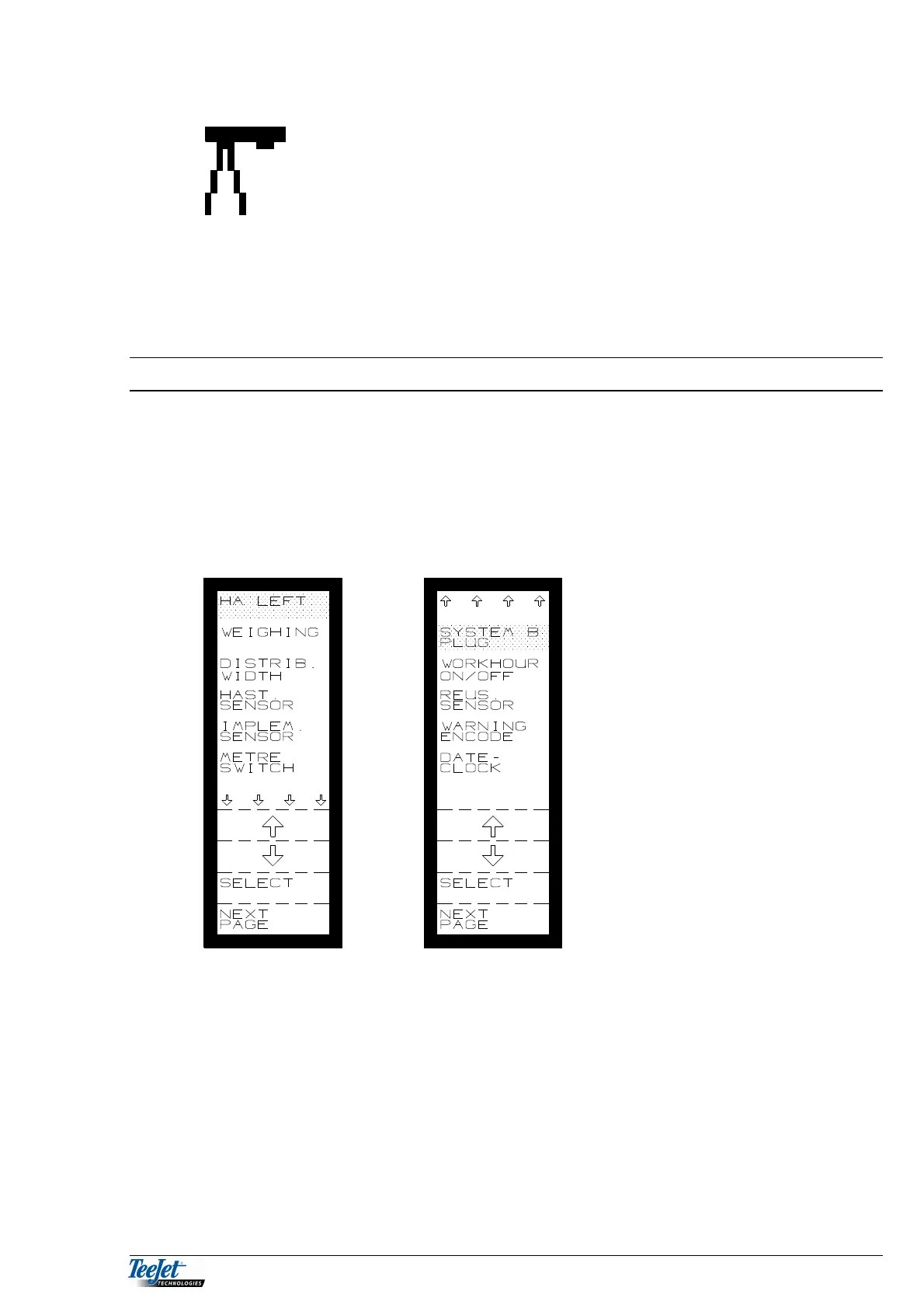
FERTILISER DISTRIBUTOR ENCODE
This menu allows the operator to encode the various settings that are necessary
for spreading. Each implement has it’s own set of encodements. Encodements
such as speed sensor (and its calibration) have their own values under each
implement.
Always check these encodements in the status screen each time you change
implements.
KG LEFT:
This function is only available if “PULSE WEIGHING” has been selected
The amount filled into the spreader must be encoded here; to be able to see how
much fertiliser is left in the hopper.
NOTE: If there is some fertiliser left in the hopper before refilling, then this
amount must be added to the amount filled thus:
Amount left in hopper + filled amount = Kg. left.



 To Next Page