OTHER IMPLEMENT TEEJET 5000 OPERATORS MANUAL
8.2
OTHER IMPLEMENT
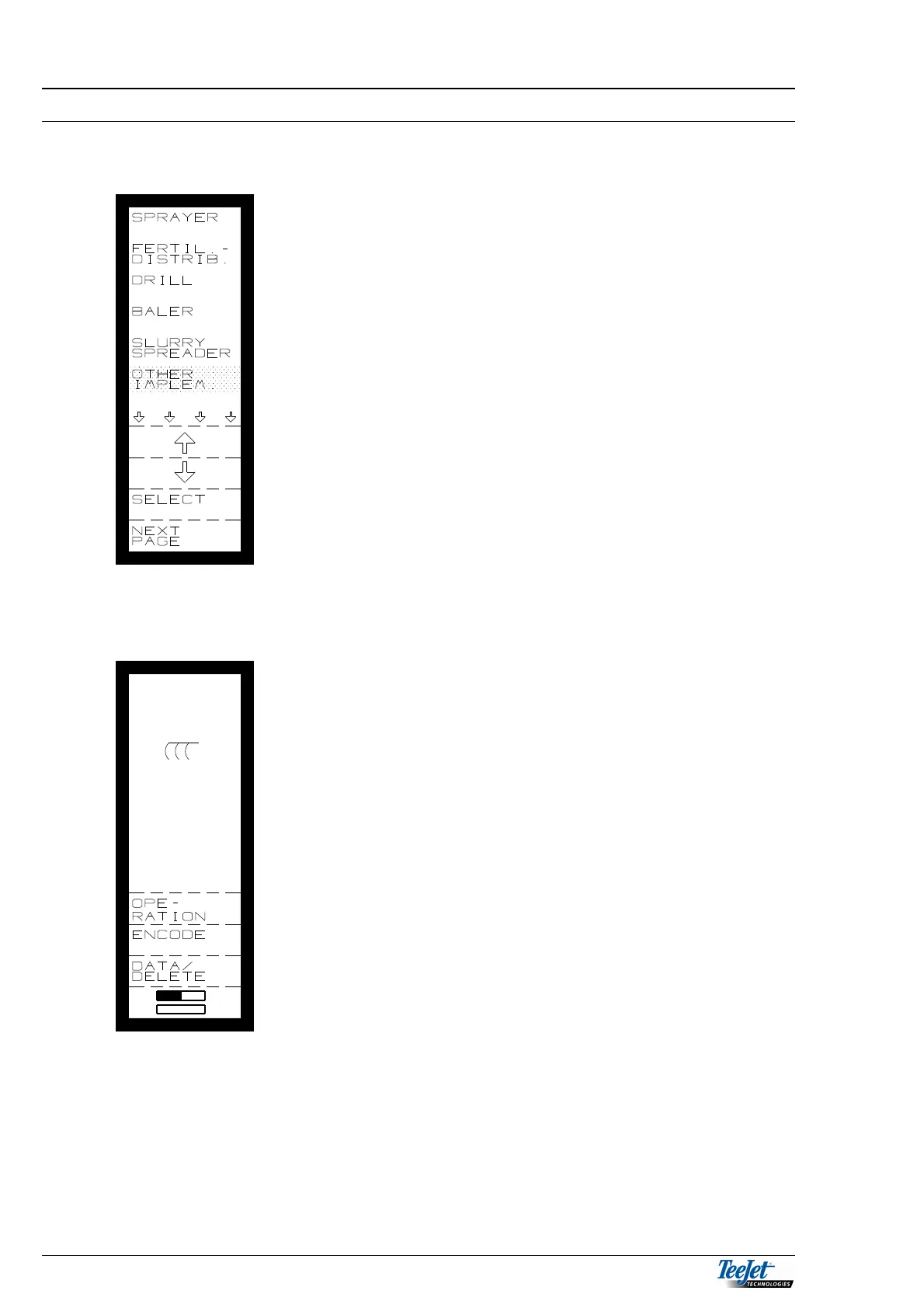
Select “OTHER IMPLEMENT” from the main menu as follows:
Move the cursor using the arrow keys to “OTHER
IMPLEMENT”, when this is done press the “SELECT”
key.
The following is displayed:
It is now possible to select between the following
functions:
OPERATION
ENCODE
DATA/DELETE
TASK OPERATION.
TASK OPERATION is described in General Functions
(section 2) together with the functions that are available
in all of the programs (area, time & tractor functions) all
of the other functions will be described one by one.



 To Next Page