GENERAL FUNCTIONS TEEJET 5000 OPERATORS MANUAL
2.8
ID NO.
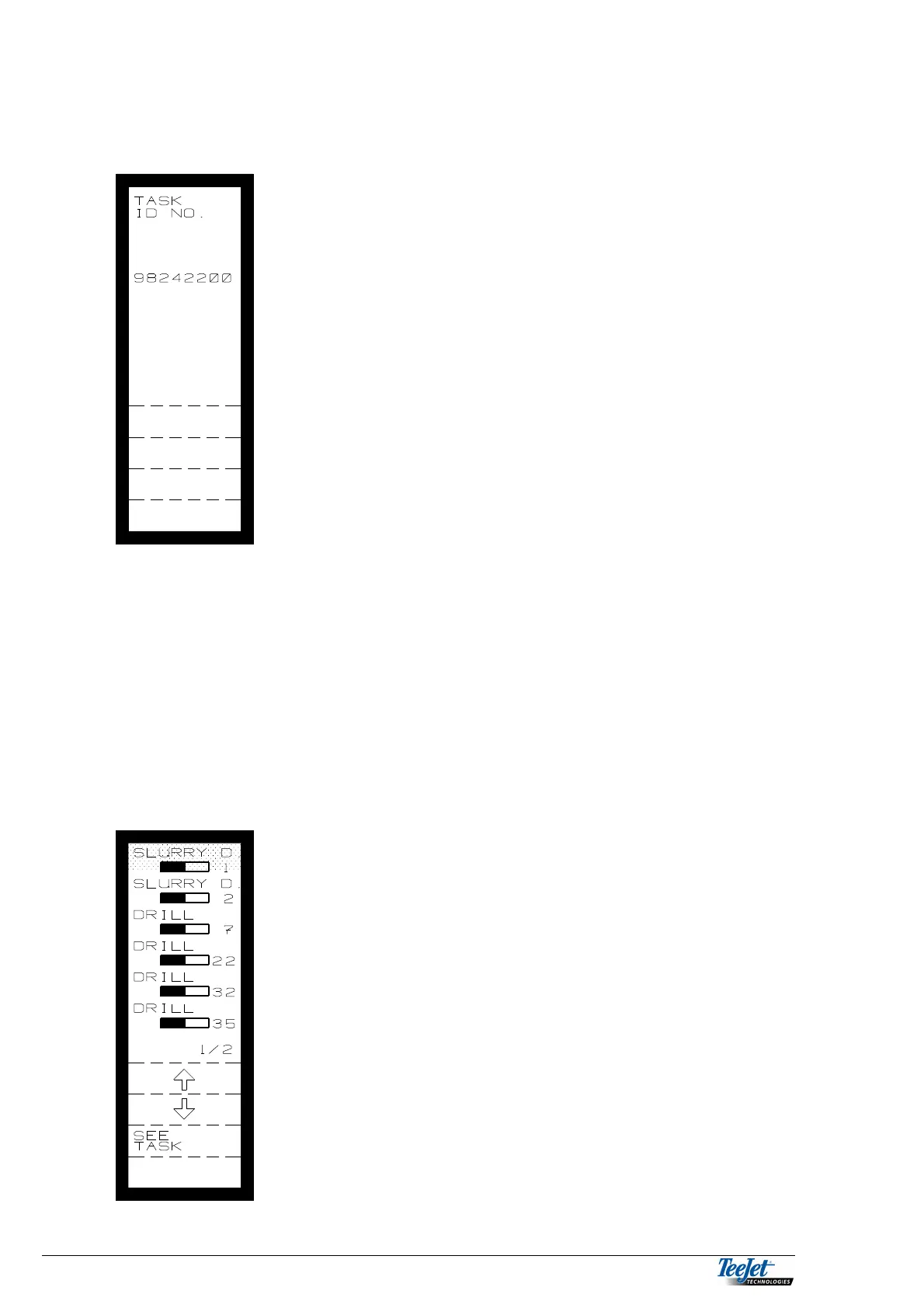
Pressing the ID NO key allows the operator to encode
an ID. Number, this number could, e.g. be a number
that identifies a customer or an employee. It does not
matter when the ID number is encoded, but the task
must be started.
As the computer uses the task number for its own
reference, it is not necessary to encode an ID. Number
if this is not required.
Use the numeric keypad to encode the ID number. The
ID number can be deleted at any time by pressing the
“C” key.
Pressing the “return” key displays the previous menu.
STOP TASK
Pressing this function key will stop the present task; it is possible to open the task
again at any time as long as the task is still in the computer's memory.
NOTE: It is not possible to exit the implement menu if a task is active. The
computer displays the following message: MENU CHANGE NOT
PROHIBITED, and shows which task should be stopped before the
implement menu can be changed.
SEE TASK
Pressing the “See Task” function key displays the
picture to the left:
Move the cursor to the task to be seen and press the
“See Task” function key.
It is now possible to see the contents of the task
without having to start the task.
NOTE: All tasks that contain data can be seen
regardless of the implement selected for
operation, so it is possible to see tasks for, e.g.
slurry spreader even if the implement chosen
for operation is a sprayer.



 To Next Page