FERTILISER DISTRIBUTOR, BØGBALLE TEEJET 5000 OPERATORS MANUAL
4.30
NOTE:
If, after some time, the amount spread is not the same as the amount calculated
by the monitor, check if the machine’s setup, the amount released and the
encodements are correct.
If the above is correct then the following can be done:
If the fertiliser being used has been stored for a long time then the fertiliser could
be damper or drier than when the spreader was calibrated, these conditions can
affect the accuracy of the system.
This can be corrected by altering the amount released by the same percent that
the amount spread deviates from the required amount.
Lower released KG = higher application rate
ACTUATOR CALIBRATION
The spreader’s actuator and the TeeJet 5000 must be setup together. Calibrating
the system does this. Calibrate the system at regular intervals, i.e. each time the
spreader has been disconnected from the computer.
Before calibration:
The handle’s stop must be set and tightened exactly on the scale’s last figure.
Ensure that the handle stop cannot move whilst calibrating.
CALIBRATING:
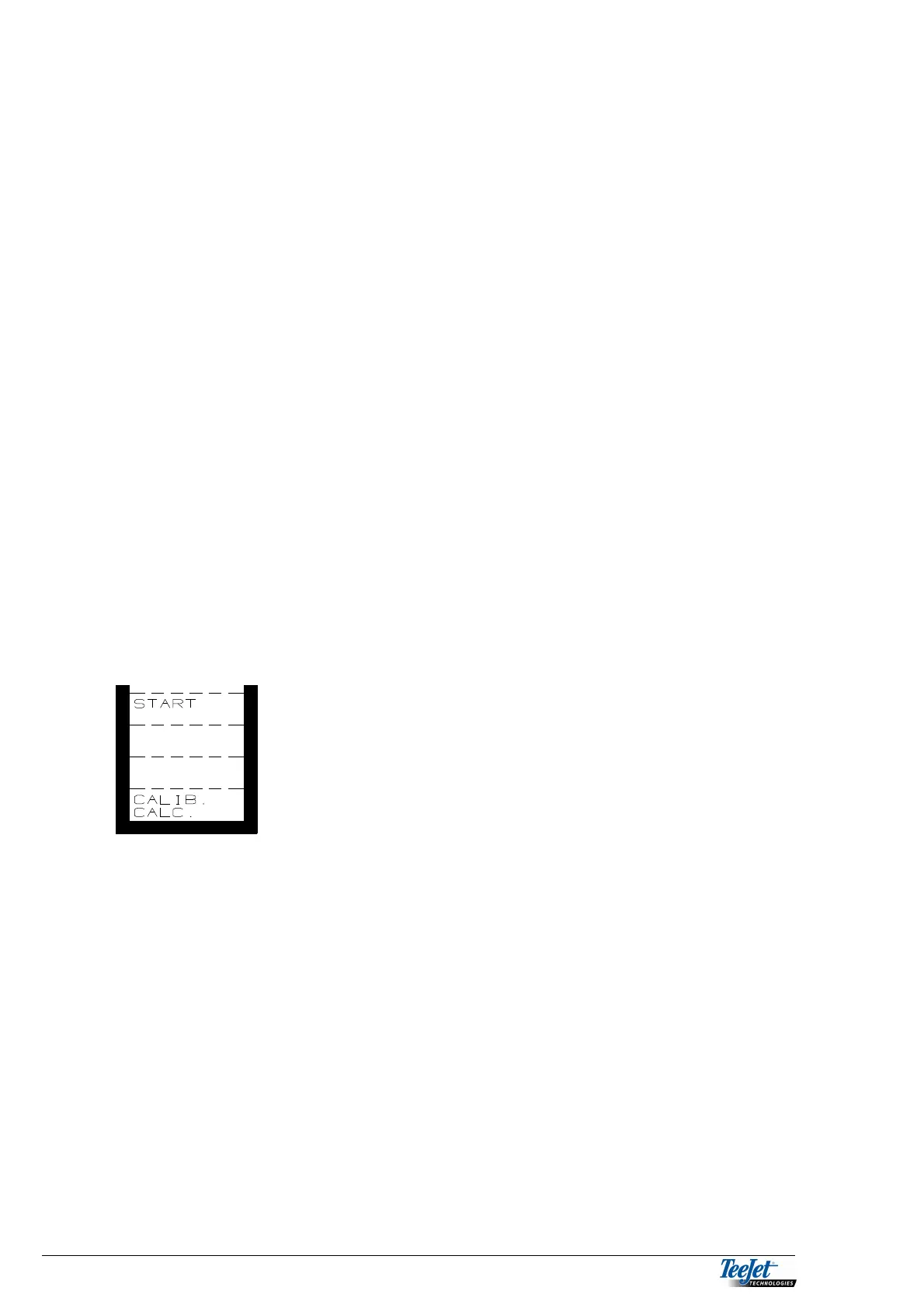
1. Press the “CALIB.CALC.” key for min. 3
seconds, this moves the handle to the open
position then back to the closed position.
Control
To ensure that the actuator and computer are calibrated correctly, perform a
“release test” with an empty hopper.
The handle should open to 4.5 for the E and EX models, and 3.5 for the D/DZ.
models.
NOTE: It may be necessary to repeat the actuator calibration a few times if the
actuator has been removed to achieve the correct position during a
“release test”.



 To Next Page