SEED DRILL, SIMBA TEEJET 5000 OPERATORS MANUAL
5.70
SEED DRILL ENCODEMENT
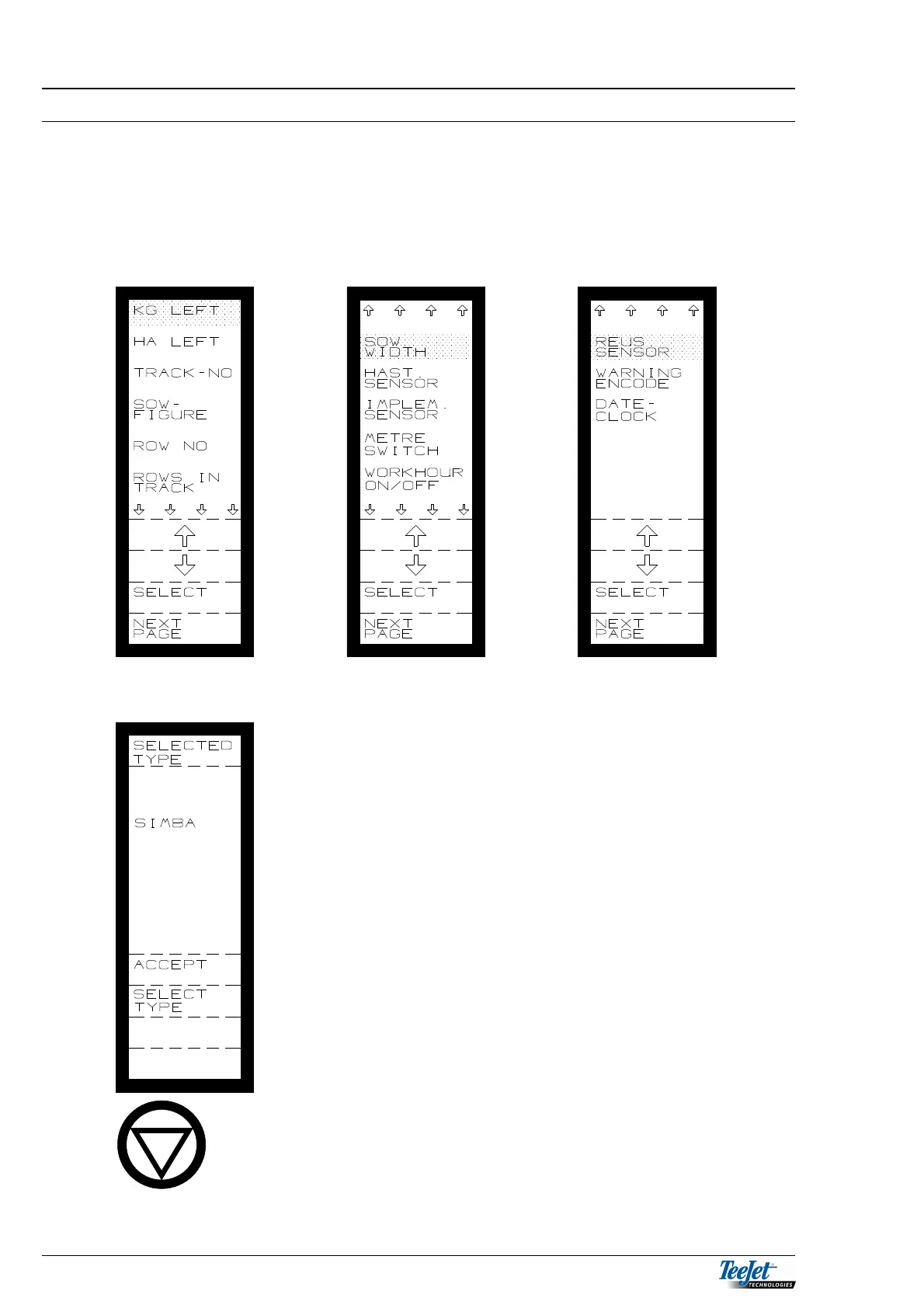
This menu allows the operator to encode the various settings that are necessary
for sowing. Each implement has it’s own set of encodements. Encodements such
as speed sensor (and its calibration) have their own values under each implement.
Always check these encodements in the status screen each time you change
implements.
FAN NUMBER SELECTION
1. Press and hold the HOLD key for min. 5 seconds
when the above screen is displayed (see page 5.32).
2. Move the cursor to ”FAN 2” and it is now possible to
select whether the drill is equipped with 1 or 2 fans.



 To Next Page