GENERAL FUNCTIONS TEEJET 5000 OPERATORS MANUAL
2.12
SETTING “HYPER TERMINAL” UP.
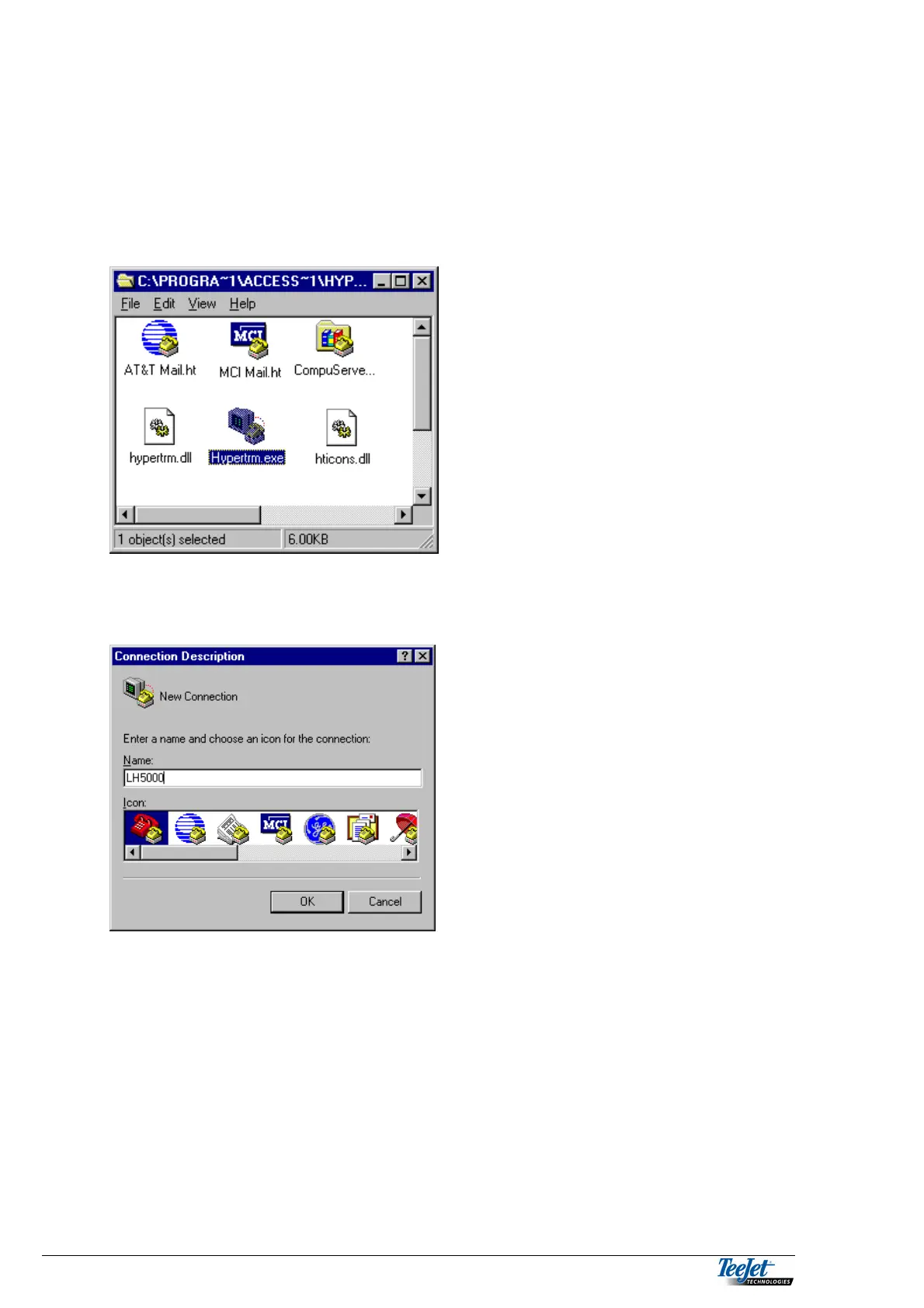
Click on the “Hyper Terminal” icon. You can find the program icons in various
places, depending on the way that Windows95 has been set-up. Refer to the
Windows95/98 operator manuals for further instruction. Double click on the
“Hypertrm.exe” icon.
Figure 3. Screen shot of “Hyper Terminal”
Select a name and an icon for this connection. Then choose the correct serial port
for your PC.
Figure 4 “New Connection”



 To Next Page