DGPS TEEJET 5000 OPERATORS MANUAL
9.10
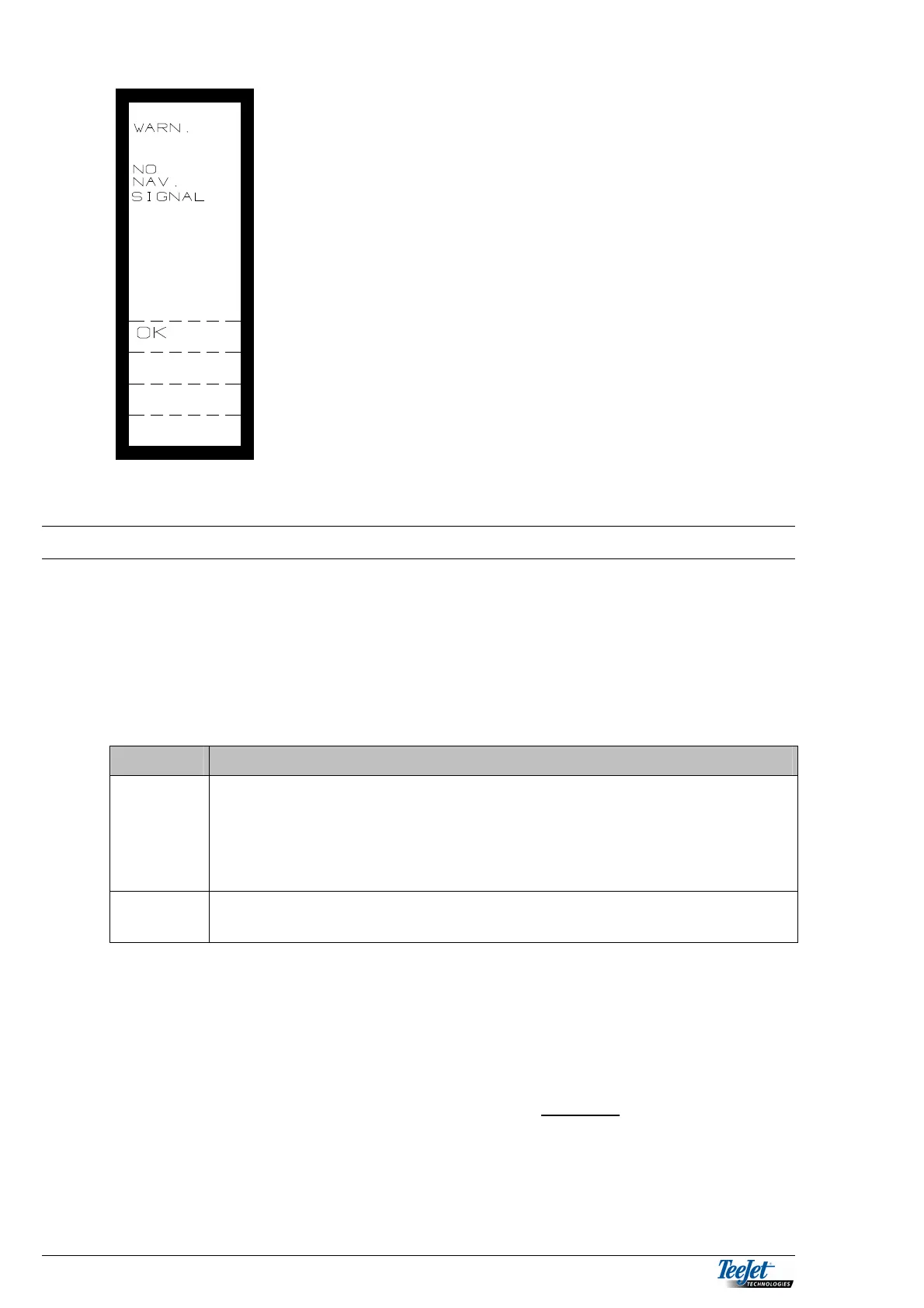
This warning is given when no position signals are
received.
Pressing the “OK” key returns the screen to the
operation screen.
A warning is given again when a positional signal is
received again.
FILE MANAGEMENT
To avoid over filling the PCMCIA data card, we recommend removing processed
data on the card at regular intervals. Some PC programs clear the card up each
time a task is transferred to the card. However, not all PC programs have this
function.
There are two types of files generated by the PC program or the TeeJet
5000/DataLink module:
File type Description
*.inp
Input file: Files with this suffix are created by the TeeJet 5000/
DataLink module with field boundary measurement, soil
sampling, data logging and the automatic data logging
that takes place whenever a task from the data card is
carried out.
*.out
Output file: Files with this suffix are created by the PC program and
contain task information.
These files are placed in the ”DATEN” directory on the PCMCIA data card and
can be copied, deleted, etc. in a file management program such as “Windows
Explorer”.
Please refer to the original documentation for the file management program.
There are other files and directories on the PCMCIA data card that are essential
for correct operation of the DataLink module. These must not
be altered or
removed from the data card.



 To Next Page