GENERAL USE TEEJET 5000 OPERATORS MANUAL
1.4
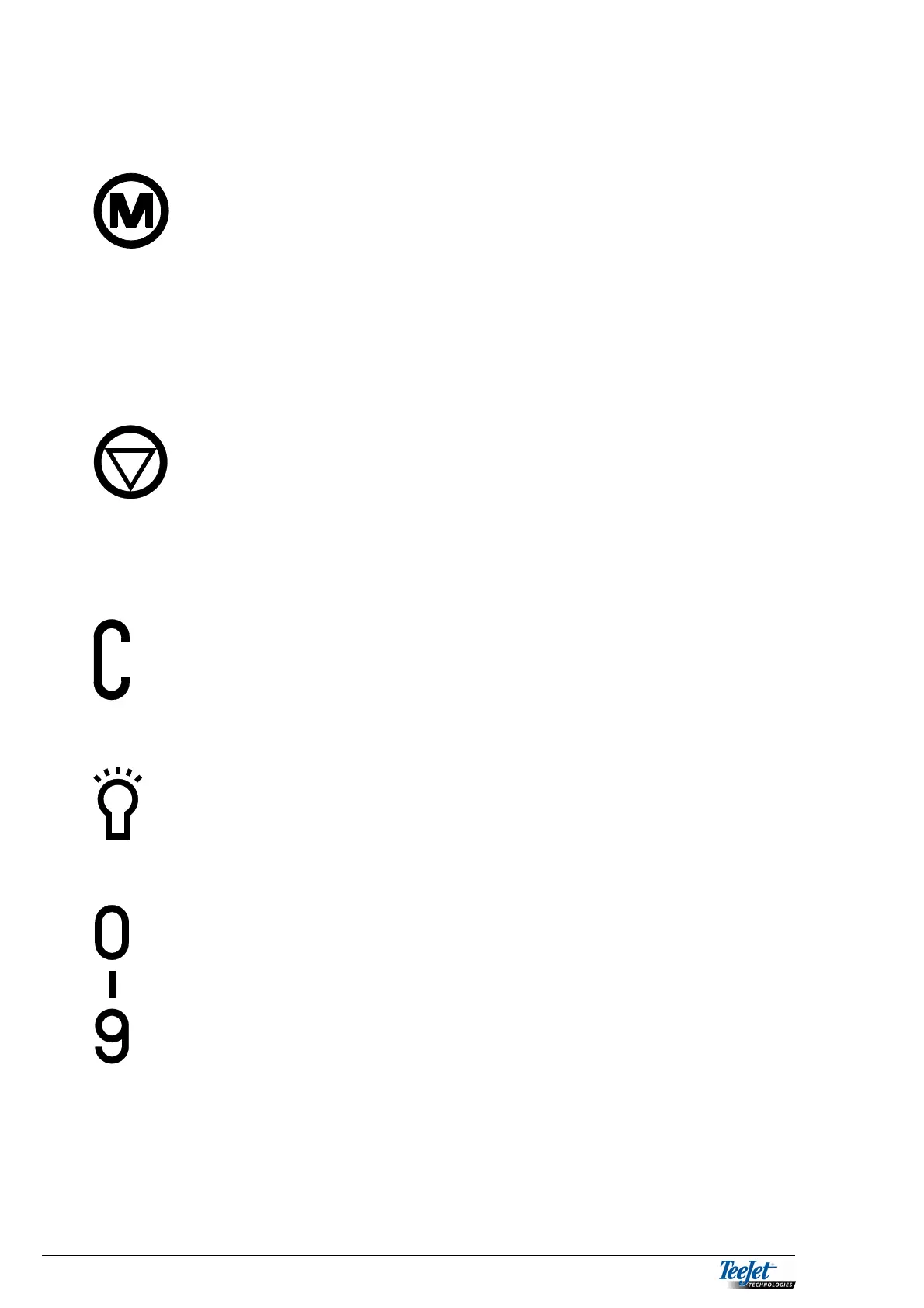
MEMORY KEY
The memory keys works as a bookmark. Pressing this
key stores the currently selected screen. After moving
around through the menus simply pressing the memory
key again will return the screen to the previously
selected screen.
NOTE! The MEMORY KEY works only within one
implement at a time (e.g. sprayer).
HOLD KEY
This key has different functions depending on the
implement selected
Hold key on seed drill
Fill flow menus for sprayers
Start and stop for certain fertiliser distributors
DELETE KEY
The delete key is used together with the numerical keys
for encoding. It deletes the selected value. Also used
for zeroing the pulse counters in “TEST INPUT”.
BACKGROUND LIGHT
This key is used for switching the display light on and
off. switching the light on and off can also be done in
the CONTRAST menu.
NUMERICAL KEYS
The numerical keys are used for encoding.



 To Next Page