TEEJET 5000 OPERATORS MANUAL FERTILISER DISTRIBUTOR, OTHER TYPE
4.9
Automatic calibration:
This calibration takes place at the same time as the normal fertiliser spreader
calibration. The principle is, that the computer counts the number of pulses from
the pulse generator whilst calibrating. When the spreader has been calibrated, the
amount weighed is encoded and the computer calculates the amount spread per
pulse.
Method:
Prepare the fertiliser distributor for calibration.
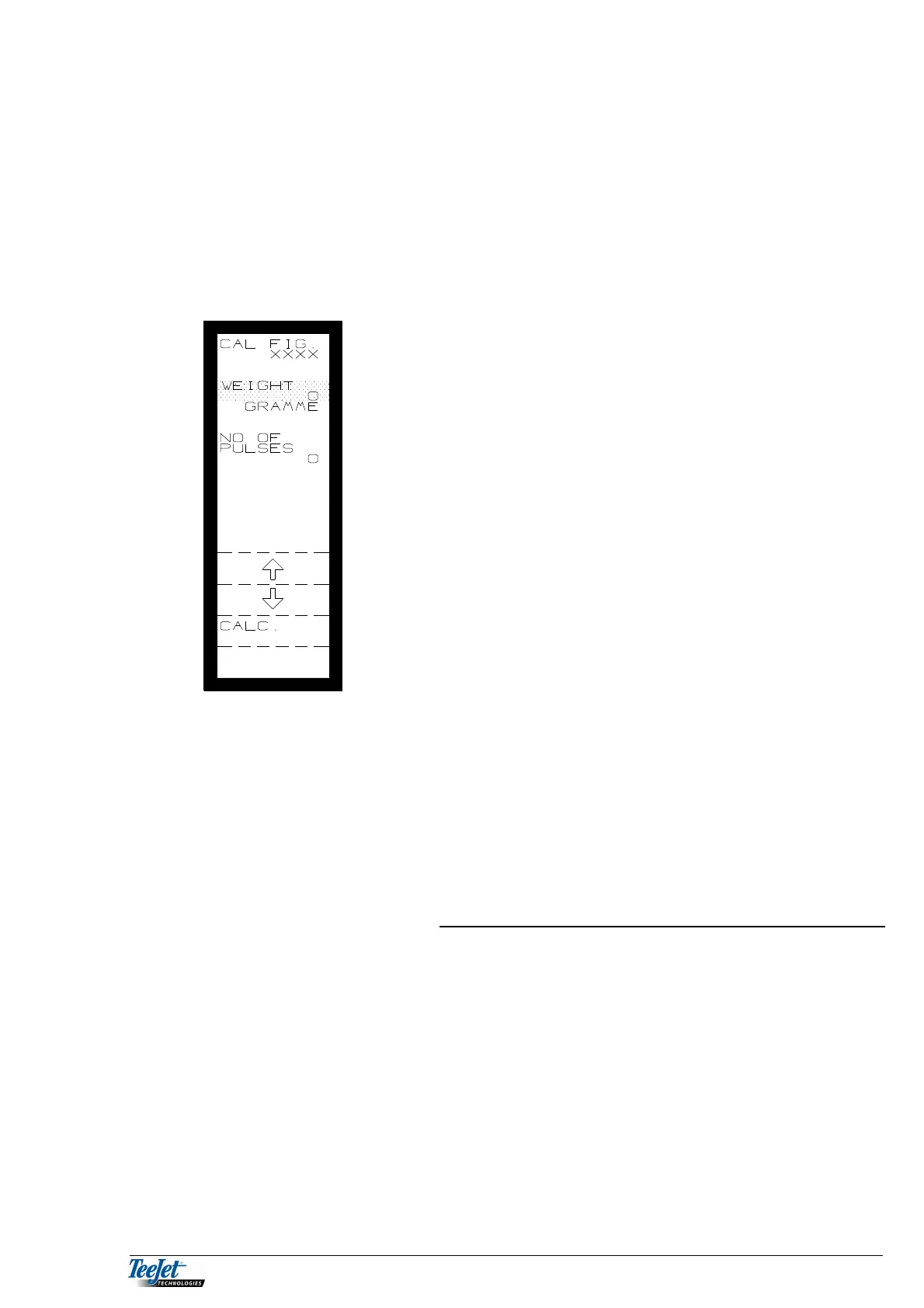
1. Select “PULSE WEIGHING” and then press
“CALIB. CALC.” The picture to the left is
displayed.
2. “NO. OF PULSES” must be at 0 before the
calibration procedure commences. If this is not the
case then press the return key and then re-enter
the calibration screen. Continue calibrating the
spreader.
3. Weigh the amount released, move the cursor to
WEIGHT using the arrow keys. Encode the amount
released in grams using the numerical keypad.
NOTE: The pulse counter must have counted a
number of pulses.
4. Press the flashing “CALC.” key and the calibration
procedure is finished. The CAL FIGURE is
displayed at the top of the screen. Note this figure
if the system is used with other pulse weighing
systems.
Manual (calculated) calibration figure:
This method is especially good for spreaders that control the application rate by
controlling the speed of a feed roller that gives an exact amount per revolution.
The calibration figure is calculated as follows on such spreaders:
Volume per revolution x volume weight
CALIBRATION FIGURE =
Pulses per revolution
Encode the calculated figure as the calibration figure using the numerical keypad.
RPM 2:
If neither “WEIGHING” OR “PULSE WEIGHING” are used, then the shaft speed
of axle no. 2 can be monitored (axle no. 1 is always displayed).
Pressing the “RPM 2” key, allows the numbers of pulses per revolution to be
encoded.



 To Next Page