TEEJET 5000 OPERATORS MANUAL SPRAYER
3.5
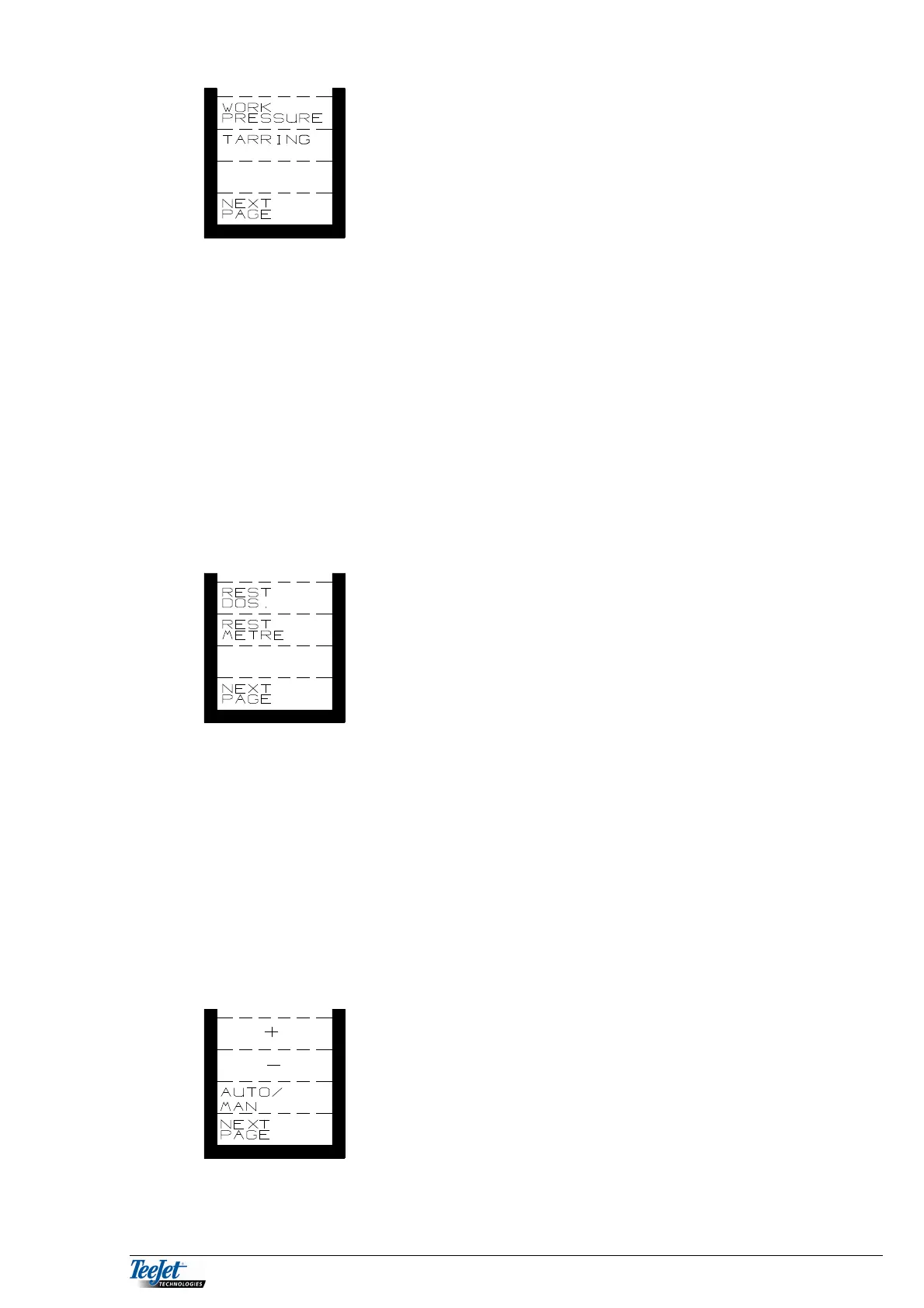
WORK
PRESS: The working pressure of the sprayer in
BAR with 1 decimal (optional pressure
sensor must be fitted).
TARRING: Zero setting the pressure sensor.
WORK
PRESS: Pressing this key displays the sprayers pressure in BAR with 1
decimal.
The pressure sensor’s maximum pressure must be set in
“ENCODE”.
TARRING: Pressing this key defines the zero point for the pressure sensor.
NOTE: This key must only be used when the sprayer has
absolutely no pressure. The displayed pressure will be
incorrect if this key is pressed at any other time.
Pressing the “NEXT PAGE” key displays the next functions.
REST DOS: Rest dosage using the amount in the
sprayer.
REST METRE: Remaining distance with the amount
in the sprayer.
REST
DOSAGE: Displays the application rate needed to finish the field with the
chemical remaining in the tank. Calculated from the amount left in
the tank and the remaining area.
REST
METRE: Displays the distance that can be travelled using the chemical
remaining in the tank with the present application rate.
Pressing the “NEXT PAGE” key displays the next set of functions.
AUTO/
MAN: Automatic or manual application.
+: Increase the application rate (only
displayed if “MAN” is selected).
-: Decrease the application rate (only
displayed if ”MAN” is selected).



 To Next Page