Page 106 Data entry/Programming Group 7
Release R1.12 en JET2 neo
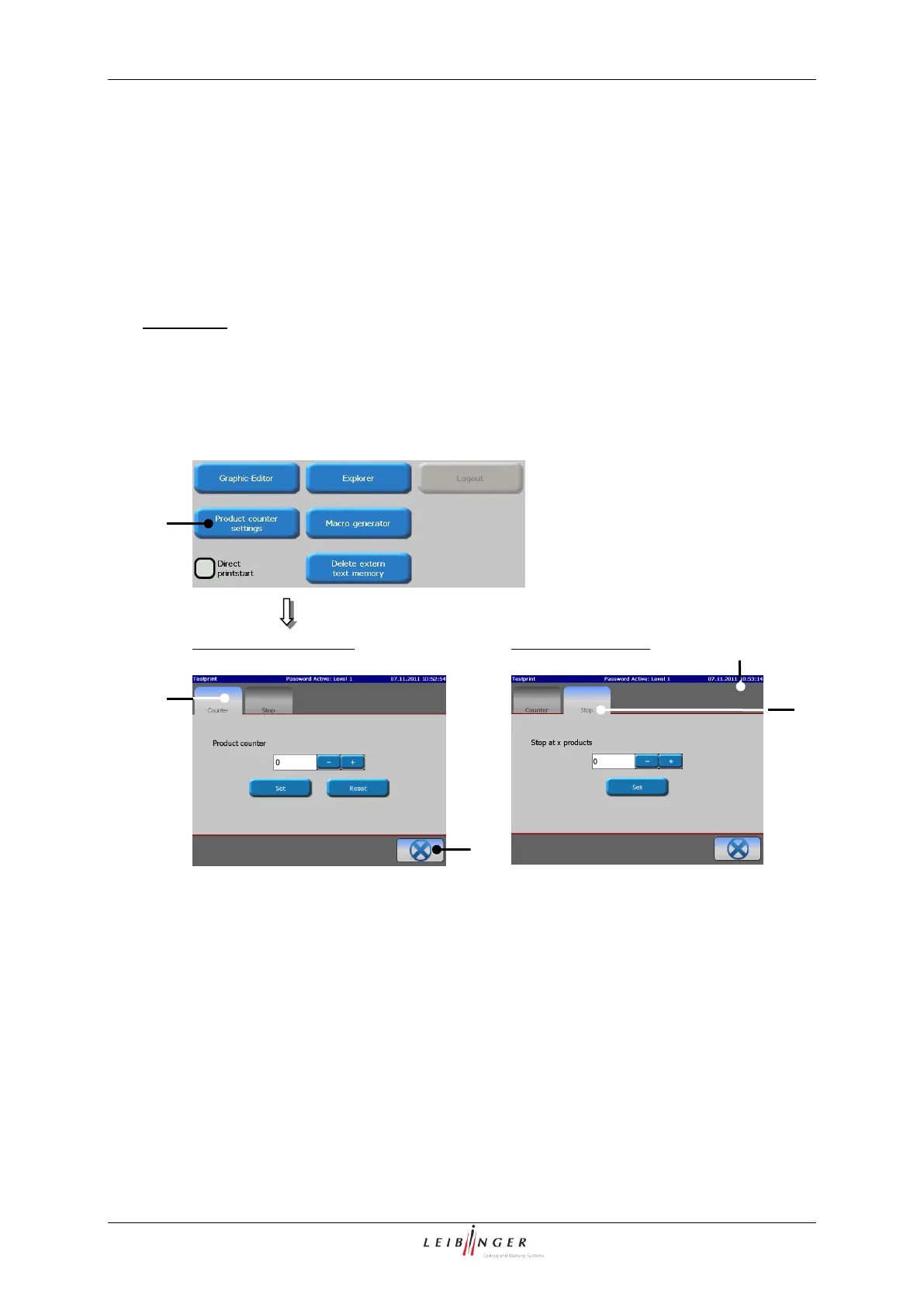
With the button <Product counter settings> (1) the menu „Product counter “ (2) opens.
This menu serves the setting of
a pre-defined print stop
The selection of a functional area happens by clicking on the corresponding register card.
Comment: The proceeding corresponds to the Window™-standard procedure.
The button <Cancel> (3) closes the menu.
Call up product counter menu
1 – Button <Product counter settings>
4 – Register card <Counter>
2 – Menu „Product counter”



 To Next Page