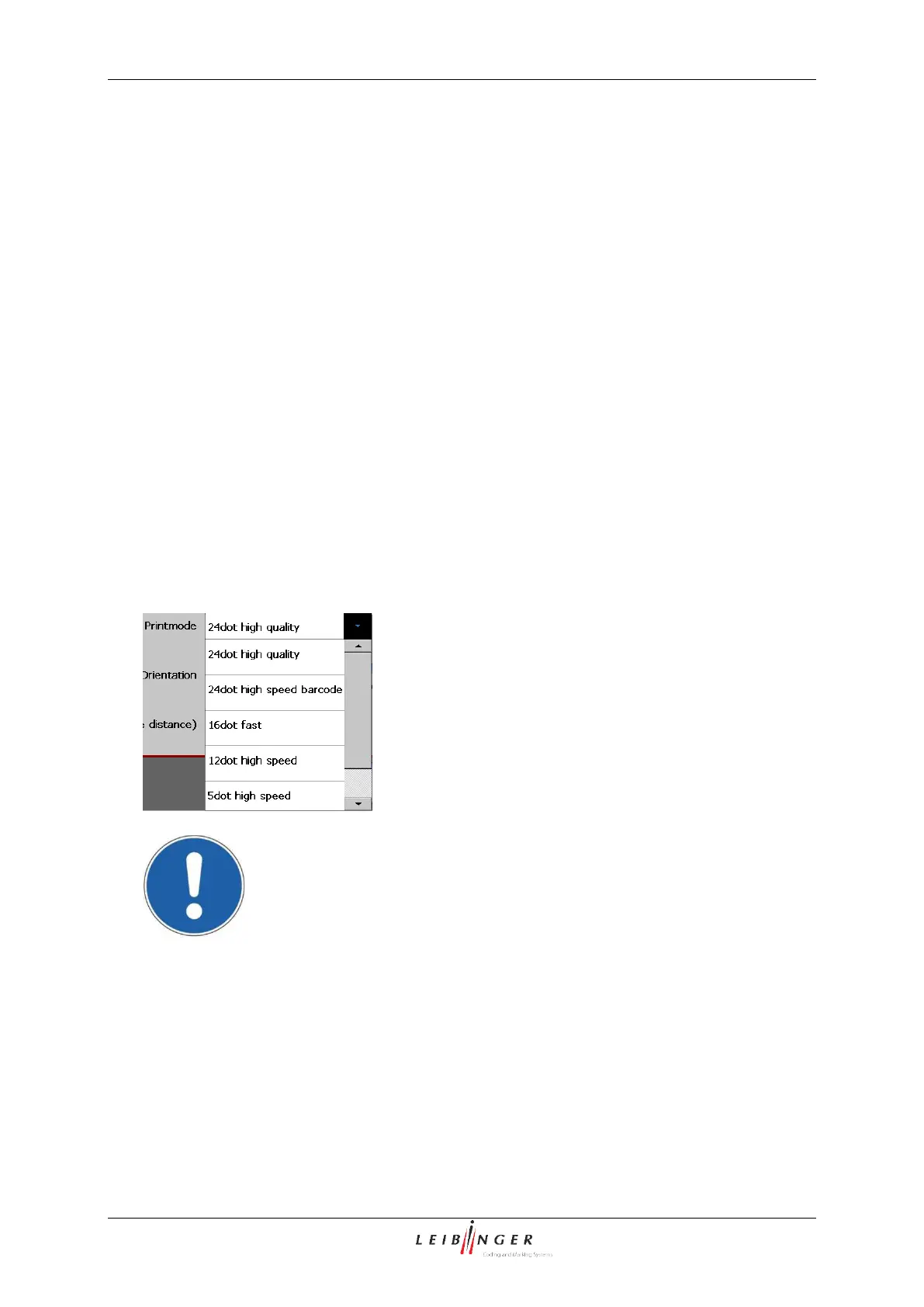
With the pop-up window <Print mode > you can select the required printing mode. 9
printing modes are available.
That means in the LEIBINGER JET2neo one operating mode is available for every printing
mode for a very high-quality or fast print out (see following list).
High quality mode: Allows the best possible position of the single dots and therefore
the best possible print quality.
If the required speed cannot be reached in this HQ-mode, it has
to be changed to the fast mode.
Fast mode: Allows a higher printing speed than the HQ-Mode whereby a good print
quality is still achieved.
If the required speed can no longer be reached in this mode, the High
speed mode must be switched to.
High speed mode: The font output is not designed to the best possible font quality but
to the fastest possible print speed.
Attention! You always have to set a print mode which is larger than the
selected matrix, otherwise incomplete imprints can be caused.
An error between the selected printing mode and the selected matrix can
be identified in the display field <Print image> of the job editor.



 To Next Page