Group 7 Data entry/Programming Page 133
JET2 neo Release R1.12 en
7.2.3.3.1 Pressure (System pressure)
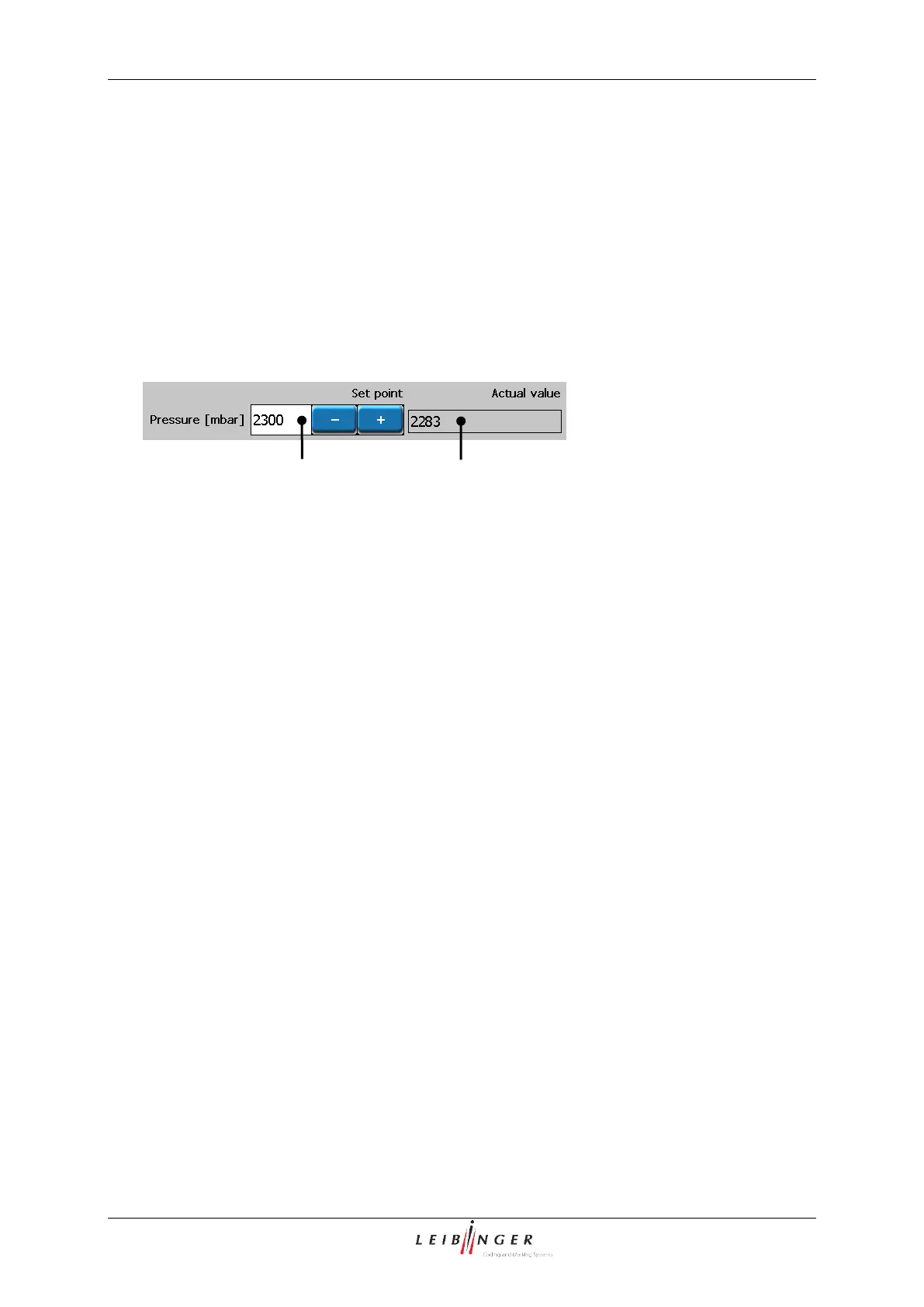
The nominal pressure of the device is defined with the setting. The value is entered in
mbar.
The set value is displayed in the corresponding display field (1).
In the display field <Pressure (Actual value)> (2) the currently reached system pressure
in mbar is displayed.
Hydraulic (System pressure)
1 – Display field <Pressure (Set point)>
2 – Display field <Pressure (Act. value)>
With the display field <Suction pump> you can change the setting of the suction pump.
The entry is in %.
The set value is displayed in the corresponding display field.
The standard values are “…” for devices without head ventilation and “...” for devices with
head ventilation.
7.2.3.3.3 Viscosity meter correction value
The display field <Visco correction> s required for the entry of the viscosity meter
correction value. The entry is necessary following the replacement of the viscosity meter
pipe. The value engraved on the viscosity meter must be entered here. Viscosity meters
without a engraving have the value “1000”.



 To Next Page