For leaving a job, the counter status of integrated job counters are normally not saved,
that means for calling this job again, the counter states are 0 respectively set to the
predefined start values.
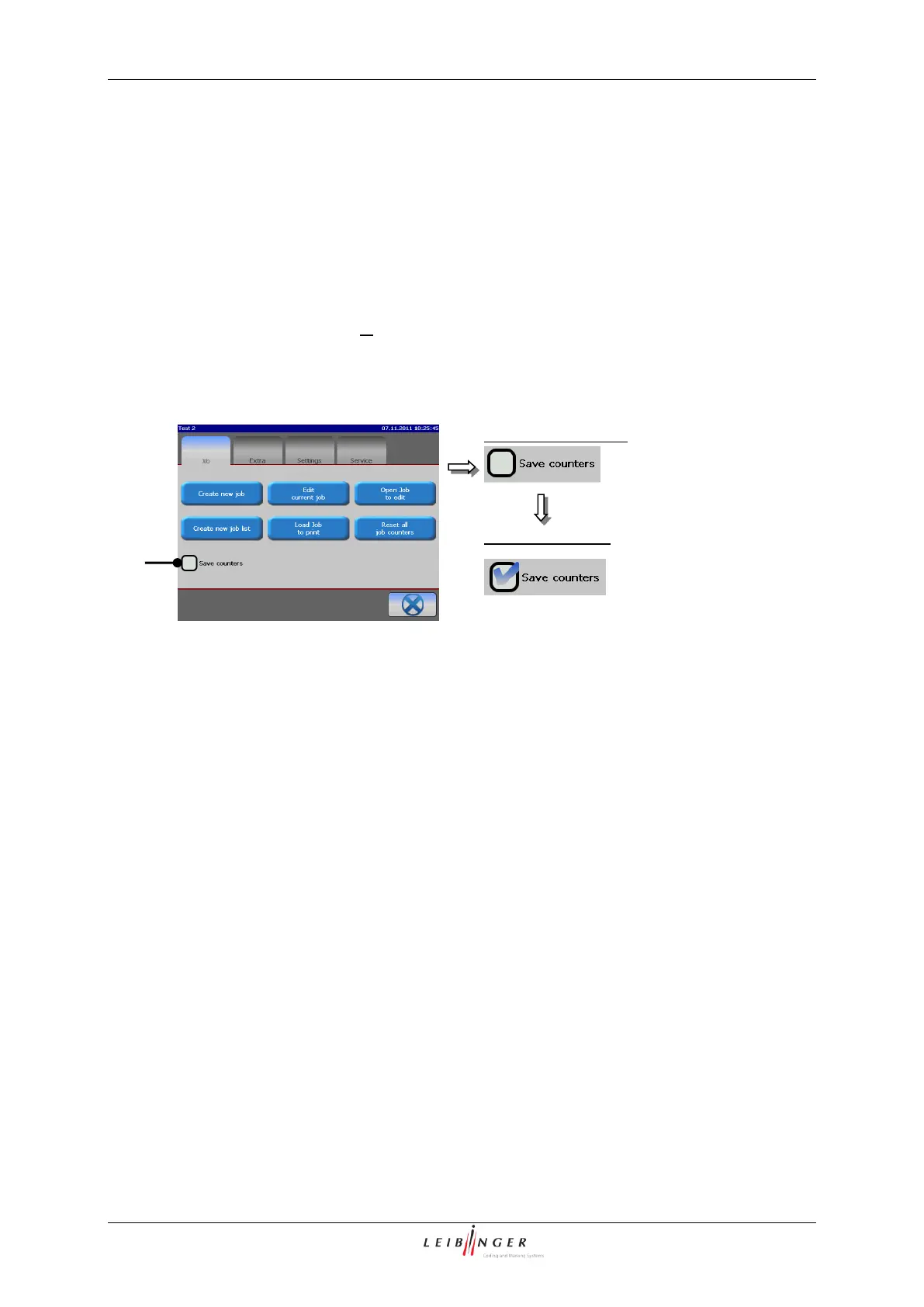
If the print should be continued with already existing counter states for calling the job again,
you have to activate the function <Save counters>.
The function is activated or deactivated by clicking on the control box. If this function is
activated it is displayed by a in the control box.



 To Next Page