Page 126 Data entry/Programming Group 7
Release R1.12 en JET2 neo
Press the button <Set to Factory Values> (1).
A safety query (2) if you would like to continue with the process is faded in. Now press
the button <Cancel> (3) to abort the process or press the button <OK ()> (4) to reset
the device.
The message <Restart> (5) is faded in.
Press the button <OK ()> (8). The device is shut down automatically and will be new
initialized. After this process the JET2neo is reset to the standard settings and can be
started again.
7.2.3.1.7 Remote screen
VNC Function
The JET2neo has an implemented VNC server software for remote access. Basically it takes
two steps to use the VNC server of the printer:
1. Assign a password for the VNC server
2. Start the VNC server
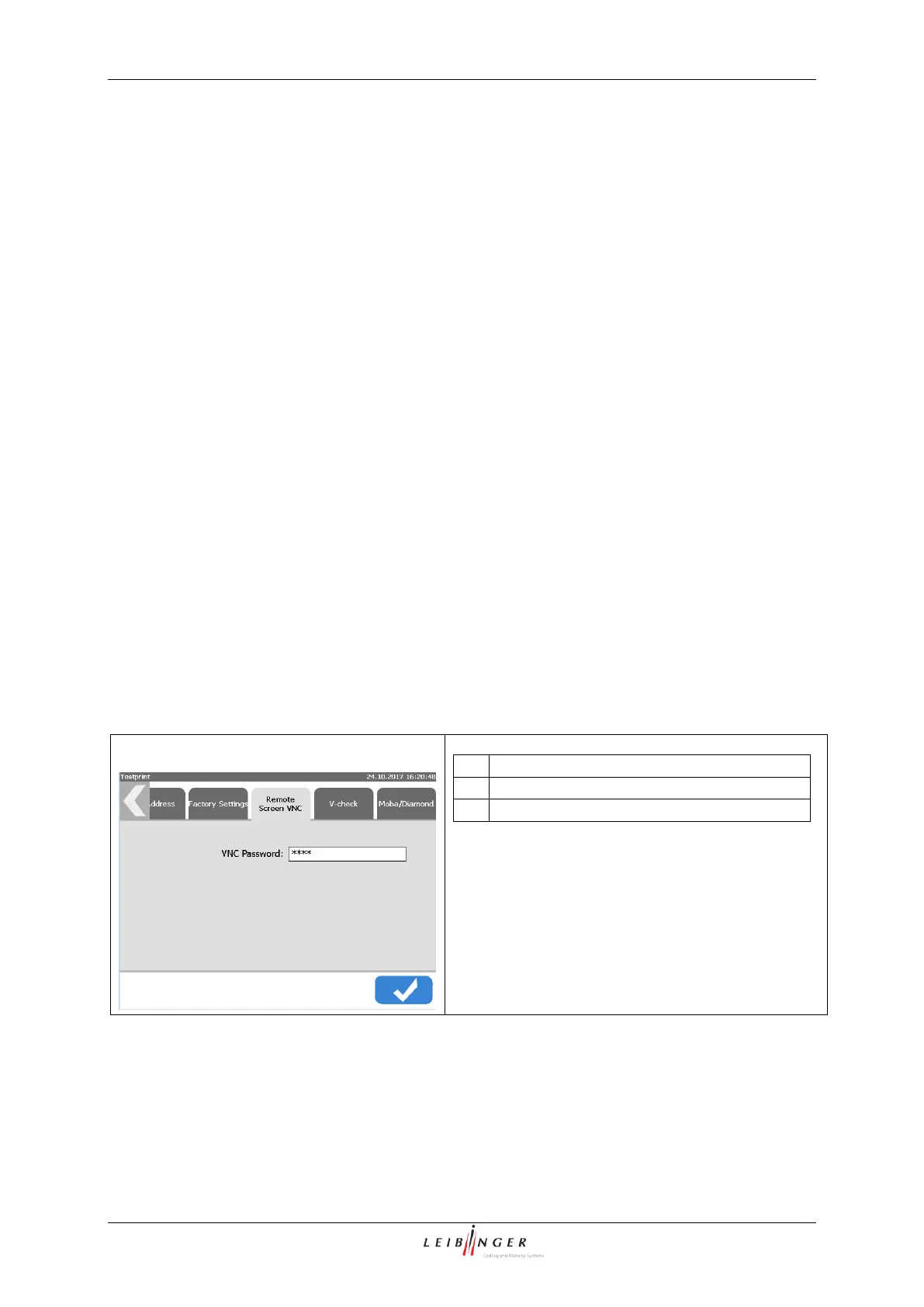
This access to the VNC server is password protected. This password is set on the tab
<Remote screen>.
<Main window><Main menu>><Basic settings><Remote screen VNC>
Dialog box <Basic settings>
Input field <VNC Password>



 To Next Page