EasyManua.ls Logo

Leibinger JET2neo - Figure 108 - Object Settings (Font Selection); Font Selection

Leibinger JET2neo
294 pages
Print Icon
To Next Page IconTo Next Page
To Previous Page IconTo Previous Page
Loading...
Group 8 Job editor Page 179
JET2 neo Release R1.12 en
In the functional area <Global settings> the following settings can be carried out:
Pos.
Object settings
Annotation
1.
ICG-value
Not available for barcodes and graphics
2.
Bold level
Not available for barcodes and graphics
3.
Contrast value
4.
Position X/Y
5.
Font selection
Not available for barcodes and graphics
6.
Orientation
7.1
Display mirrored
7.2
Display inverted
7.3
Display alternating
7.4
Display proportional
Not available for barcodes and graphics
8.4.1 Font selection
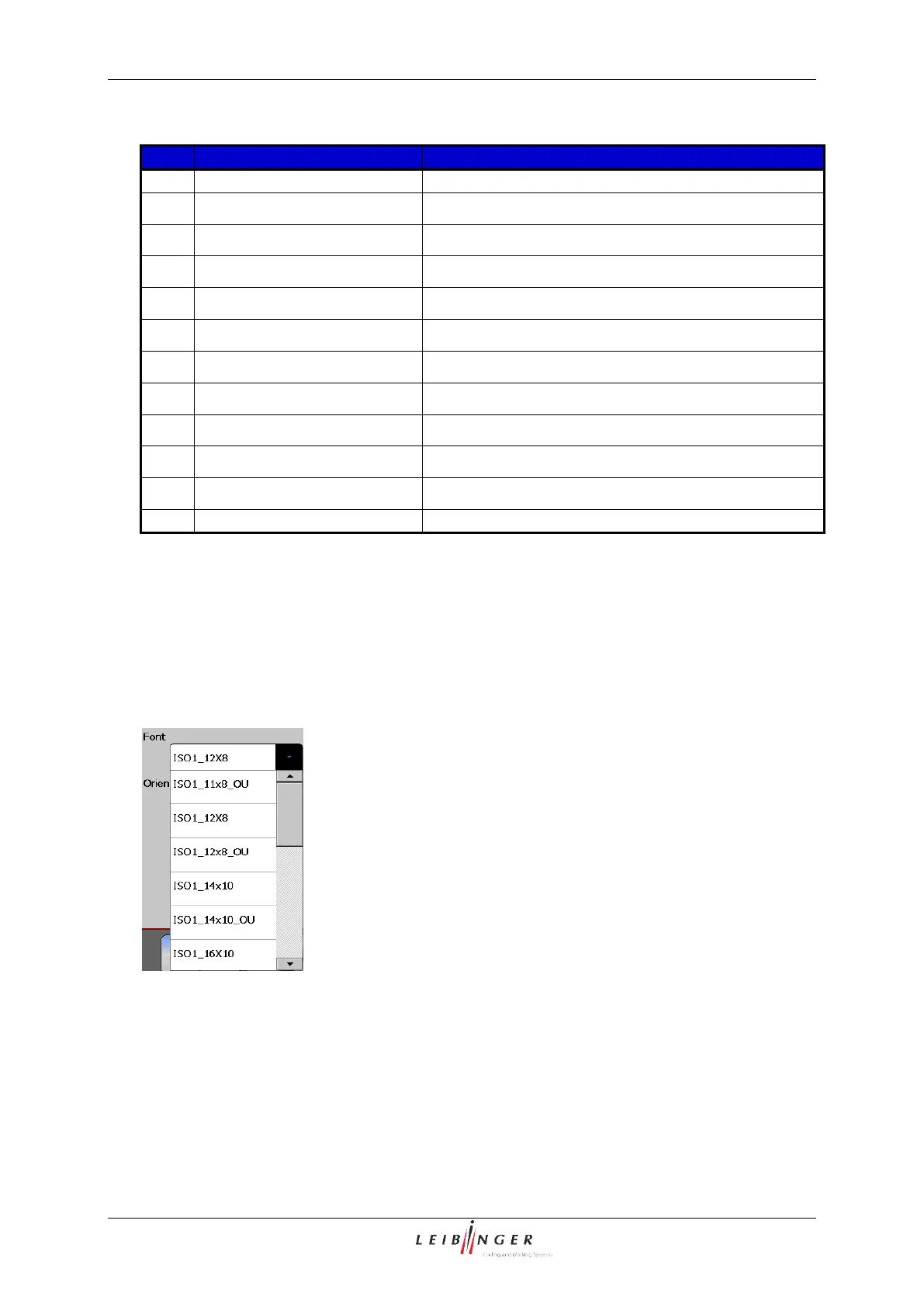
With the pop-up window <Font> you can assign the requested font to the printing element.
Figure 108
Font selection

Table of Contents

Other manuals for Leibinger JET2neo

Related product manuals