Group 7 Data entry/Programming Page 89
JET2 neo Release R1.12 en
7.2.2.1.1 Organization tools
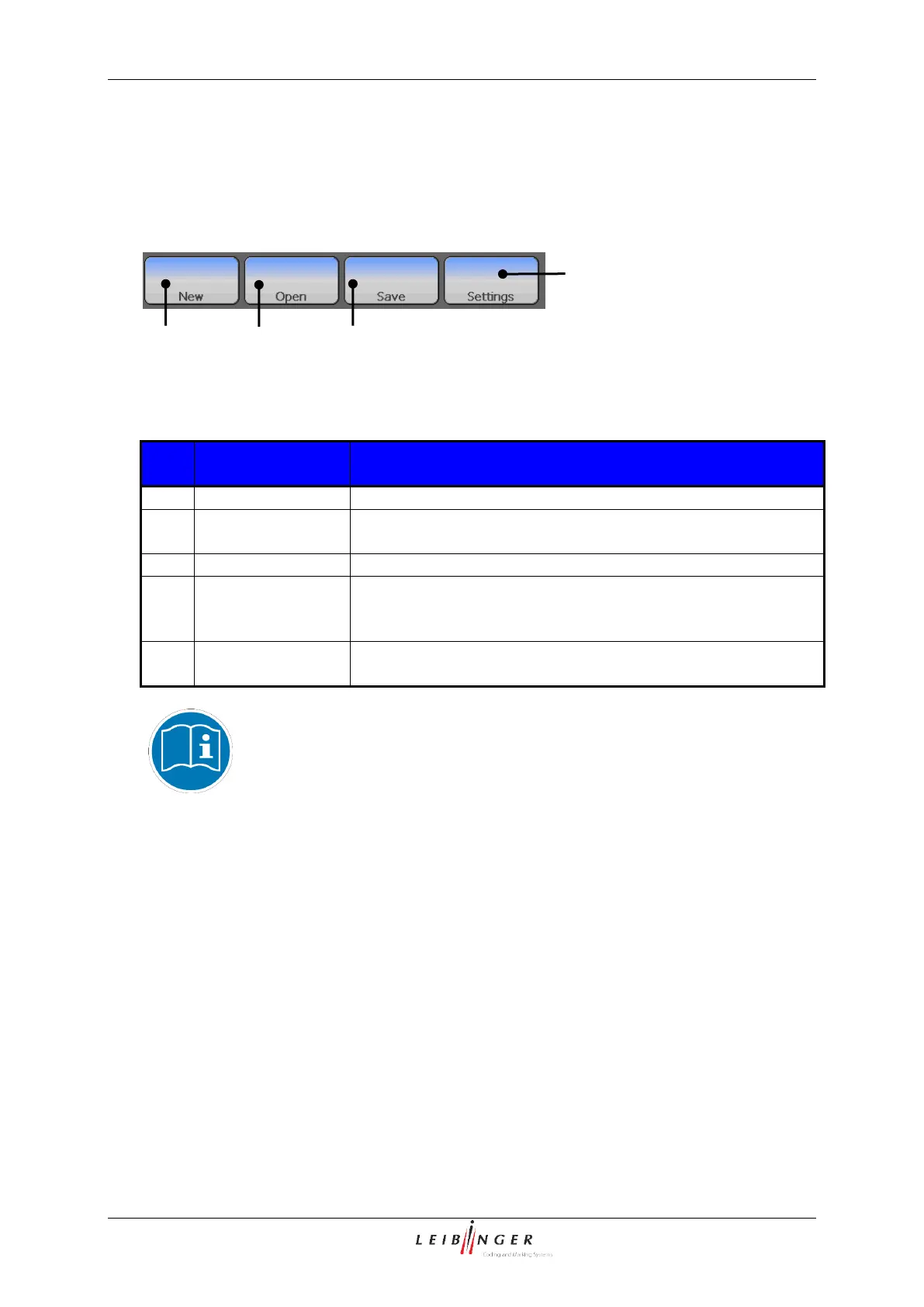
With the buttons in the menu bar you can select the organization tools of the editor.
Graphic editor (Organization tools)
1 – Organization tool <New>
3 – Organization tool <Save>
2 – Organization tool <Open>
4 – Organization tool <Settings>
Provides the creation of a new graphic. An empty input field
is created.
Provides opening of an existing graphic.
Saves the current loaded graphic under the existing name
respectively saves the current loaded or new created graphic
under a new name.
Enables the settings of the editor size (width and height of the
drawing area).
You will find further information regarding the function of the organization
tool <Settings> in the chapter Set editor size (page 98)!



 To Next Page