EasyManua.ls Logo

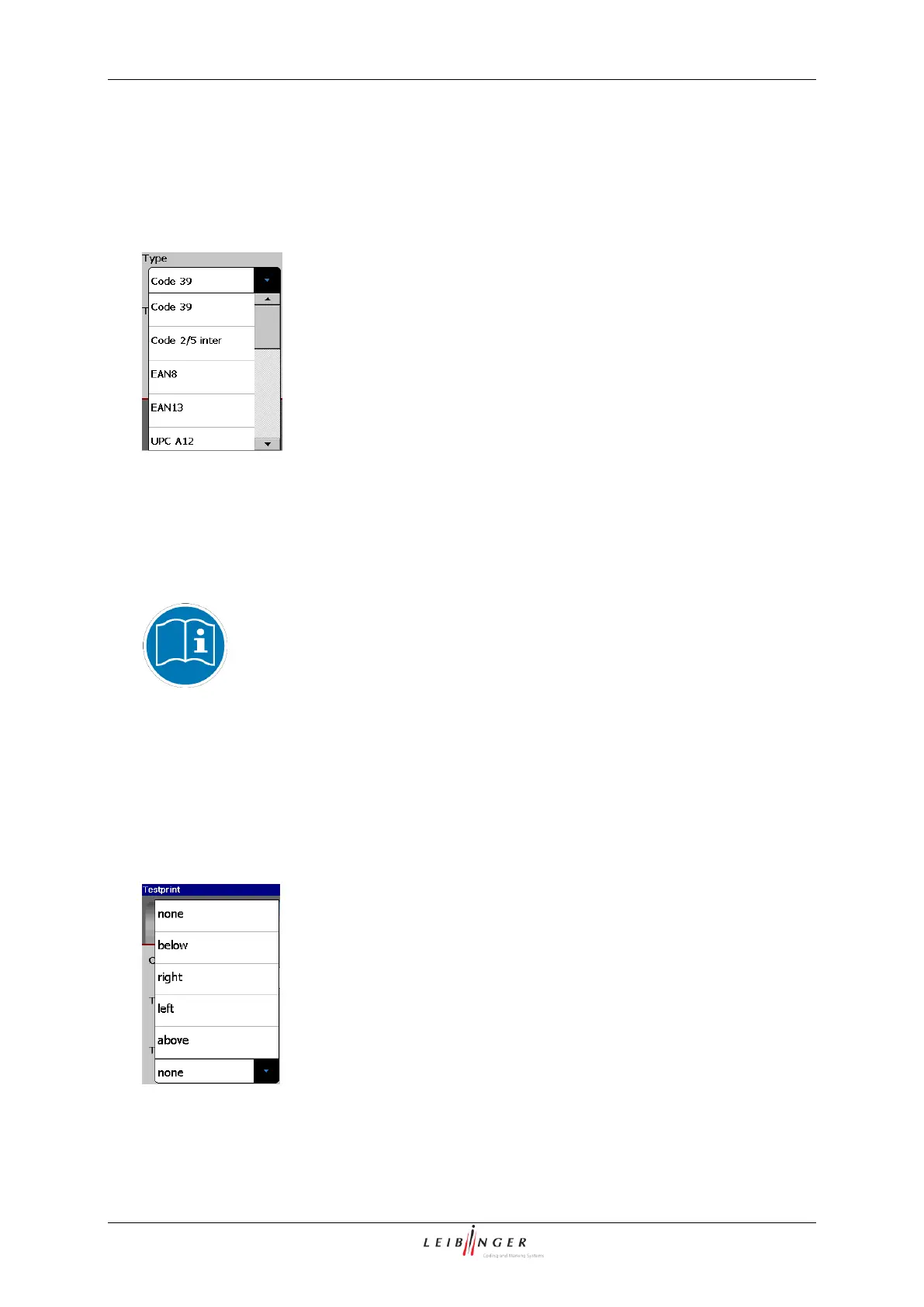
Leibinger JET2neo - Barcode Type; Content; Figure 132 - Barcode Selection; Figure 133 Barcode (Textposition)

Leibinger JET2neo
294 pages
Print Icon
To Next Page IconTo Next Page
To Previous Page IconTo Previous Page
Loading...
Page 216 Job editor Group 8
Release R1.12 en JET2 neo
8.6.1.2.1 Barcode type
With the pop-up window <Type> you can select the desired barcode type.
Figure 132
Barcode (Selection)
8.6.1.2.2 Content
Serves for setting the necessary numeric or alphanumeric characters. A keyboard field is
opened for the entries.
You will find further information regarding the working with keyboard fields
in the chapter Keyboard fields (page 62)!
8.6.1.2.3 Textposition
The position of the contents is defined with the pop-up window <Textposition>.
Figure 133
Barcode (Textposition)

Table of Contents

Other manuals for Leibinger JET2neo

Related product manuals