Group 7 Data entry/Programming Page 117
JET2 neo Release R1.12 en
Press on the register card <Language/Unit> (1) to select the functional area.
Press on the arrow button of the pop-up window <Language> (2). The pop-up
window opens for selection.
Now select the requested language.
The two different measuring units „mm“ and „inch“ are available.
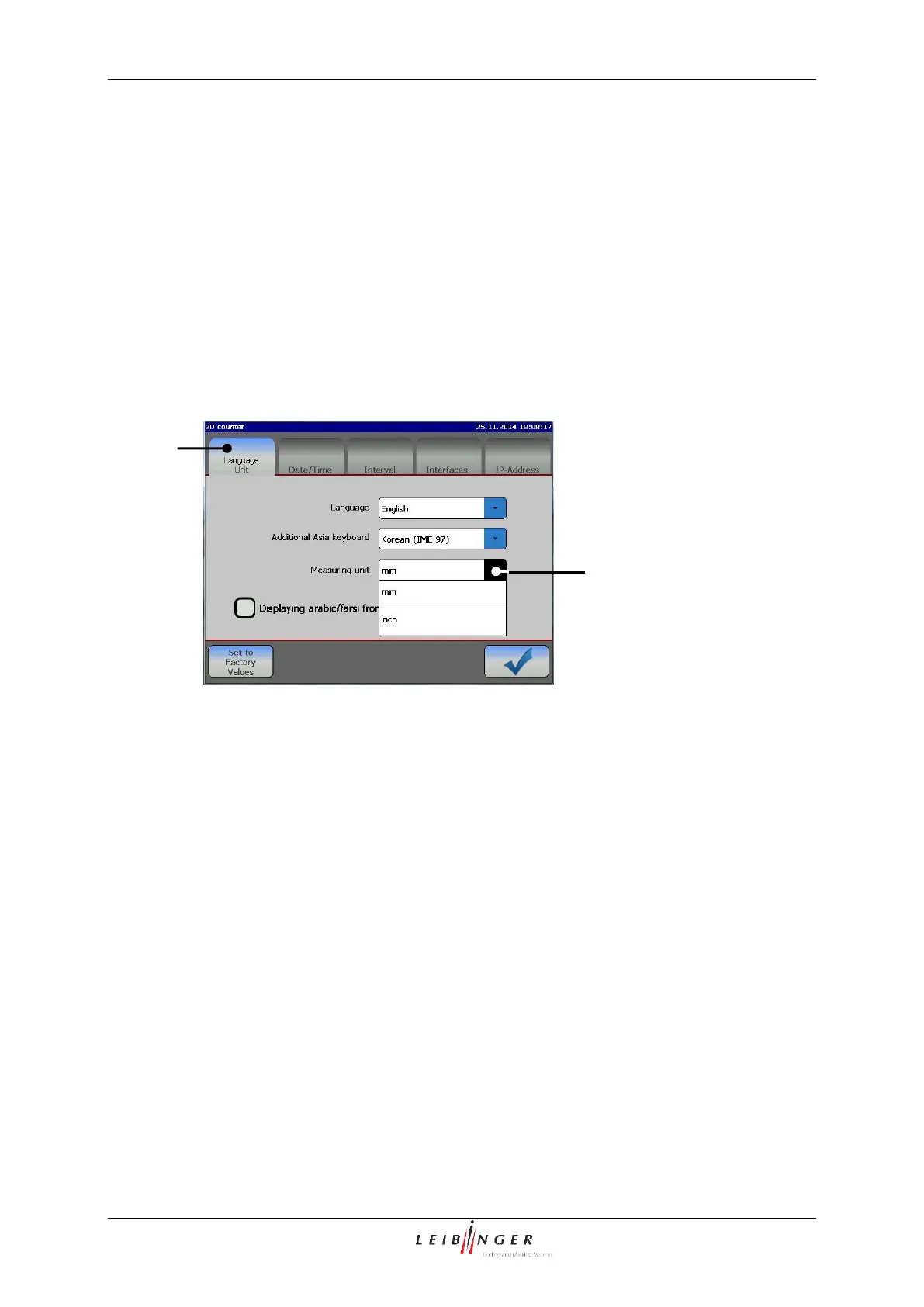
1 – Register card <Language/Unit>
2 – Pop-up window <Measuring unit>
Press on the register card <Language/Unit> (1) to select the functional area.
Press on the arrow button of the pop-up window <Measuring unit> (2).
The pop-up window opens for selection.
Now select the requested measuring unit.



 To Next Page