Group 8 Job editor Page 197
JET2 neo Release R1.12 en
8.5.2.1.5 Drop flighttime
The setting causes a temporal change of the drop charging. The input happens in µsec.
The set value is shown on the accordant display field.
High speed changes require the drop flying time compensation to prevent deviations of
the text positions. Condition is the setting of a higher print delay because the drop charging
has to start earlier for higher speed.
This function is only necessary if the printing is carried out at very slow but also very fast
processing speeds; that means if the speed differences are very high.
Setting of drop flighttime
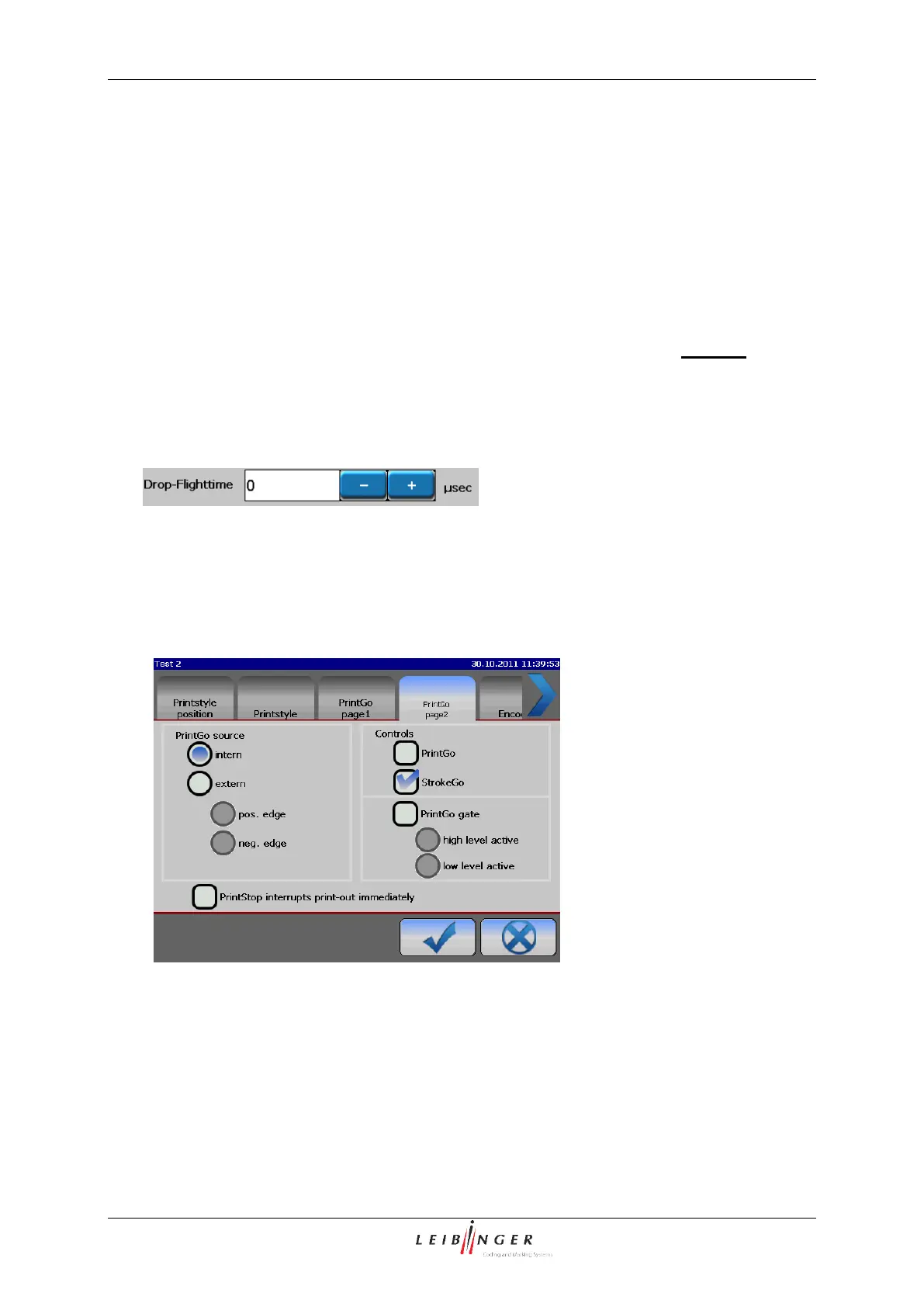
8.5.2.2 Functional area PrintGo 2
In the functional area <PrintGo 2> you can select the PrintGo source and you can activate
or deactivate the monitoring functions.
The following settings can be carried out:
Selection of the PrintGo Source
Selection of the function PrintGo-Gate
Selection of the monitoring functions



 To Next Page