Group 6 Operation – Elements and procedures Page 67
JET2 neo Release R1.12 en
2 – Message <Initialization>
9 – Window <Password query>
10 – Input field <Password>
13 – Entry field <Password>
7 – Register card <Extra>
The input is now displayed with placeholders (wildcards) in the input field <Password>
(13).
Now press the button <OK ()> (14) to carry out the login process. The dialog field is
closed and the new user is logged in.
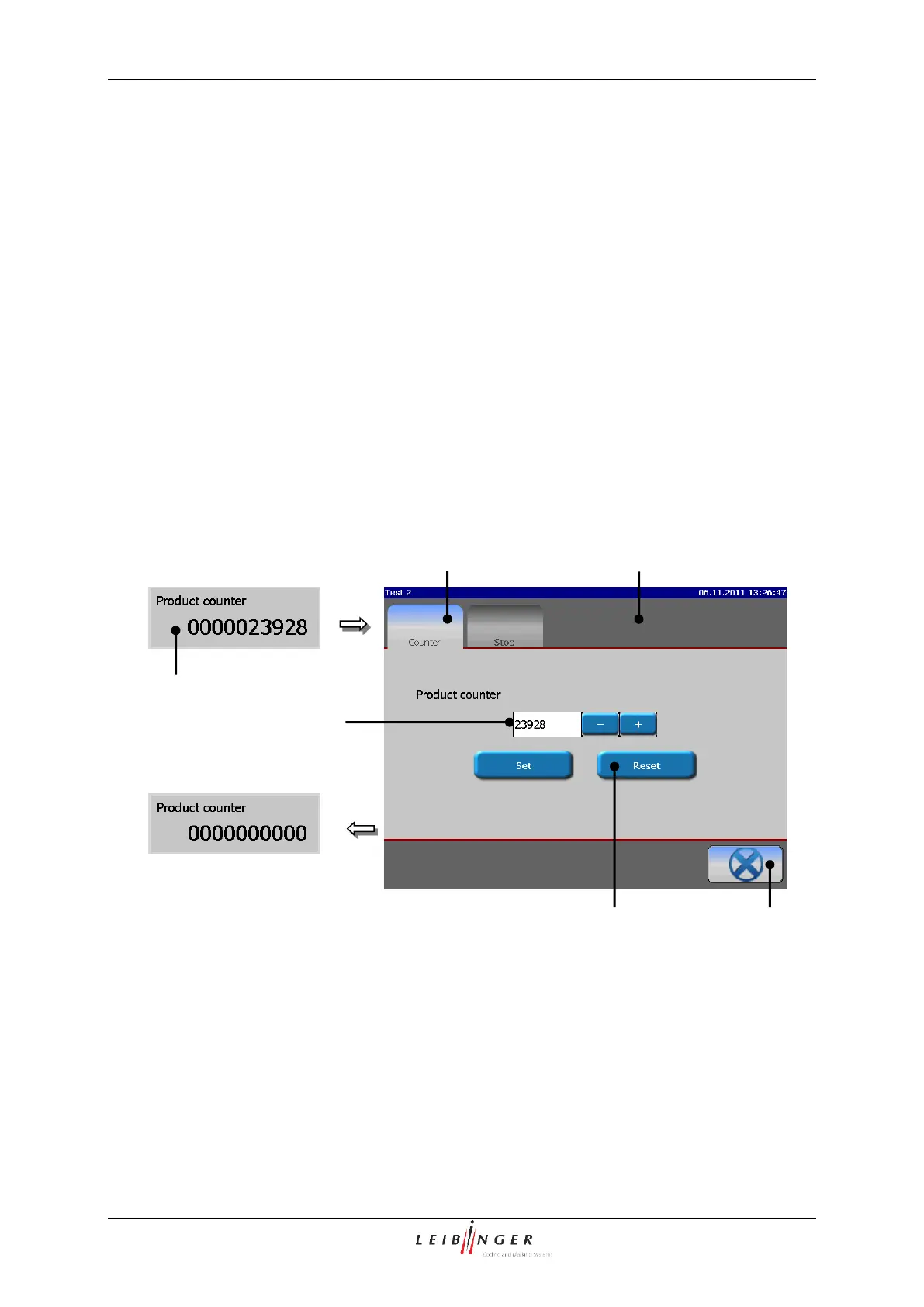
6.5.4 Reset product counter
1 – Status field <Product counter>
4 – Display “Product counter”
2 – Menu <Product counter>
3 – Register card <Counter>



 To Next Page